Even a PC with an Intel Pentium 4 and 512 MB of RAM can initiate the software.
Features and Highlights
Adobe Dreamweaver CS6 provides several view modes to work with a document.
The Split view shows two panes in one screen.
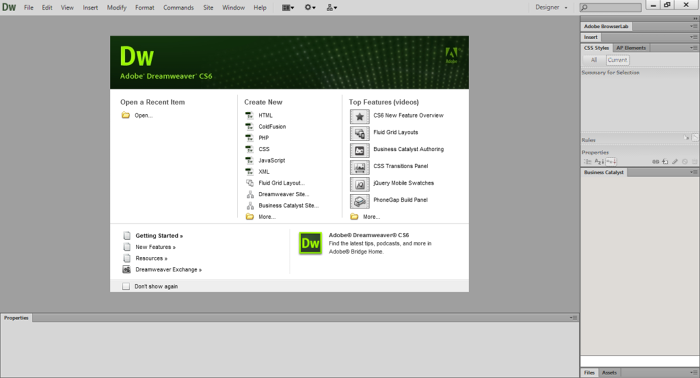
You write codes in the left pane and see the result in the right pane.
When you are curious how the design looks like in a web client, use the Live View mode.
The Live View is different from the Design View.

However, despite using WebKit to render a page, the rendering isnt always accurate.
To confirm that a page will look exactly as intended, you still have to open it in browsers.
One of the latest improvements in Adobe Dreamweaver CS6 is the fluid grid system.
The system contains layouts for desktop, tablet, and mobile screens.
It loads the page in three screen resolutions at the same time.
In the Design View, there is a feature called Code Navigator.
It appears in a pop up window that contains a series of links.
Helping you to design web pages is not the only thing that Adobe Dreamweaver CS6 can do.
All the things you possibly need for site management are also provided.
