Many people rely on Adobe software to do their jobs.
To manage thousands of photos, photographers use Adobe Lightroom Classic or Adobe Bridge.
To design a website, some designers use Adobe XD while some others use Adobe Photoshop.
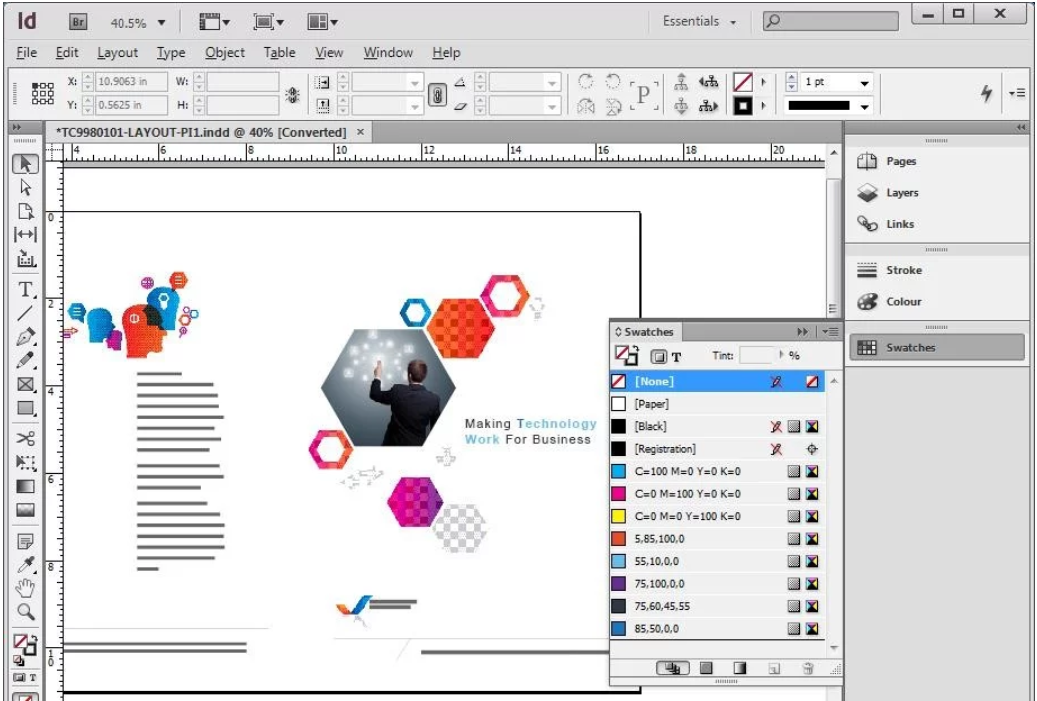
To design page layouts, Adobe InDesign offers everything a designer needs.
Thankfully, the software comes with a scalable user interface.
The UI scaling option has been around since the release of version 17.0.

After you adjust the scaling, Adobe InDesign needs to be restarted for the change to take effect.
Note that UI scaling is only supported on high resolution screens.
In the Preferences window, the interface can be scaled by dragging the UI sizing slider.
There is also an option to scale the cursor.
When youre working on a design project, an unexpected power failure can happen anytime.
Adobe InDesign is armed with automatic recovery feature to anticipate it.
The recovered data is saved in a different file and appears when you launch Adobe InDesign.
While the automatic recovery can save you from losing data, you should not rely on it too much.
The workspace is where you are going to spend most of the time to finish your work.
you might use it the way it is or make some adjustments to improve your workflow.
Sometimes it is faster to use keyboard than mouse to execute a command.
In Adobe InDesign, there are many keyboard shortcuts that you’re free to utilize.
