Adobe Lightroom Classic offers a smart way to organize photos.
Adobe Lightroom Classic is intended primarily for desktop use.
Just like other Adobe products, Adobe Lightroom Classic is available for rent under different membership plans.
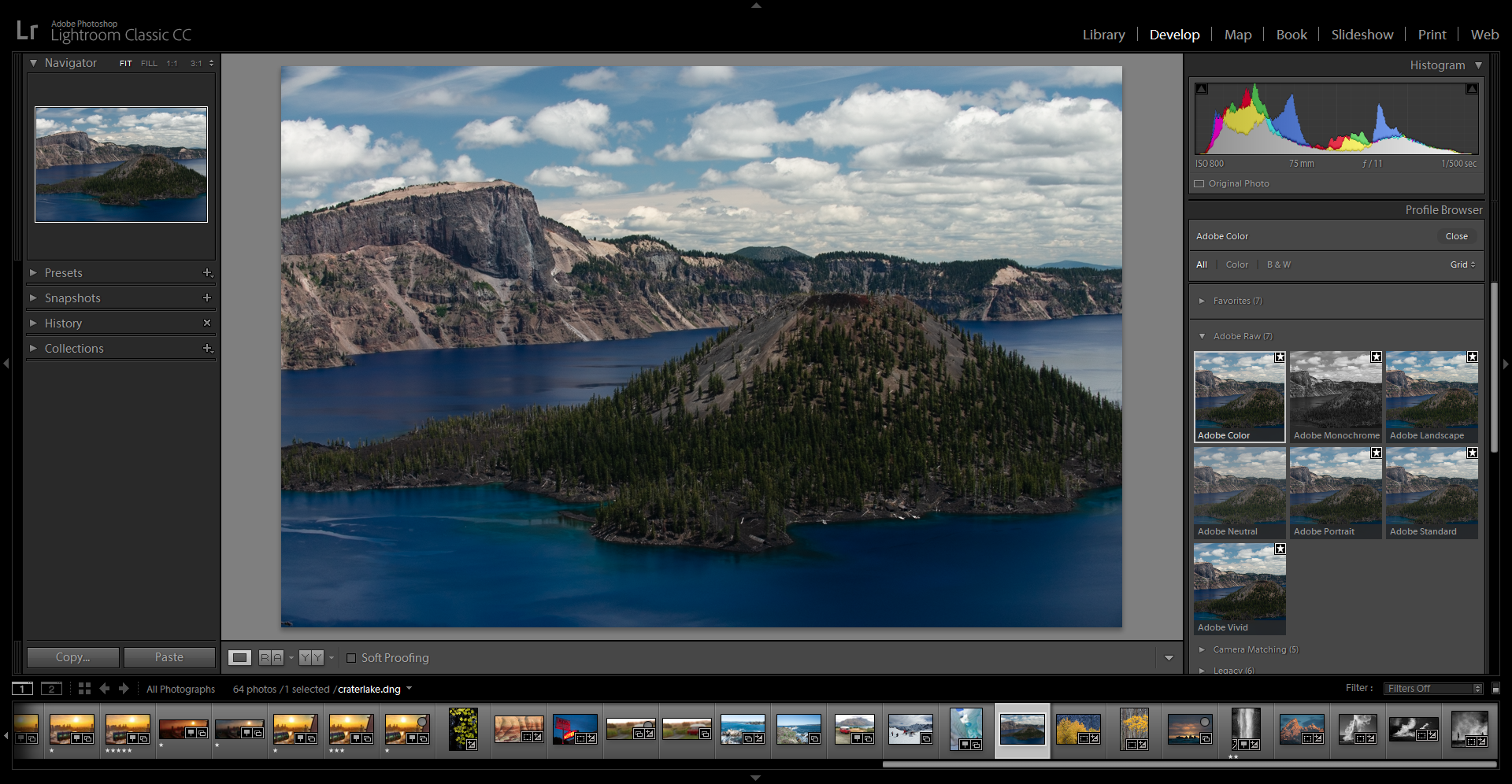
The catalog only stores the preview versions of the photos, not the original version.
So, the catalog wont hog your hard drive space.
Each photo in the catalog has a record that contain a reference to the location of the photo.

The catalog system has another great benefit for photographers and anyone else who uses it.
When you edit a photo, the changes are applied to the preview version.
Adobe Lightroom Classic never changes your original photos.
If somehow your photo becomes corrupted, it is more likely triggered by some hardware malfunction.
you’re free to create multiple catalogs.
However, try not to create too many catalogs.
It would be better if you just stick to one catalog.
In the worst case, you could end up reorganizing photos from scratch.
Scheduling regular backups is therefore very important.
Adobe Lightroom Classic lets you create date-stamped backups.
There are several backup options.
Backup can happen automatically when you exit Adobe Lightroom Classic.
The number of backups can be once a day, week, or month.
There are other cheaper or even free solutions that you might choose instead to organize your photos.
