Whats more, it is not just one workspace.
There are 15 workspaces available in the software.
A few of the workspaces are for general purposes while the rest are ideal for particular tasks.
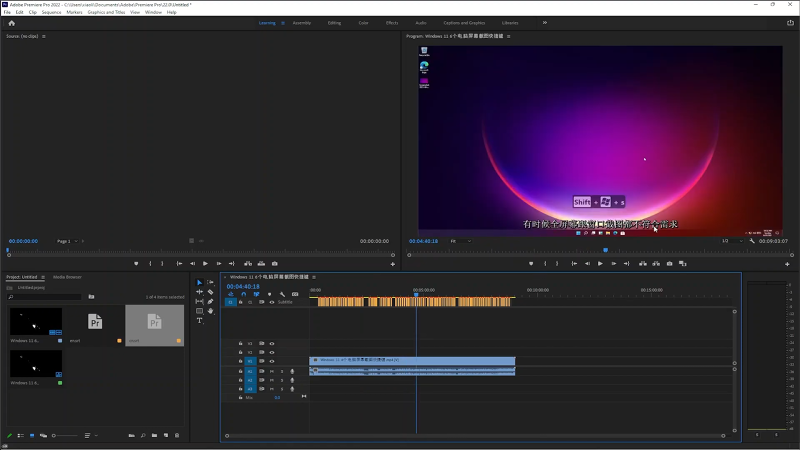
you’re free to switch from one workspace to another anytime you feel like it.
Moreover, you’re free to also import a workspace from a project.
As a video editing software, Adobe Premiere Pro includes many effects to make videos more interesting to watch.

you might read the documentation to find out what each effect does.
Auto Reframe is perhaps a feature that many users appreciate.
With this amazing feature, there is no need for you to manually resize videos for different social networks.
It can automatically reframe your clips according to the specified aspect ratios while keeping the subject perfectly in frame.
It is available as an effect that you might apply to an individual clip or a complete sequence.
Also, read the Adobe help page for more in-depth guide about the software.
