Article Index
It’s magnetic.
No, this isn’t going to be about a new superhero trio in the Marvel universe.
This is all about our precious digital data.
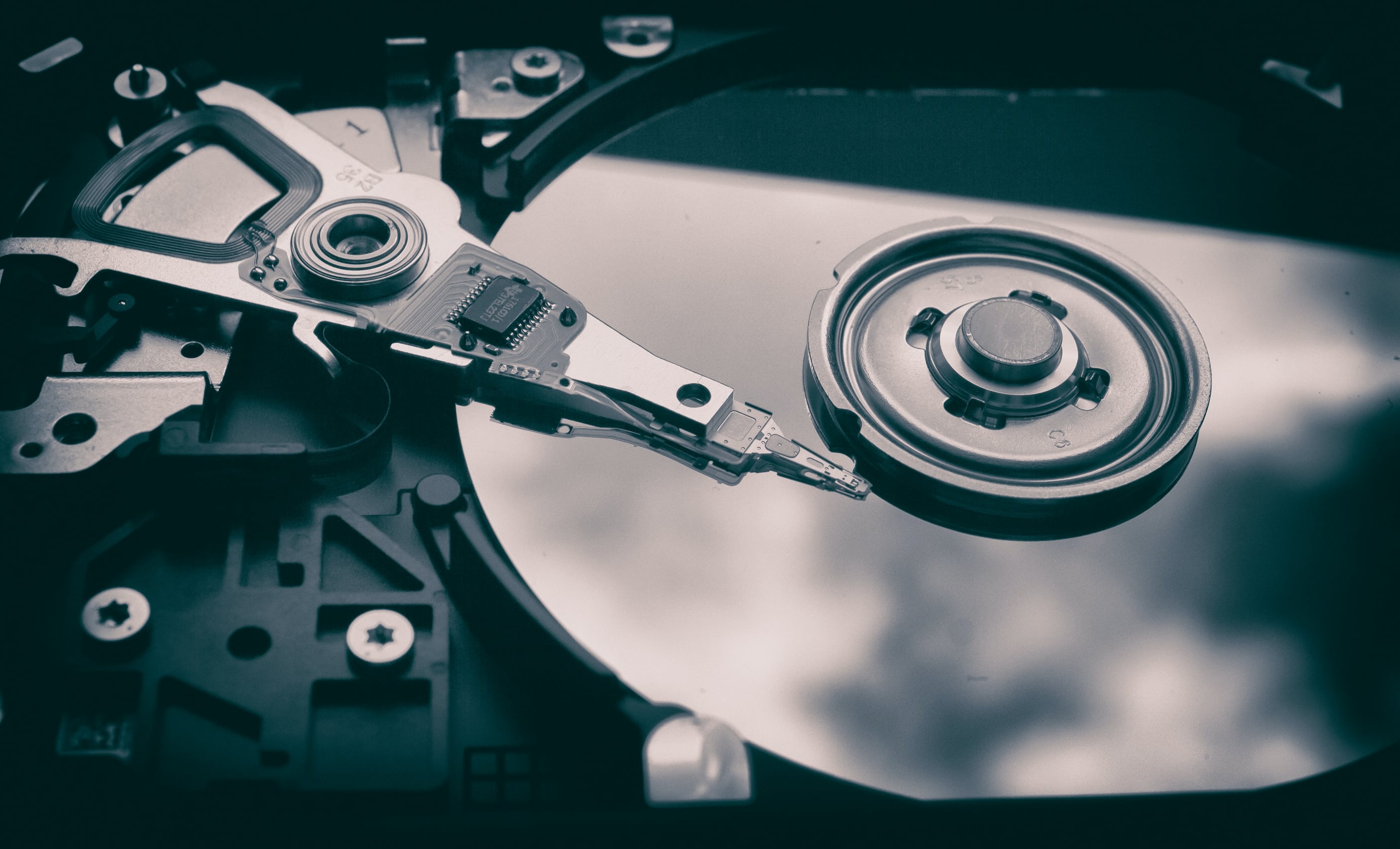
Forget Iron Man and Thor we’re talking about storage drives!
You might have a desktop PC at work or home.
But how well do you know the components that make up a PC?
IBM released the first commercially available HDDin 1956, all 3.75 MB of it.
And generally speaking, the overall structure hasn’t changed a great deal in that time.
Whathaschanged, and hugely so, is the amount of data that can be stored on them.
The bulk of the hard drive is cast metal.
Flipping the drive over, we can see a circuit board and a bunch of connections.
This particular Seagate model uses less than 10W under heavy load.
Removing the circuit board reveals how the circuit board connects to the components inside the drive unit.
But you don’t want them openly exposed to the environment either.
Now that the circuit board is off, let’s have a look at what’s here.
Opening up the drive is easy enough, just unscrew a bunch of Torx fittings and voila!
This 3 TB drive has three platters, so each one must store 500 GB on each side.
On the microscopic scale, metal alloys form grains, like soap bubbles floating on water.
Each grain has its own magnetic field, but it can be aligned into a set direction.
The grouping of these fields gives rise to the 0 and 1 bits of data.
If you want a deeper technical dive into this topic, have a read ofthis documentfrom Yale University.
The final coatings are a layer of carbon for protection and then a polymer to reduce contact friction.
Together, they come to no more than 0.0000005 inches (12 nm) thick.
Let’s go back to the whole HDD again, and have a look at what else is there.
In this HDD, they rotate at 7200 rpm, but other models run slower.
The air moved by the rotation of the platters ensures there is a constant flow over the filter.
These provide the magnetic field that is needed to move the component highlight in red.
Let’s clear out some of these parts to see this better.
On certain hard drives, the data tracks actually overlap each other.
That technology is calledshingled magnetic recording, and the requirement for accuracy and precision (i.e.
hitting the right position over and over) is even greater.
At the very ends of the arms are the delicate read/write heads.
Our HDD has 3 platters and 6 heads, and each onefloatsabove the disk as it spins.
To be able to do this, the heads are suspended by two ultra thin strips of metal.
We can make out some parts though.
The tiny metal ‘pole’ at the end of the head is there to help with the overall aerodynamics.
We need a better picture, though, to see the parts that do the actual reading and writing.
Continue reading the Anatomy of SSDs here.
Masthead credit:Patrick Lindenberg
