There are many ways to share your files with friends, colleagues, clients, or anyone else.
Perhaps emails and social apps are the most common ways to do it.
Alternatively, you might try Ares Galaxy.
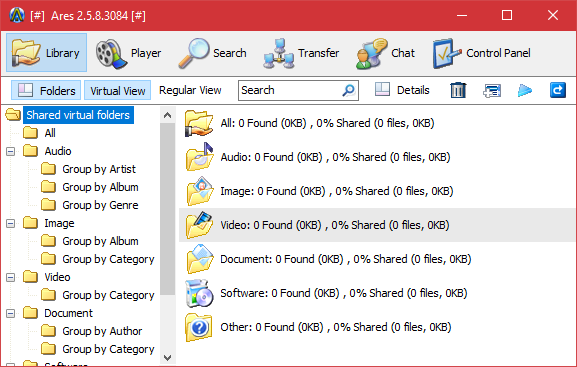
Ares Galaxy facilitates file sharing by taking advantage of the power of peer to peer technology.
It connects users to each other to upload and download files.
It can open multiple tabs and search different file on each tab.

The search engine is located in the Search tab.
Ares Galaxy has six tabs in total.
The other five tabs are Library, Player, Transfer, Chat, and Control Panel.
The Player tab is a collection of internet radios and live TVs.
There are dozens of radios available in nearly each group.
The live TVs, on the other hands, are much fewer.
It only has three groups, which are Entertainment, Sport, and News.
The Transfer tab is where the progress of the transferred files is reported.
you might click a file to play or preview it whenever possible.
The interface has a top and bottom panel.
On each panel you’re able to view the speed, status, and progress of each task.
