You only have to remove four screws from underneath the Beebox-S, and the bottom cover comes right off.
Once done, users are presented with a motherboard equipped with only the 802.11ac WiFi card.
The M.2 SSD simply slots in over the WiFi card, and installing it only takes seconds.
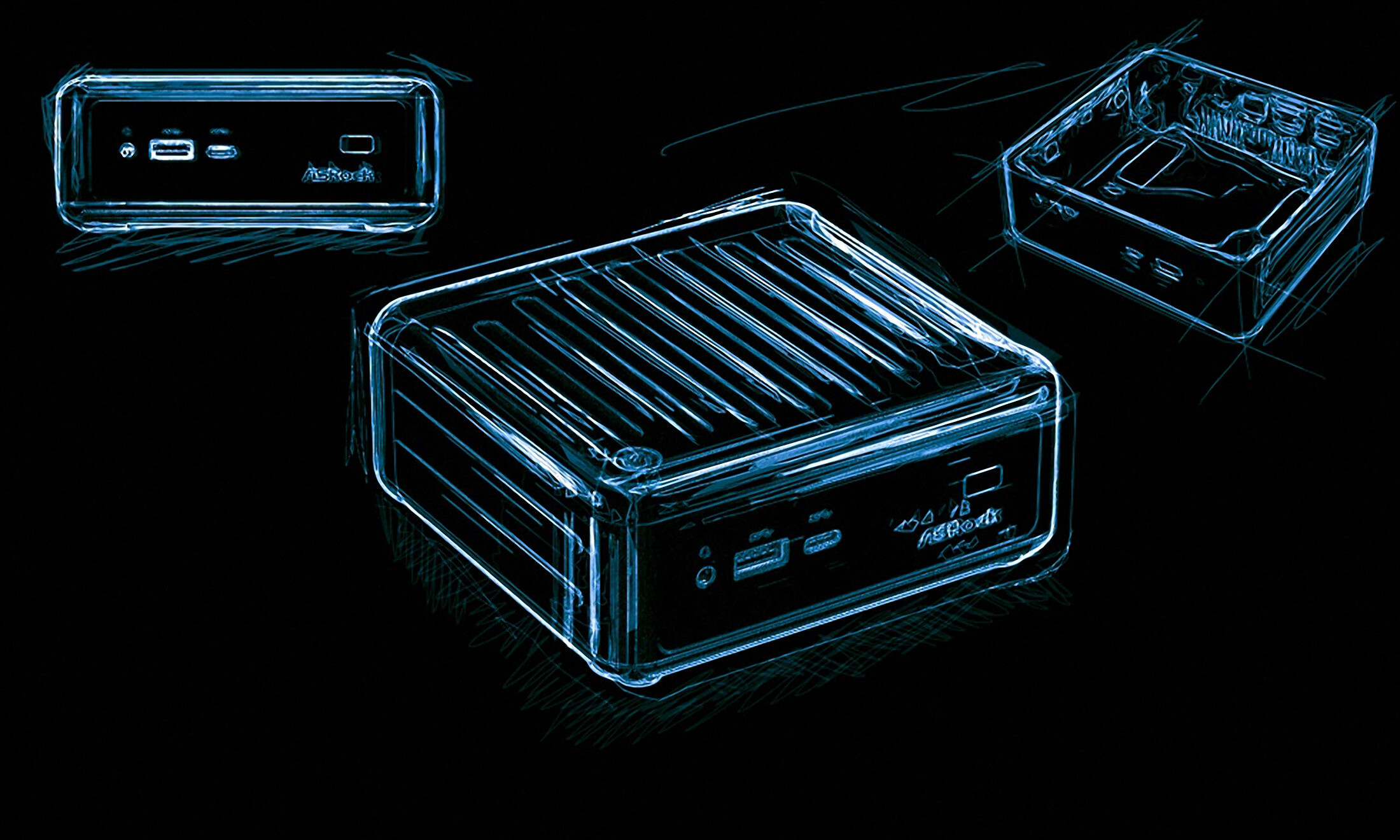
The DDR4 memory modules also clip right into their SO-DIMM slots.
Surprisingly, even a year later, Asrock has not come up with an elegant way of doing this.
Asrock told us the production model featured a different cable that corrected this flaw.
Well, the Beebox-S does come with a different cable.
However, that cable, too, suffers from the same issue.
Nothing was damaged in our case, but it makes installation considerably more difficult than it needs to be.
A quick fix would have been to design the Beebox-S for the cable from the DeskMini 110.
It is an inelegant-yet-easy means of installing an M.2 SSD, and we like Asrock’s ingenuity here.
This was again a quick and easy process that hasn’t changed from the original model.
