The only way to deal with computer viruses is to use an antivirus software.
Most antivirus packages have a real-time shield that can detect and prevent virus attacks.
Baidu Antivirus comes with this specific feature too.
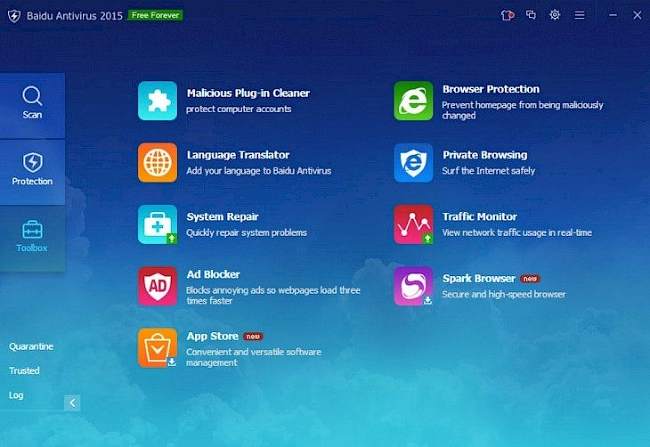
The real-time shield is definitely not the only good thing that the antivirus has.
There also quick scan and full scan that it’s possible for you to customize.
It is also wrapped in a pleasant interface as well.

Due to how critical this feature is, you should leave it running all the time in the background.
However, there are times that perhaps you want to disable it.
In this regard, you’re able to initiate the quick scan.
Baidu Antivirus can scan all kinds of files, including archives.
Say you limit it to 10 MB.
After that, Baidu Antivirus will not scan every archive whose size is larger than 10 MB.
The full scan performs a much more thorough scan, so it will take a longer time to finish.
Your hardware performance also holds an important role as to how long each scan will take.
Both quick scan and full scan can be scheduled to run automatically at the specified time.
It is also possible to trigger the automatic scan only when your laptop is not running on battery power.
Baidu Antivirus Free Download for Windows
Baidu Antivirus relies on Avira engine to detect viruses.
The controls window also has options that let you decide on how Baidu Antivirus should treat any detected virus.
The protection mode can be adjusted as well.
If you want Baidu Antivirus to be as lightweight as possible, set the protection mode to Fast.
The other two modes are Standard and Strict.
