Unlike some, creating an account is not mandatory, so the app can be used immediately after installation.
CapCut is developed by Bytedance, the company that makes the insanely popular short-video sharing platform called TikTok.
Features and Highlights
CapCuts basic features are awesome.
Increase Volume
CapCut can boost the volume of any video with ease.
CapCut can do that easily for you.
It lets you choose to save the video in 480p, 720p, 1080p, 2K, or 4K.
It can also reduce the frame rate of the video.
The same function also lets you save the video in animated GIF format.
You dont need to make any manual selection.
Just tap on the Auto Removal icon and let the app handles the rest.
If you tap Brightness, a horizontal scroll bar will appear.
The app will increase the brightness of the video if you drag the scroll bar to the right.
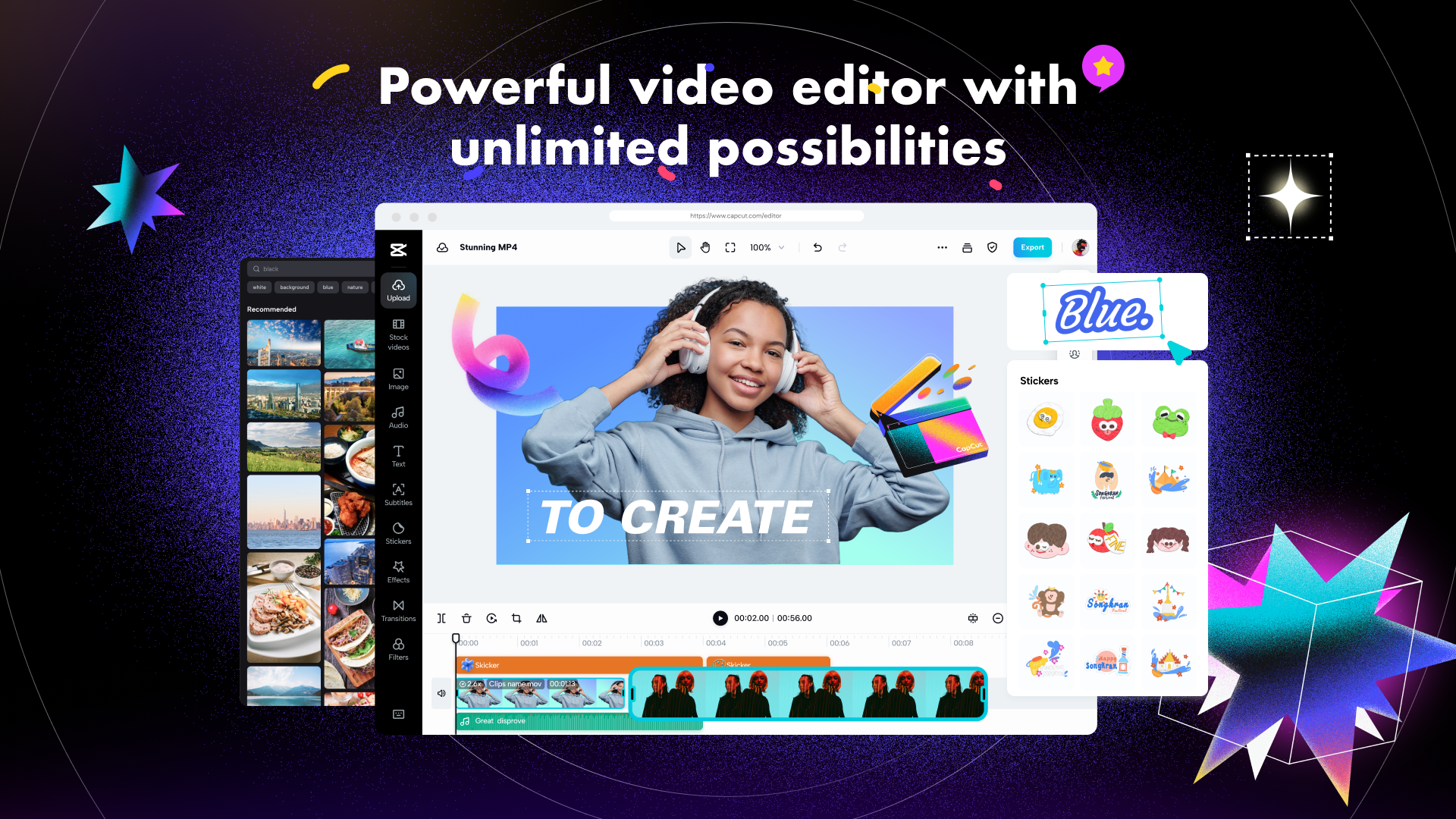
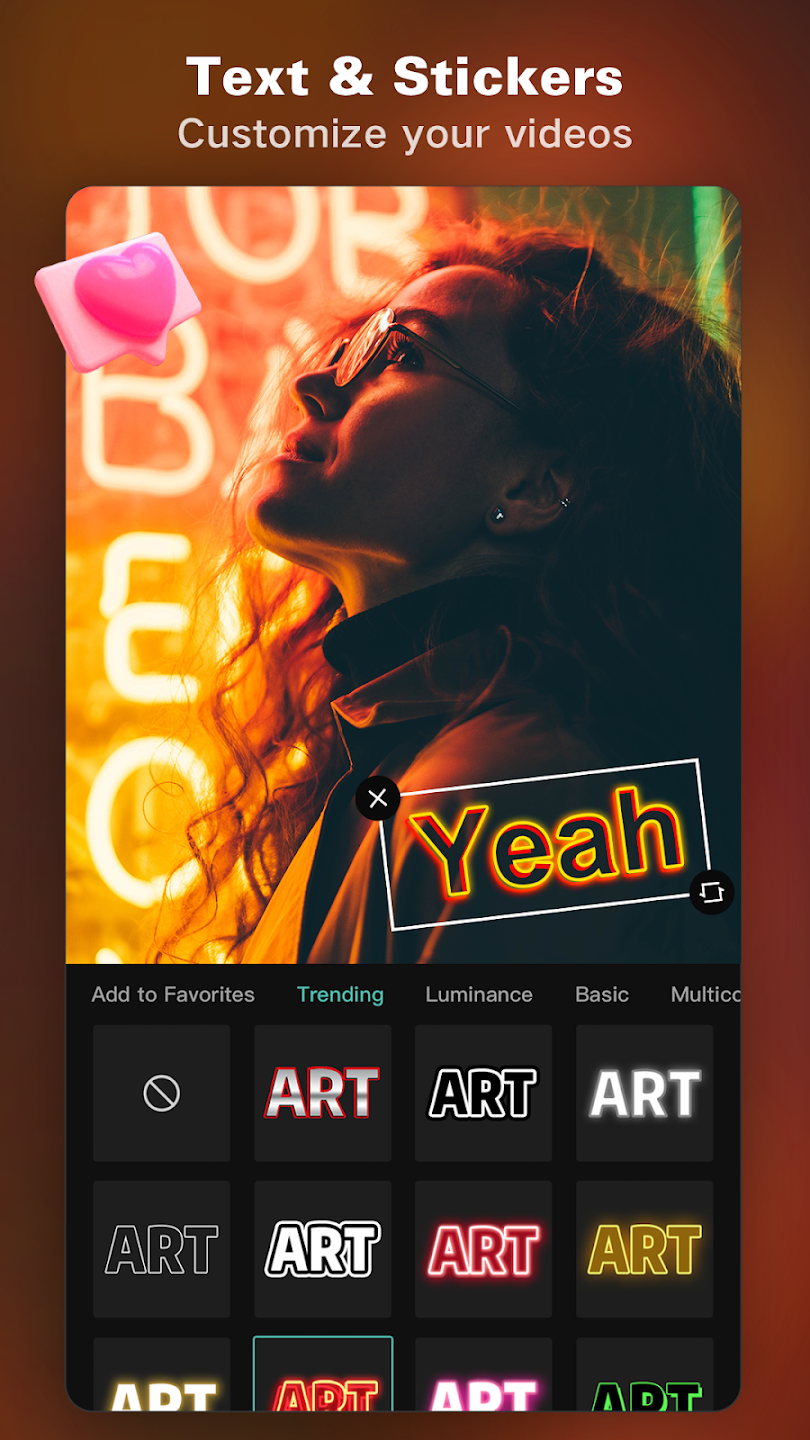
A large variety of stickers are also available.
A tap on each sticker will add it to the selected frame of the video.
If you want to replace it with another sticker, it can be deleted immediately.
More from
You may also like

