CmapTools is a Java based software to create concept maps.
A concept map is a structured diagram consisting of various concepts that are related to each other.
The relationship between the concepts is shown by lines, text, and color.
Features and Highlights
The Java components required to run CmapTools is included in its installation package.
When CmapTools is installed, the components are installed too.
Like most Java based software, the memory consumption is a bit higher when CmapTools is running.

When you run CmapTools, it opens two windows.
The first is labeled Views which is used to organize your maps and resources.
The other one is labeled Untitled 1 where you might draw your map.
In the Views window, there is a left pane containing a number of menus.
The second one is Cmaps in the Cloud that shows your maps that are stored in the cloud.
For maps that are published online, they are shown in the third menu labeled Shared Cmaps in Places.
CmapTools automatically generate web pages from the maps that are saved in this menu for other users to see.
The maps that you add to the favorites list are shown in Favorites menu.
To find a map or resource, use the Search menu.
All maps that you have viewed or edited are shown in the History menu until you dump the log.
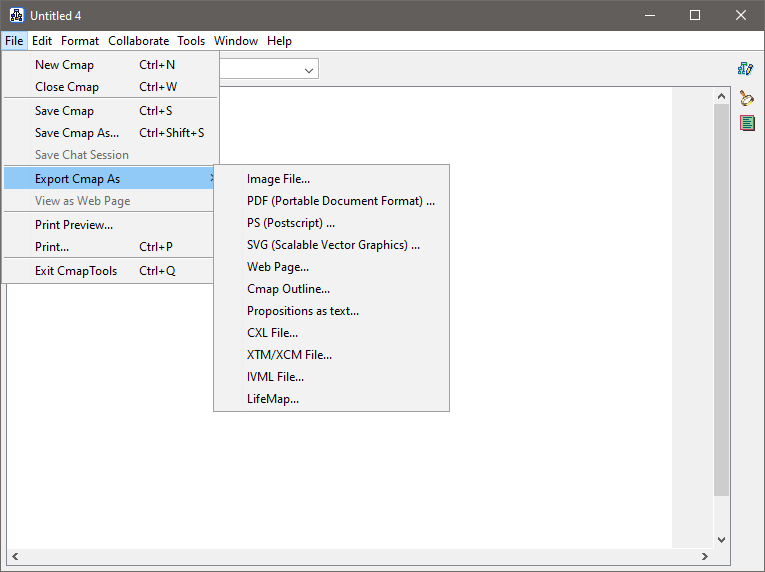
To start creating a concept map, click File in the top menu and select New Cmap.
After a new window opens, double-click anywhere on the empty canvas to create a shape.
Add a label to the shape by renaming the question marks inside of it.
Apply the label by clicking any area outside the shape.
The label can be renamed again whenever you gotta by double-clicking on it.
A shape that has a name is called a concept.
