Code Blocks offers a set of cool features that will help you write codes more efficiently.
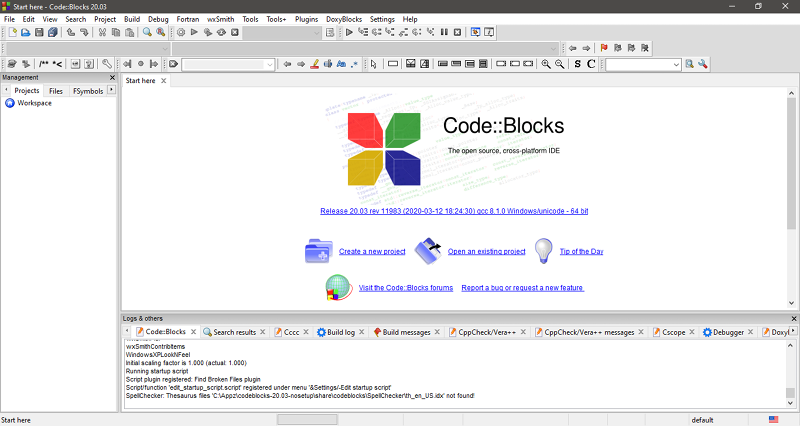
To the right, you will find the editor which you will use to write codes.
Any toolbar that you dont need can be hidden to reduce the clutter.
To improve code clarity, Code Blocks supports syntax highlighting.
Each of the schemes can be edited to better suit your taste and then saved as a new scheme.
To improve your efficiency in writing codes, Code Blocks has a very helpful feature called Code Completion.

Note that it appears only when there is at least one suggestion to complete what you are typing in.
Along with the Code Completion, you will get a brace completion feature as well.
This particular feature allows you to hide any section of a project when you are editing codes.
By hiding anything else but the part that you want to focus on, you will be less distracted.
This is one of the advantages that Code Blocks presents for all users.
One can even create a dockable to-do list which is intended for a large project that involves multiple users.
