It shares your VPN connection.
It has an ad blocker.
Features and Highlights
Connectify Hotspot requires a computer reboot to function properly.
Without a reboot, it wont open.
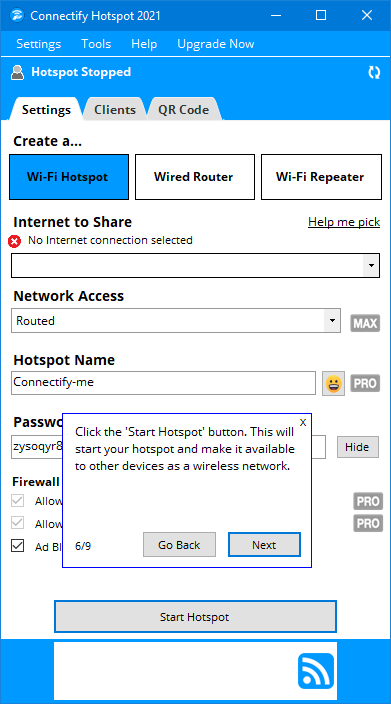
The software shows a guide for first time users to set it up properly.
The guide consists of nine steps that walk you through the process.

First, the sharing connection mode must be set to Wi-Fi Hotspot.
Nearby devices can connect to the hotspot by using the correct password.
Or, hit the QR Code tab in Connectify Hotspot, and scan the code.
A confirmation request appears as soon as the code is scanned.
Once you confirm it, the unit can go online without entering the hotspots password.
Connectify Hotspot is integrated with an ad blocking functionality.
It blocks the ads on connected devices.
Even the ads that usually appear when youre running an app are blocked too.
Other than the lack of more controls, it also has a 60-minutes uptime only.
When the uptime ends, you have to start the connection sharing again.
The paid versions, which are PRO and MAX, have unlimited uptime.
Before upgrading, you will probably want to give the basic version a try first.
