The translation service has a desktop software that allows you to translate more conveniently.
Users who stay at unsupported countries can only use the free version.
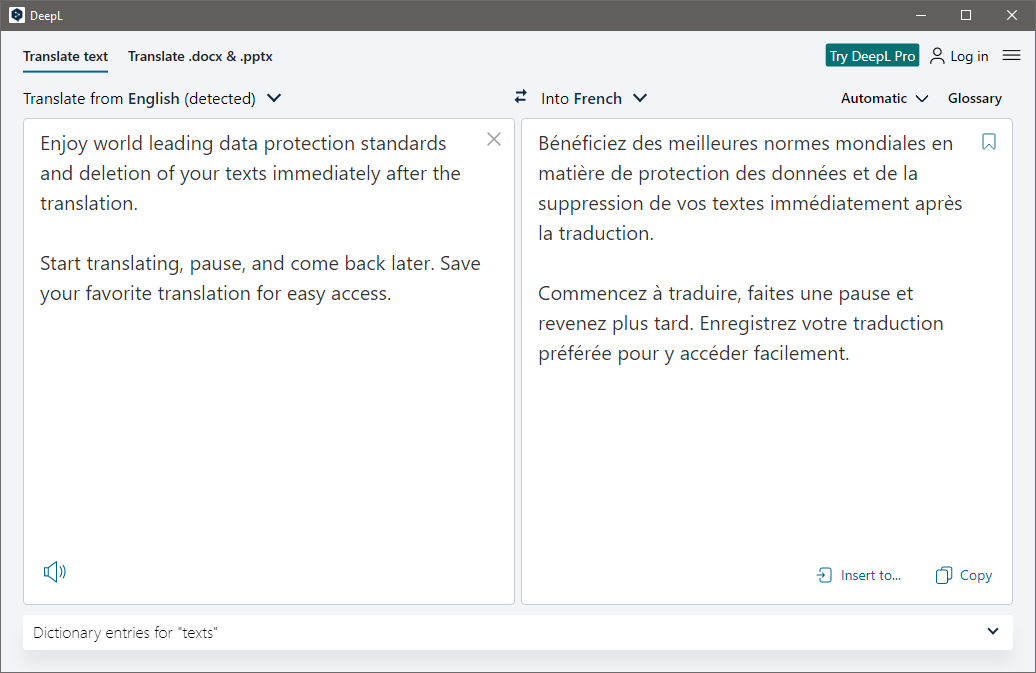
The translation result will appear at the right panel soon after.
If you want a more straightforward approach, use the keyboard shortcut.
Lets say you better translate some text on a web page.
If you dont want to leave the web page, press Ctrl + F9.

The Copy option lets you copy the entire translated text in one click.
The in-page translation is more convenient since you could stay focused on whatever youre doing.
Add all the documents you better translate and then translate them all in one click.
The memory consumption, however, stays around 100 MB even when it is not used for a while.
