The past 18 months have been unprecedented for eSports and gaming in general.
One of the more well-known companies now catering to gamers is Metadot Corporation, makers of the Das Keyboard.
Metadot also sent over a sampling of accessories to check out.
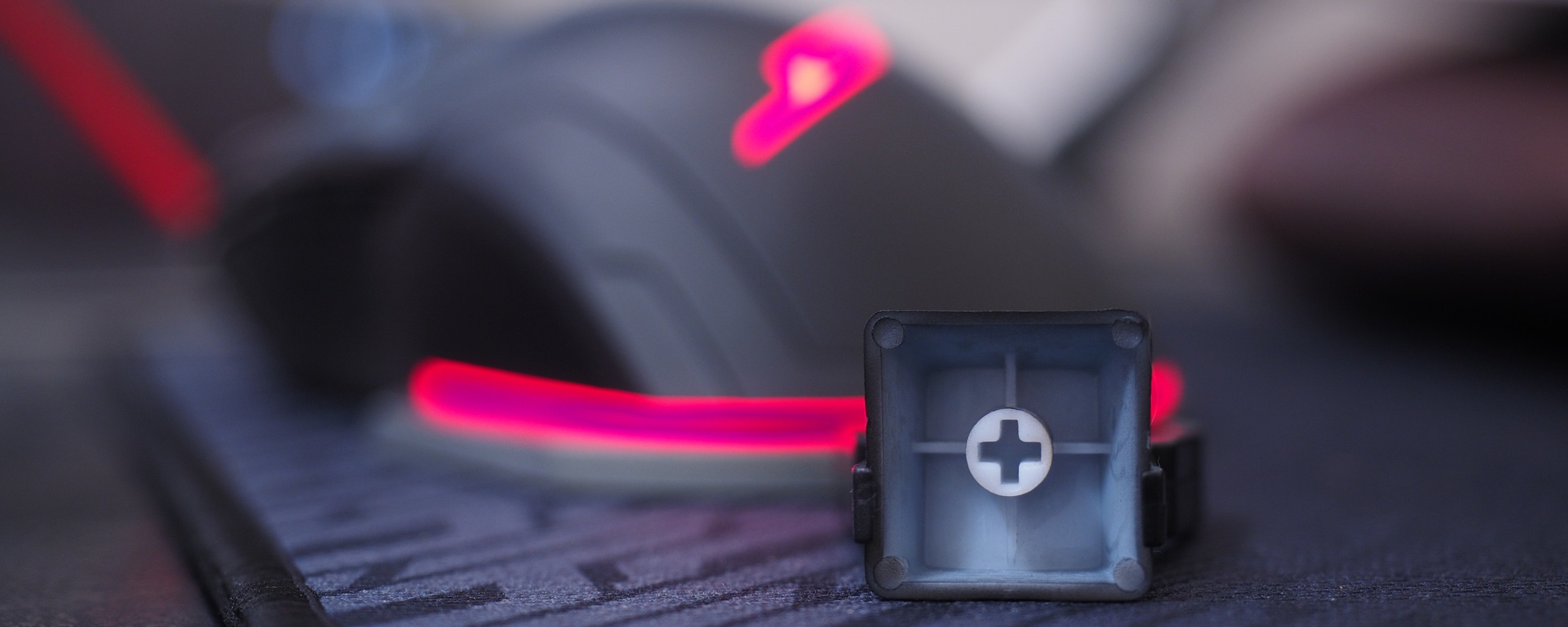
Our review sample arrived with the tactile switches.
Do note that there is only one zone -the entire keyboard - and just one color, red.
The X40 keyboard comes with the original top panel - which is the Stryker silver model.
The other top panels are sold separately, each at a cost of $39.
There are two stationary rubber feet on the bottom lower section and retractable feet near the top.
It terminates at a gold-plated USB connector that’s much larger than it needs to be.
In terms of responsiveness, the M50 features a polling rate of 1,000Hz (1,000 reports per second).
Like the keyboard, the M50 mouse has optional software that I’d highly recommend installing.
It measures 280mm wide by 340mm long with a thickness of 2.5mm.
The bottom of the pad has a grippy, rubbery feeling which kept it in place throughout testing.
Typing felt natural while gaming was, well, gaming.
I had no problems recording and using macros via the optional software package.
Metadot kept the UI nice and simple, just as it should be.
The individually-lit keys were also a welcomed addition, especially the ability to dim and turn them off entirely.
While red is no doubt a popular color, it certainly won’t be for everyone.
The option to change colors would have been nice but it’s not a deal breaker.
It also makes general maintenance and cleaning much easier.
The M50 mouse and 47W-Flex pad, however, didn’t quite do it for me.
The M50 mouse looks larger than it is.
I was worried that it’d be too large for my smallish hands but that was not the case.
The primary mouse click buttons felt great and the on-the-fly DPI adjustment buttons / indicator was as advertised.
The red braided cable is a nice touch even though it does contrast the black cable the keyboard uses.
Its USB connector, however, was far larger than it needed to be.
In this case, I was just barely able to squeeze the plug in alongside another USB machine.
Fortunately, I didn’t have to do that here but again, it was a tight fit.
In terms of overall comfort, there’s not much to complain about with the M50.
The 47W-Flex mouse pad is one that I’d simply have to pass on.
This behavior only got worse over time as the pad wore down.
The 47W-Flex mouse pad just flat out doesn’t cut the mustard.
Pros:Solid-performing mechanical keyboard.
Swappable top panels let you modify the look of the board and make cleaning easier.
Cons:Only a single USB 2.0 pass-through.
No option to customize backlighting color.
Macro keys are a little too close to main keys.
Pros:Primary mouse click buttons felt great.
Adjustable lighting (that can be turned off).
Cons:The USB plug was too large.
Not much distinction between side buttons.
Scroll wheel didn’t have much tactile feedback.
