Epson combines a digital photo frame with a printer into an attractive photo printer called Epson PM310.
Its lunchbox size and convenient handle make it easy to bring with you when youre on the move.
It can also be used by connecting it to a compatible PC.
But the most important of all, the photo quality is awesome.
Features and Highlights
The Epson PM310 is white in color and has rounded edges.
There isnt any control button to directly operate it, not even a directional pad.
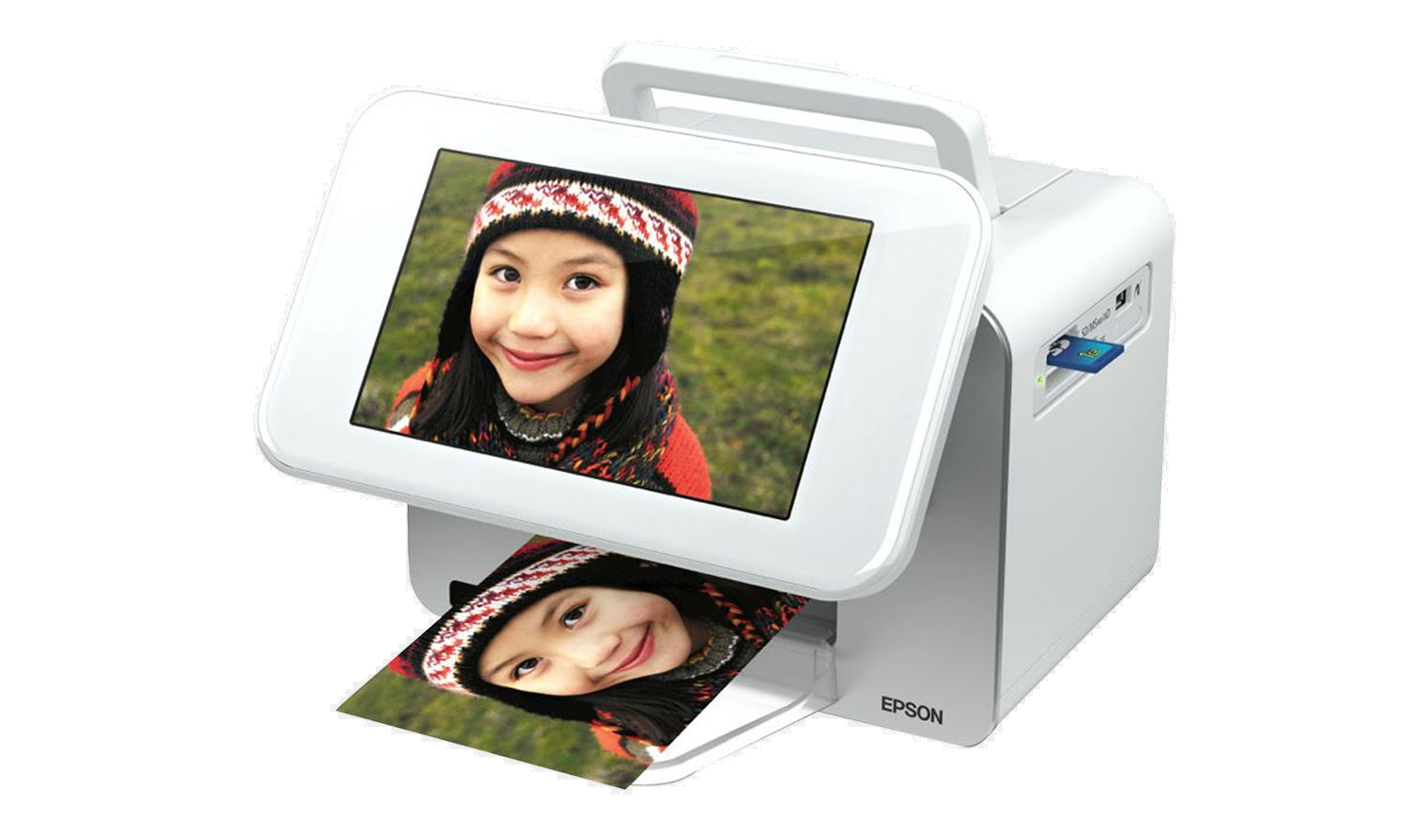
The lack of buttons make the printer looks nice, but it becomes less functional.
Since the standalone mode depends on the remote control, losing it is a big no.
There is, fortunately, a space on top of the printer to keep the remote control.

The 7-inch LCD screen displays the menu which you could navigate through with the remote control.
Select Slide Show to create a slideshow, and select Print Photos to start printing.
When you are going to print, you could load up to 20 sheets into the tray.
Setting up the Epson PM310 is easy.
The printer will let you know when it is the time for you to get a replacement.
The other reason why genuine cartridges are recommended is that Epson doesnt want to lose their money.
Additionally, the print quality of a knock-off cartridge may be worse than that of the genuine one.
