When a file is deleted in Windows, it is normally sent to the recyle bin.
When the recyle bin is emptied, the file actually still exist somewhere.
Windows only removes the reference to the file and marks the space it took up as available.
Unless the space is used to store another file, the deleted file remains.
What Eraser does is to ensure that the files you delete are removed completely from the disk.
Eraser is developed and maintained by a team that consists of two project admins and a UX developer.

If you choose to delete it, there will be a prompt asking you to confirm the action.
Pressing the Yes button will delete the file immediately.
Eraser includes an option to create a task that it’s possible for you to run manually.
The action will bring up the Task Properties window where you oughta configure the task.
There are two tabs in that window.
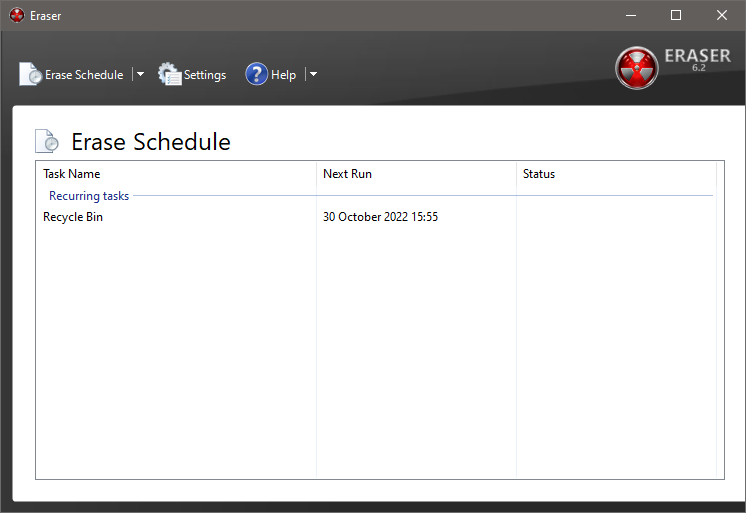
it’s possible for you to create shedules to run different tasks automatically or manually.
Furthermore, the task list can be exported and imported.
If the files are locked when a task is running, Eraser will unlock it by default.
