Everything is a great alternative to the built-in search utility in Windows.
The speed in locating and presenting the search results is simply awesome.
Even before you finish typing a search term, you may have already gotten what youre after.
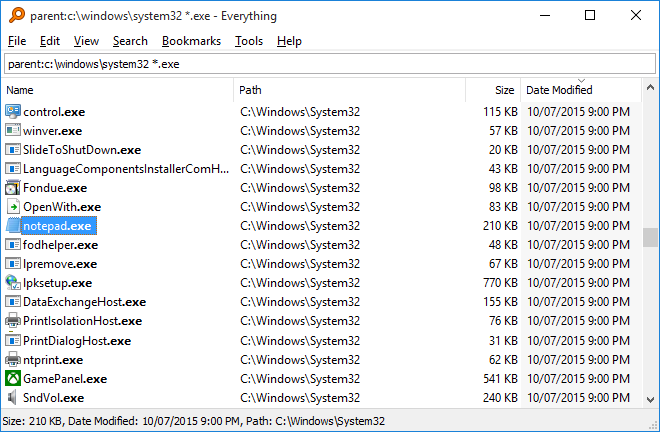
The other strong point of Everything is the indexing speed.
Generally it only takes a few seconds to index every existing file and folder.
Features and Highlights
Everything indexes all drives to build its database.

After it finishes building its database, Everything shows all files and folder.
As you key in a search term, it hides everything but the ones that match.
By default Everything uses AND operator in searching files and folders.
For example, dark cat, dark room, blue sky, and blue sea.
To search only folders, addfolder:before the search terms.
To search only a specific file format, use the asterisk wildcard followed by the file format.
For example, cat *.jpg.
A single choose the bookmark will fire up the search result instantly.
It would even be less hassle if you assign a keyboard shortcut to the bookmark.
It is a drop-down button to refine your search.
It is either a single click or double click, depending on how you set it up.
Or, use a custom keyboard shortcut like Alt + Space.
