The habit of using computer late in the day is known to have a negative impact on our health.
The monitors brightness becomes too much and the blue light is excessive.
Since adjusting the monitors temperature manually is a hassle, many users choose to install F.lux.
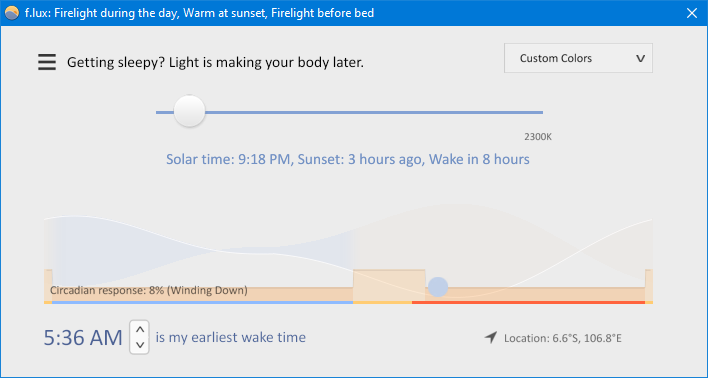
F.lux regulates the color temperature of your monitor screen automatically.
When the sun sets, F.lux dims your screen and decreases the amount of its blue light gradually.
When the sun rises, the original color returns gradually.

The information is then used to adjust the color temperature of your screen automatically.
Note that F.lux requires an internet connection to pinpoint your location.
F.lux has some shortcut keys to control the color temperature manually.
In addition, F.lux supports Alt + F9 through Alt + F12 for Surface devices.
This option appears only when the brightness is reduced.
Note that the color temperature always shifts gradually.
If it is too long for you, there are options to speed up the transition.
The default transition speed is Slow.
The other two are Medium and Very Fast.
In the top-right corner, there is a button that will show a drop-down list after you click it.
The list contains several color schemes that you could activate in one click.
The automatic switching for specified software is handy.
