The desktop version of Google Drive is an official client of the cloud storage service.
Aside from syncing and backup files, Google Drive lets you share files with anyone.
Features and Highlights
Google Drive allows you to connect up to four accounts.
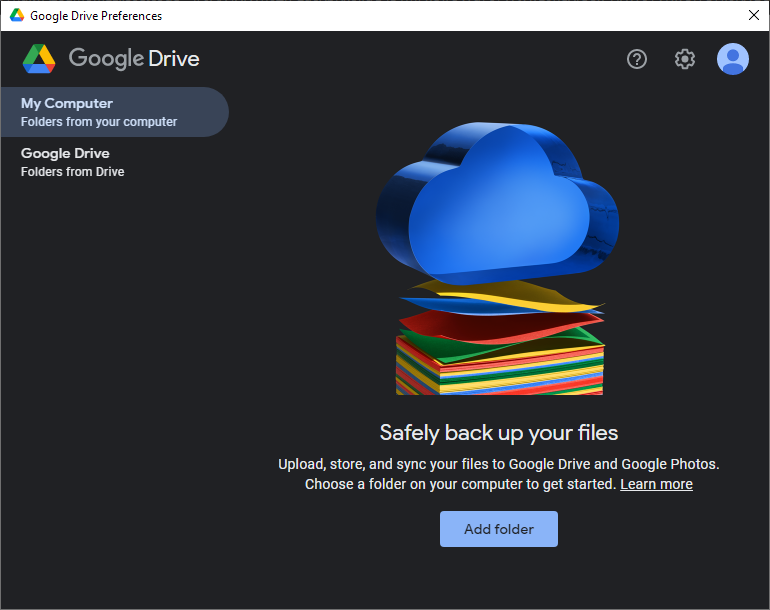
All the accounts are displayed in one window.
By default Google Drive uses the stream mode to store all your files.
Any changes you make to the files are synced automatically.

The second option to store your files is mirror mode.
It keeps files on your machine and in the cloud.
Since the files are always availabe offline, you dont need to download them first to make changes.
The changes are synced automatically as well unless you pause the syncing.
After you install Google Drive, it will appear on the tray.
In Windows File Explorer, Google Drive is added as a new drive.
The preferences window provides the letter you’re free to use to replace the existing drive letter.
The Google Drive icon on the tray reveals how much space left once you press it.
If your Google Drive capacity is almost full, you will receive a notification about it.
By default all photos and videos are saved without compression.
Google Drive uses unlimited speed in uploading and downloading your files.
Recommended Apps:
Google Drive Free Download for Windows
There are similar services around.
Some even give you a larger space than Google Drive.
Google Drive makes file backup and syncing easier.
