Another one can have it integrated with the CPU.
Although the integrated one is less powerful than the dedicated, it still counts as a GPU.
It collects information about the GPU inside your gear and presents it in an organized way.
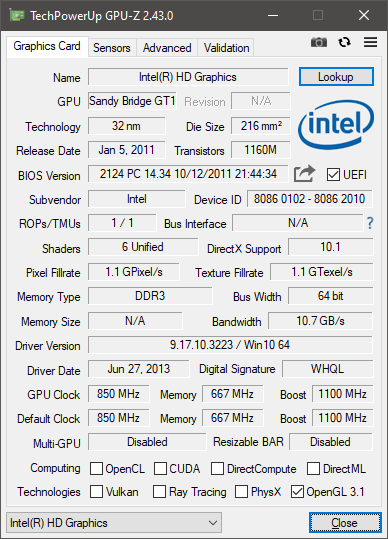
Four tabs can be seen instantly when you fire up GPU-Z.
Moving your mouse over a textbox will show a tooltip containing additional details.
The next one comes under the name of Advanced.

GPU-Z also has a screenshot tool.
Clicking on the screenshot tool will get you two choices.
Both are small in size yet very useful.
No matter how often you will use it, GPU-Z is undoubtedly a helpful software.
You should keep it in your system just in case.
