After buying a new hard drive, it is always a good idea to check its condition.
It wont cost you anything to run HD Tune.
Its development seems to be halted since many years ago, but it still works.
The pro version, on the other hand, received its latest update around three years ago.
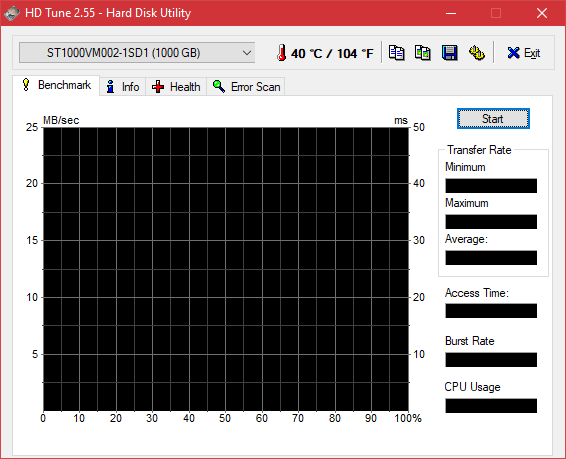
Next to the box is the temperature of the currently selected hard drive.
HD Tune also displays the hard drive temperature in the tray area.

If you cant see it, then you may need to unhide its icon.
The other thing that you may want to change is the text color.
Both celcius and fahreinheit scales are supported.
In the tray area, you’re able to only show the temperature in either celcius or fahreinheit.
But, you might show both temperature scales at the same time in the main interface.
HD Tunes interface has four tabs.
The first one is Benchmark to measure the transfer speed of your hard drive.
The second tab is Info where it shows all the information related to the currently selected hard drive.
The information changes automatically as you switch to another hard drive.
The third tab is all about the health status of the hard drive.
The last tab is Error Scan.
It scans your hard drive for errors.
