And for that you better follow our article to implement this for your machine.
So follow the below step by step guide to do that.
you could get it on the online product selling websites and you could also find it on Amazon too.
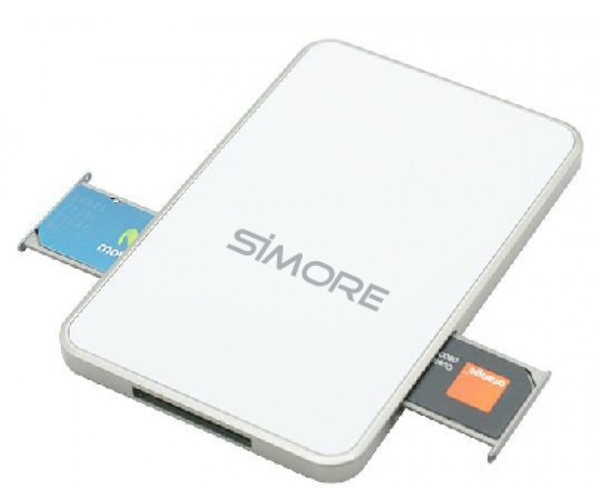
After you have your Simore Multi-sim holder, you will now have to connect it to your smartphone.
To connect it to your smartphone you wont need any external connector etc.
The one with Bluetooth can be a great option as you wont need to modify your gadget.

This will automatically read your Sim cards and you will be able to work with them on your gadget.
Your smartphone will also automatically show up the connected Sim cards and let you use them easily.
(For Bluetooth holders it requires to install up the mobile app on your smartphone).

8 Ways to Fix it
How To Fix Mobile Hotspot Connected but No Internet on Android

