Infotech
A projector is a delicate piece of equipment.
Slight mishandling can lead to issues with the projector, such as vertical lines on the display.
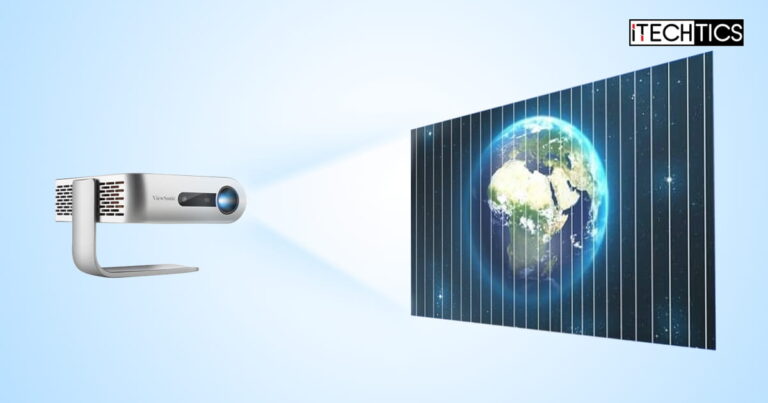
Vertical lines in a projector display are a common issue encountered by most projector owners.
Sometimes, a loose or faulty cable causes the signal to suddenly drop, interfering with the display quality.
The best approach is to disconnect all cables from the projector and re-insert them.
Also, disconnect the cables from the other ends and reinsert them securely.

This will rule out any issues with the cables.
If you find a problematic display or power cable, replace them and see if it resolves the issue.
Shut down the rig and wait for the fan to go off.

Once it is completely off, unplug the projector and wait for a few seconds.
Cool Off the Projector
Physically verify if the projector is overheating.
This can be checked by placing your hand on top of the projector.

Slight heat dissipation is normal, but the temperature shouldnt be extremely high.
Also, visually check to see if the fan is working, or if the air vents are clogged.
Remove Magnetic Interference
Magnetic interference is a real thing.

The mechanism of projectors is easily disrupted by magnetic fields, especially if they are strong near the projector.
Therefore, see to it that there is no magnetic object placed near the project.
Disable Eco-Mode
Most modern projectors have a built-in eco mode, which is essentially a power-saving mode.

Navigate within the projectors parameters and shut down the eco mode indefinitely.
Then, check to see if the vertical lines are gone.
Compress the Projector
Although it may seem silly, how can it be if it works?

This is perhaps the easiest (and tested) method to resolve vertical line issues with a projector.
Press down on the projector approximately 2.5-3 inches behind the projectors lens with your thumb.
Simultaneously, press at the same position from the bottom of the projector.
Press the projector with caution as you do not want to do permanent damage to it.
Therefore, start off with low pressure and gently increase it to normal pressure.
You will then notice that the vertical lines are changing randomly before disappearing.
Once the lines go away, release the pressure off of the projector gradually.
Note that the displays color may also change during the process.
This chip is responsible for video projection and image generation in Digital Light Processing (DLP) projectors.
Open up your projector and clean out the mainboard, as well as the DMD chip.
However, we advise caution as slight mishandling could cause permanent damage to the projector.
The solutions in this article should fix the vertical lines you see on the screen.
However, you might always refer to this guide, if you ever face a similar issue again.
0
Get weekly insights, tips and exclusive content delivered straight to your inbox.
Talk to us straight and get your questions answered right away
source: www.itechtics.com
