First of all you need toLogin into your Facebook Account.
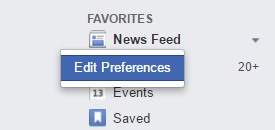
Now click onEdit Preferencesoption there.
Now simply click onReconnect with people you have unfollowed.
Follow All the People You Unfollowed On Facebook At Once1
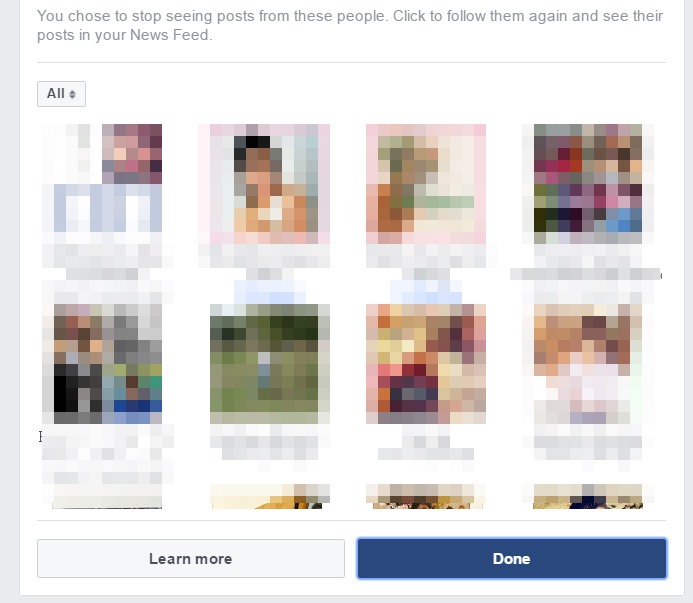
It will let you display all the pages, groups and people in a thumbnail-style view.
To follow that personClick on the picture.
Click Done and this will let save the changes.

Follow All the People You Unfollowed On Facebook At Once2
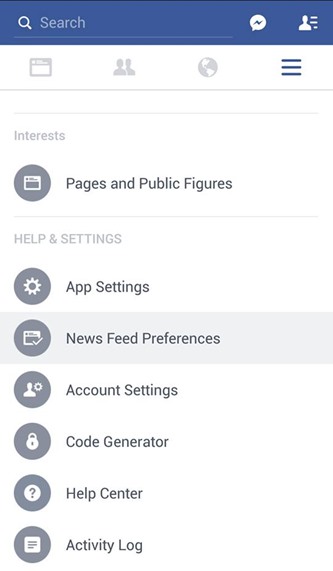
First of all click onsettingin the Facebook app (Three lines option at right side).
Now scroll down and you will find the News feed preferences
3.
Tap on Reconnect the people you unfollowed.
Follow All the People You Unfollowed On Facebook At Once3
On Tapping the picture tofollow/unfollowpeople, pages, and groups.
Thats it you are done, now you had easily followed back all the people.
8 Ways to Fix it
How To Fix Mobile Hotspot Connected but No Internet on Android
Follow All the People You Unfollowed On Facebook At Once4

Follow All the People You Unfollowed On Facebook At Once5



