So follow the complete guide in the article.
We shall be discussing about the features of Apple iOS play store in this article.
So have a look on complete guide discussed below to proceed.
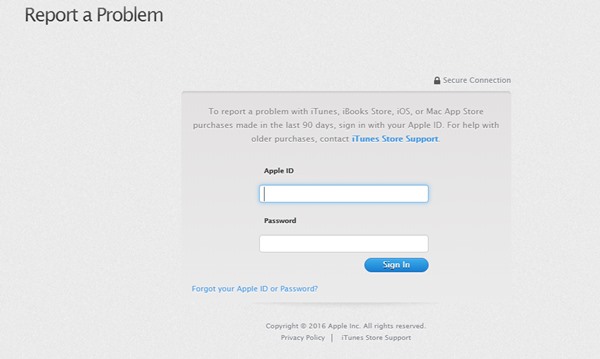
All the methods are discussed below.
Submit the problem details and then wait for Apple to respond.
Apple shall refund your money or ask you for more information through your provided email.
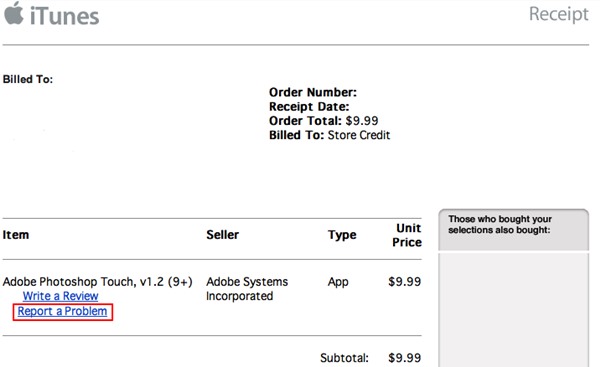
Just find up the receipt either on your phone or on your Mac.
Under the receipt you will find the option Report a Problem link.
You have to press that link and then Login to the account using Apple ID and password.

Wait for the response from the Apple.
If you have a valid reason then Apple shall pay you back for the accidentally bought apps.
8 Ways to Fix it
How To Fix Mobile Hotspot Connected but No Internet on Android


