All your files that will be kept in the ZIP archive will be saved as a single ZIP file.
2.This ZIP file we will hide in an Image file.
Note that you will has to place this Archive file on your Desktop of your Mac.
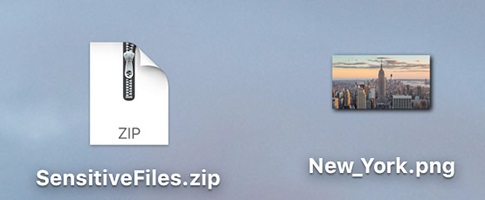
3.Now you have to launch your terminal on the Mac.
After the Terminal launches, jot down the command that is given below and then click onenter.
Command: unzip NewYork.png.

How to Hide Apps in Realme Phones
Google Chrome Not Saving Password?
8 Ways to Fix it
How To Fix Mobile Hotspot Connected but No Internet on Android