Written by Marteen Roose
1.
The first step to do is to turn off your antivirus.
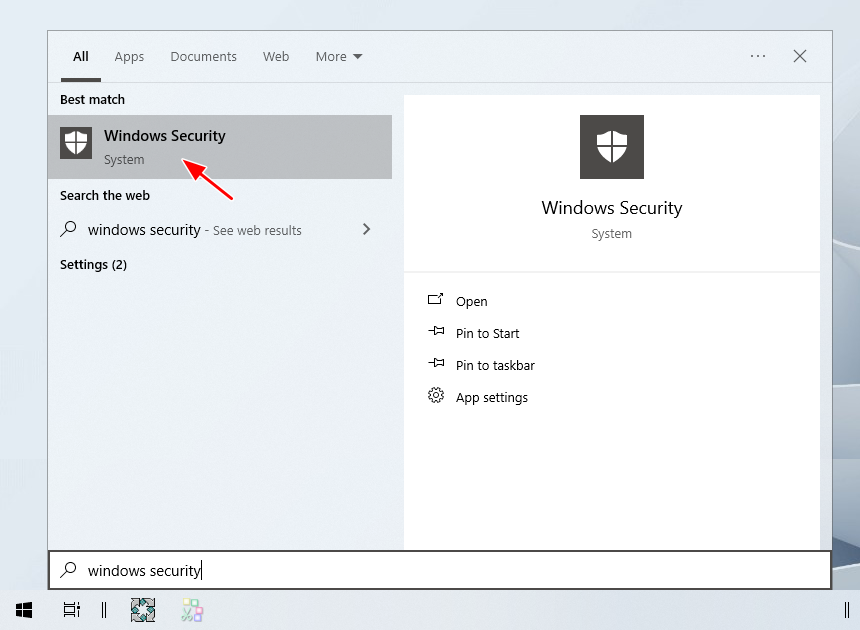
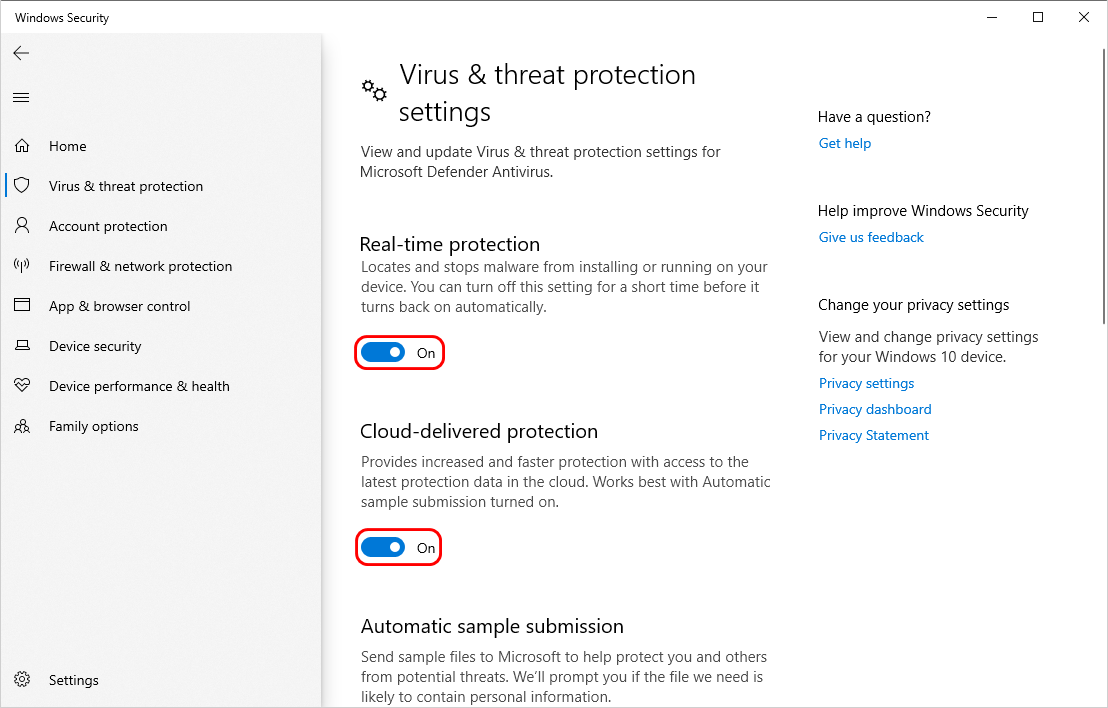
To do this, it’s crucial that you openWindows Security.
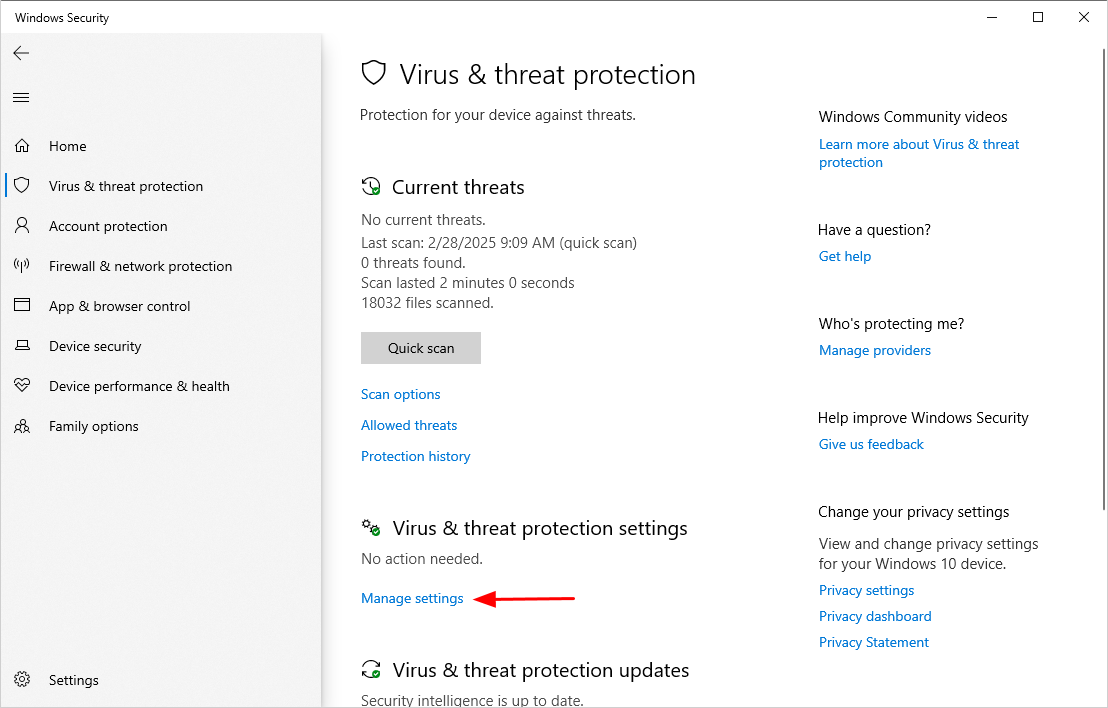
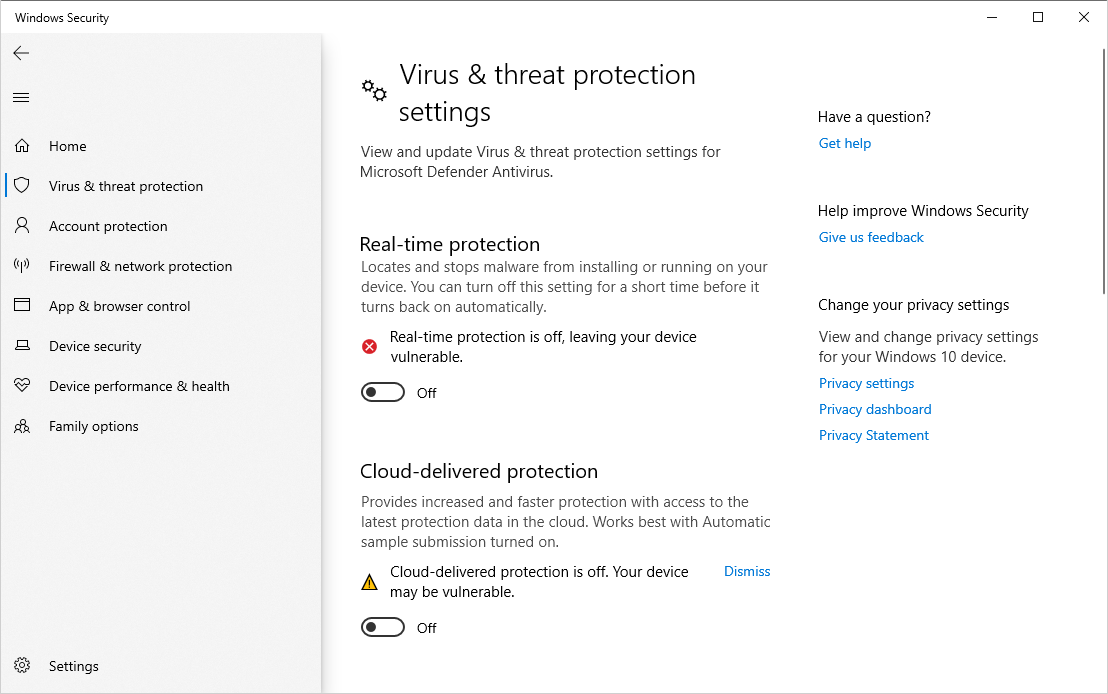
Turn offReal-time protectionand theother protection features.
This is how it will look like after you kill the protection features.
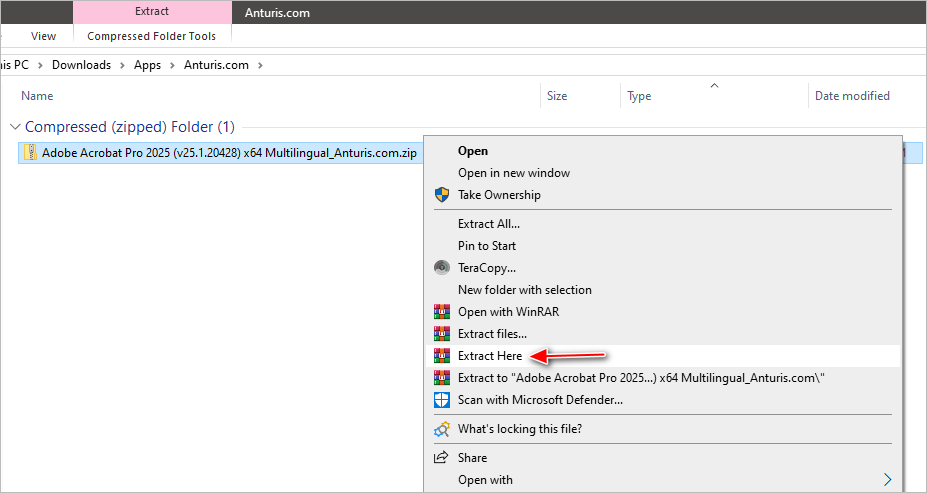
Right-hit the ZIP file, then selectExtract Here.
If youre asked for a password, enter123and then clickOK.
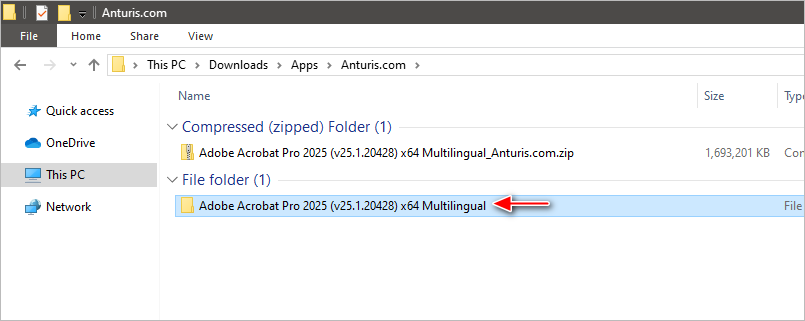
Once the extraction process is finished, kick off the extracted folder.
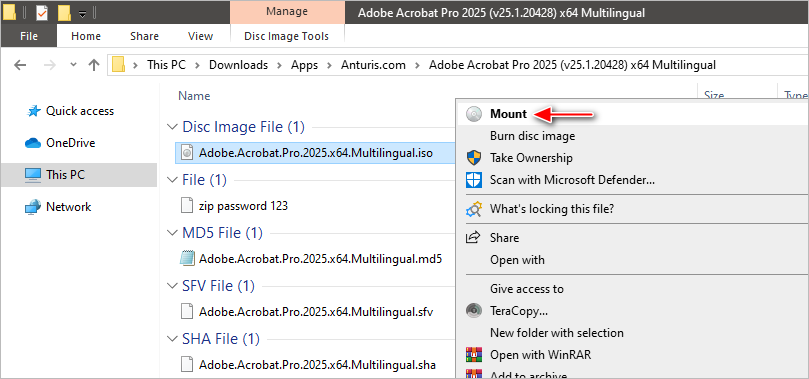
Right-punch the .iso file, and then clickMount.
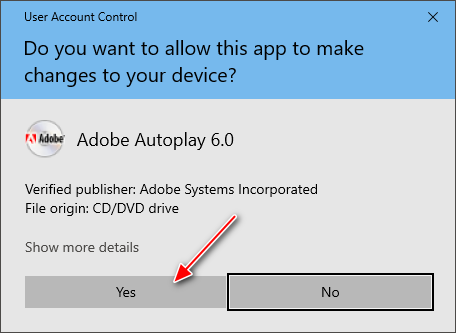
If UAC (User Account Control) pops up, clickYes.
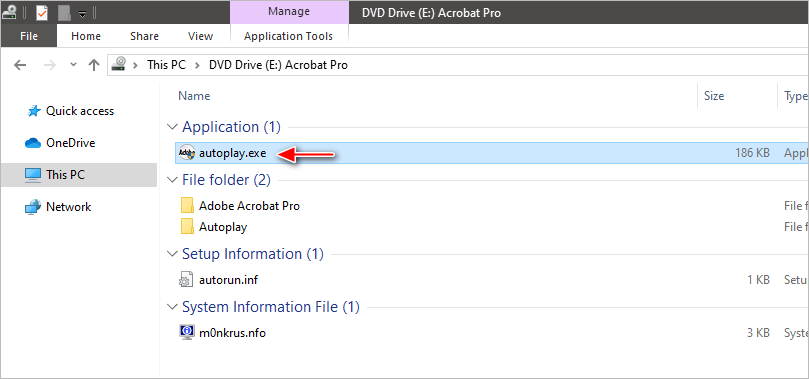
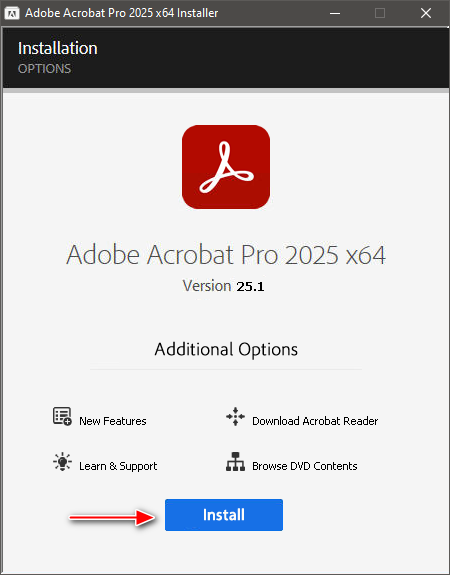
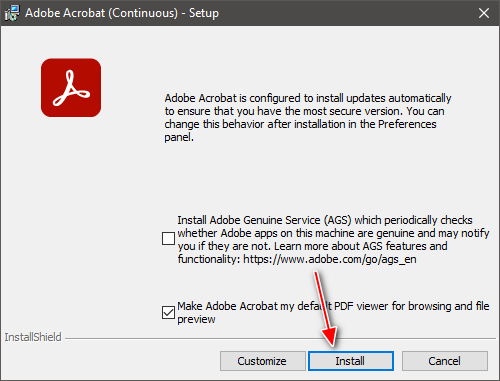
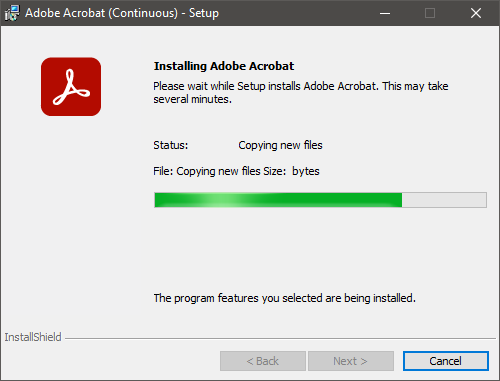
At this stage, the installation is in progress.
Wait until it is completed.
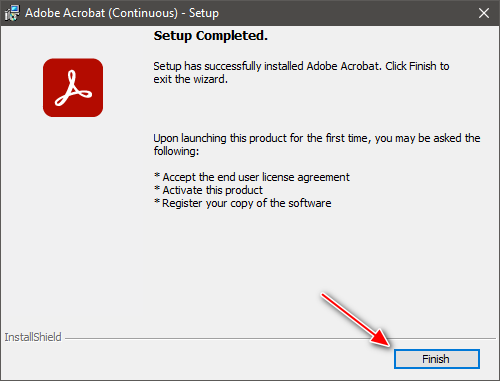
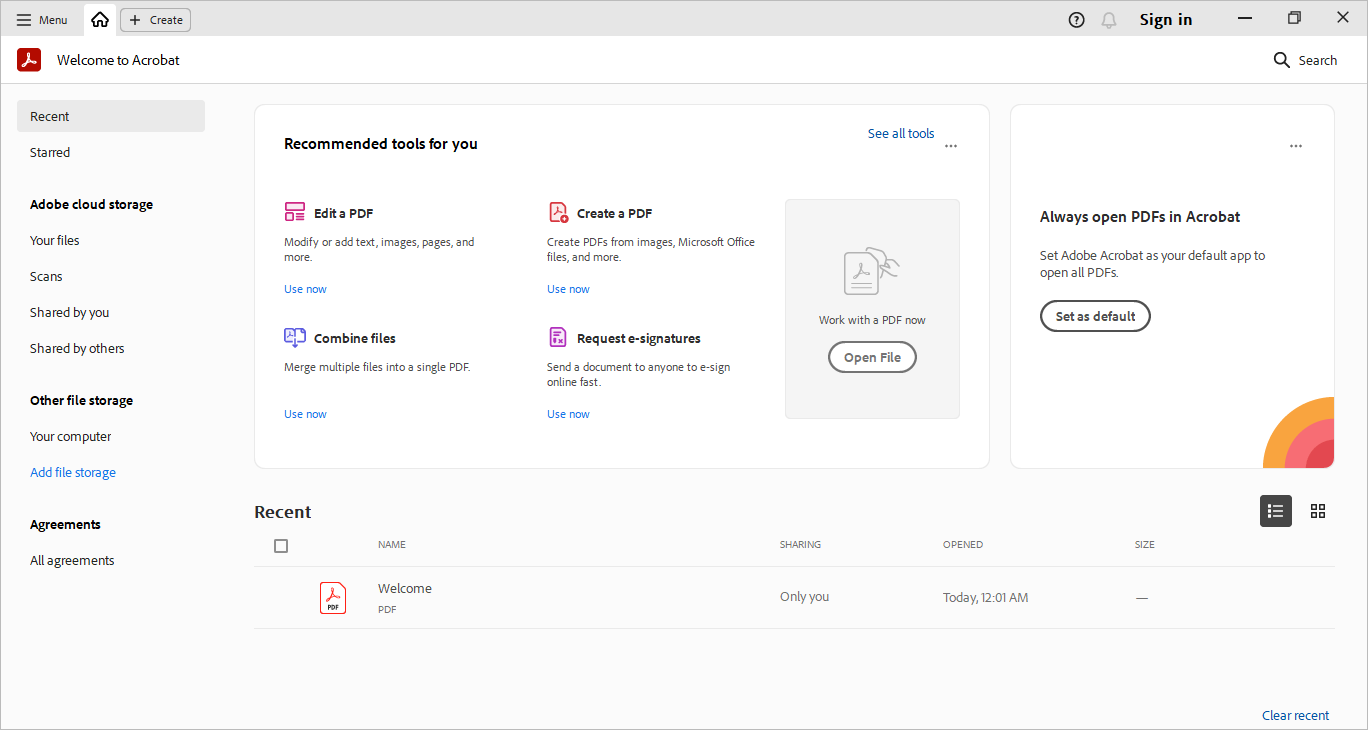
14.Adobe Acrobat Pro DC 2025is now yours to use.