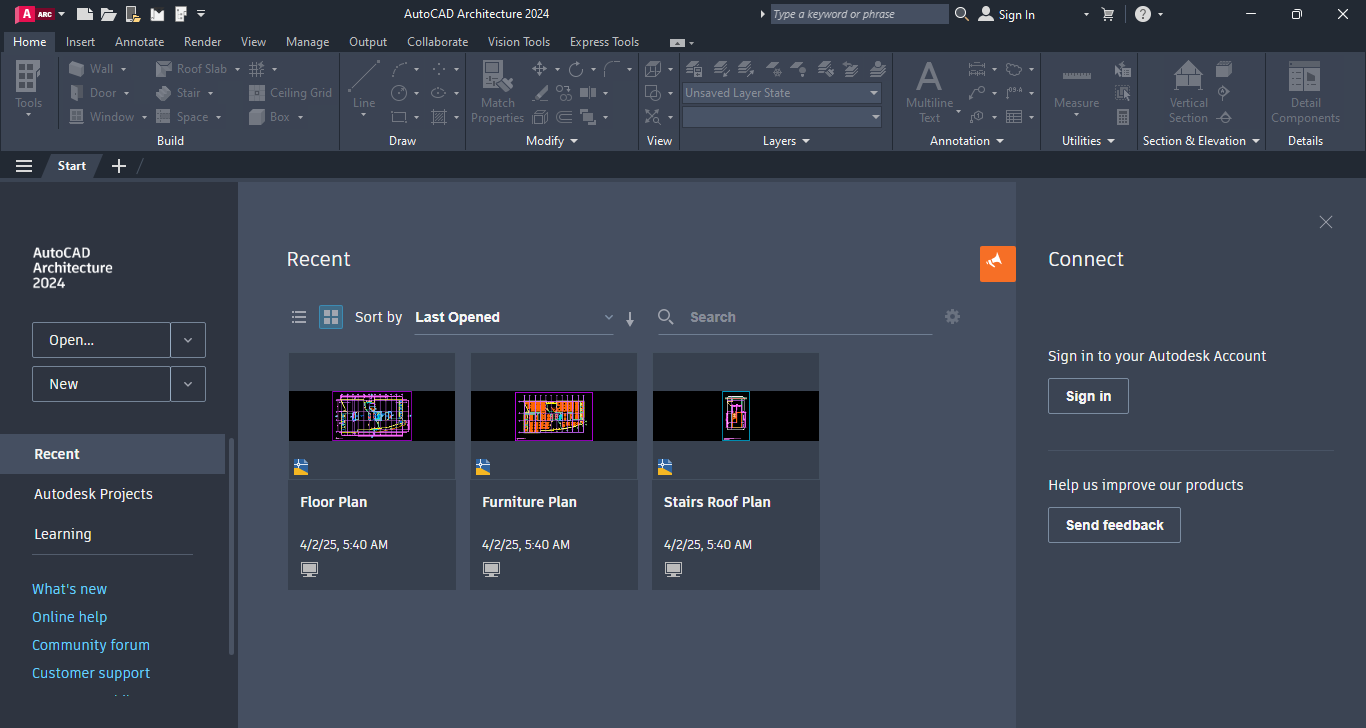
Written by Marteen Roose
1.
Before installingAutodesk AutoCAD Architecture 2024, disable your antivirus.
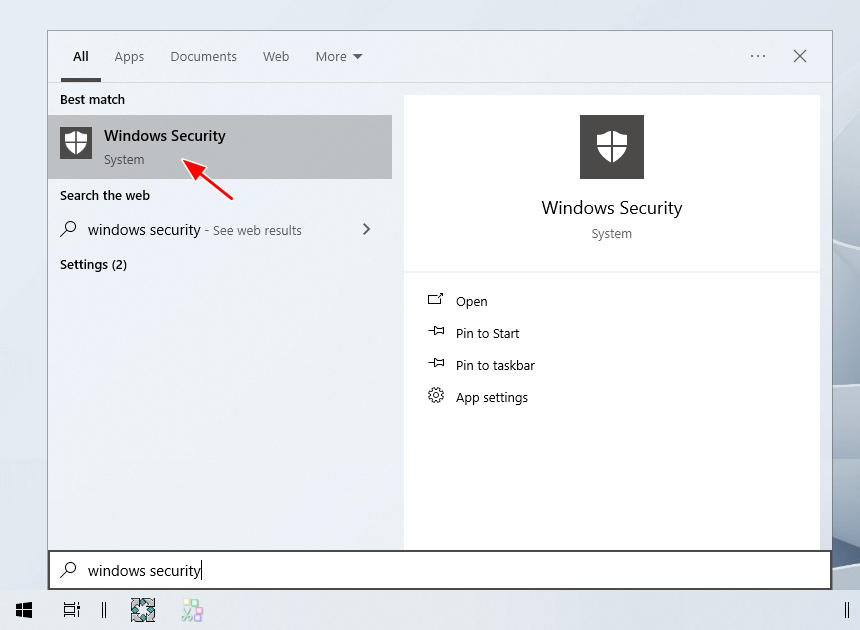
To begin, click theStartmenu and open Windows Security.
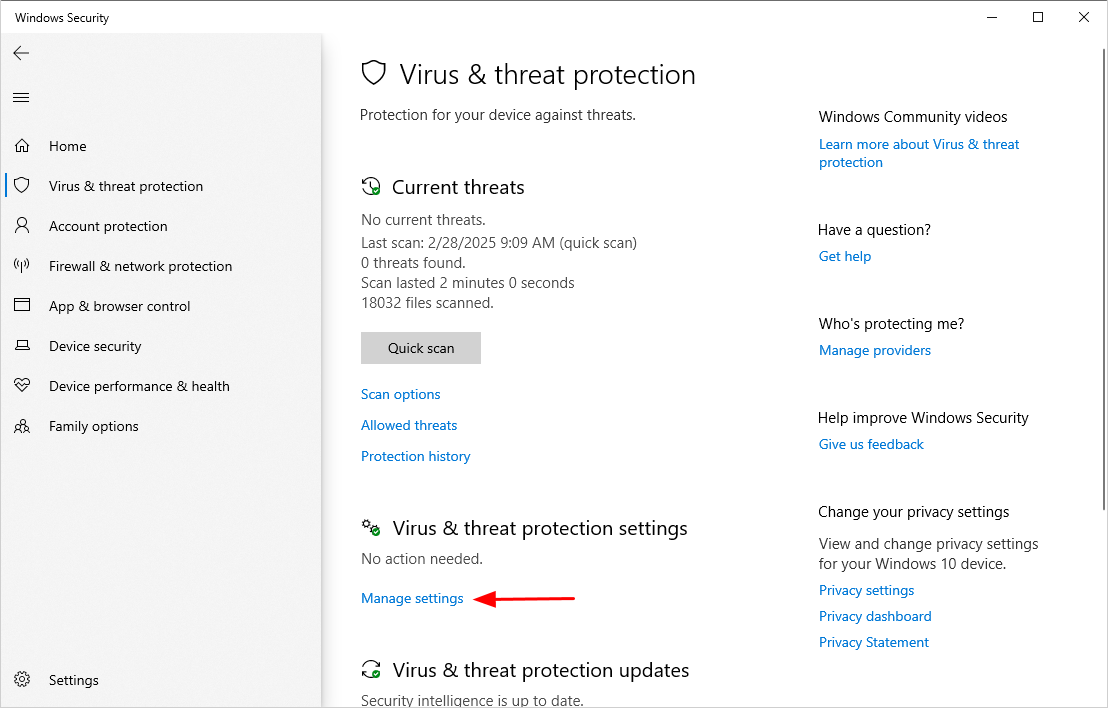
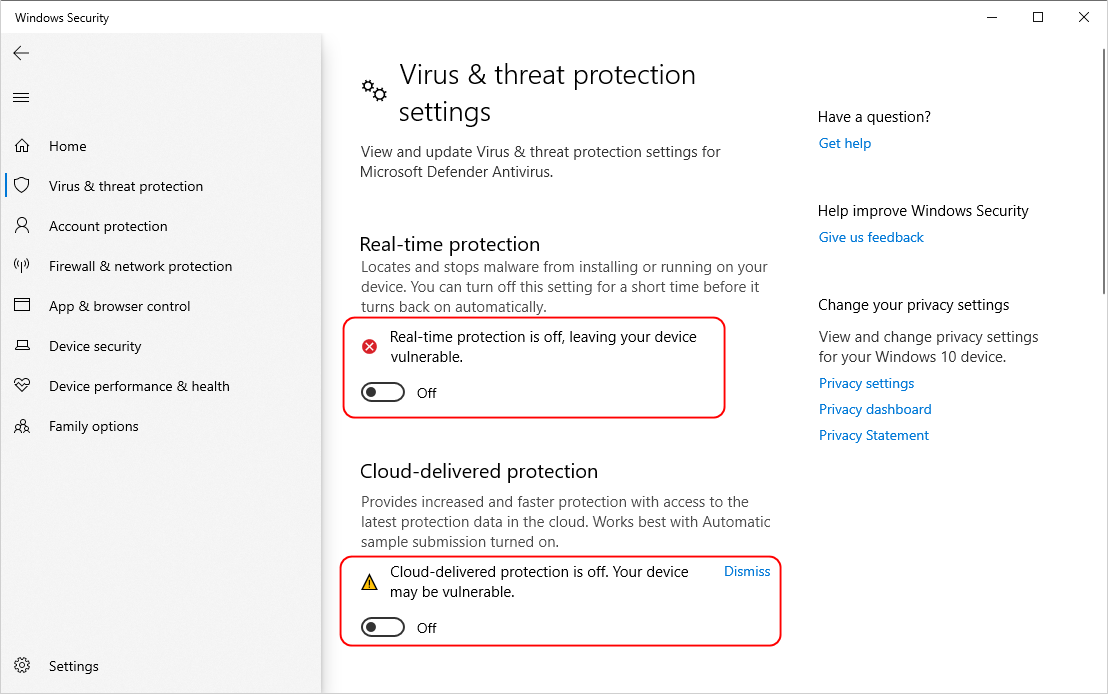
DisableReal-time protectionand other protection features.
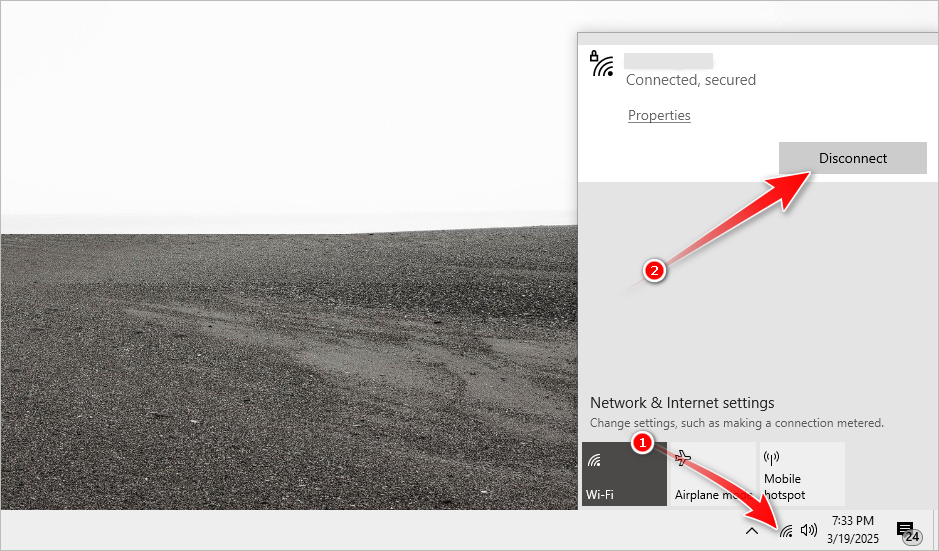
- see to it your rig is disconnected from the internet.
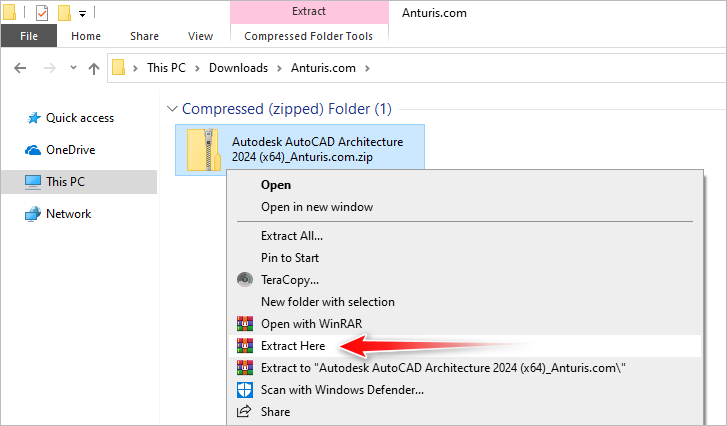
Use any file extraction software to extract the AutoCAD Architecture installer from the archive.
The password for the extraction is123.
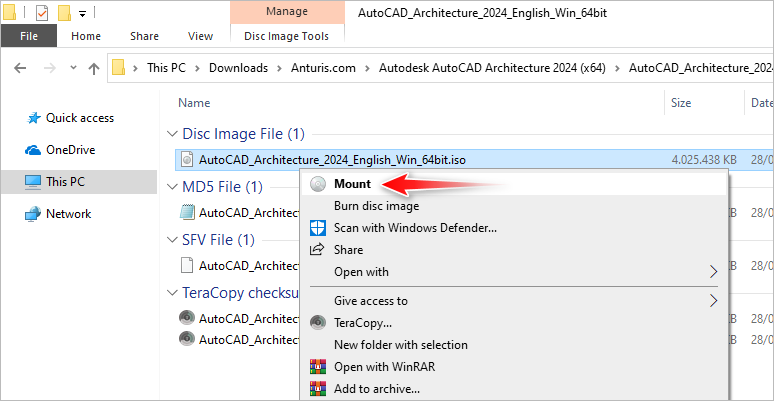
- initiate the extracted folder and right-hit the ISO file to mount it in File Explorer.
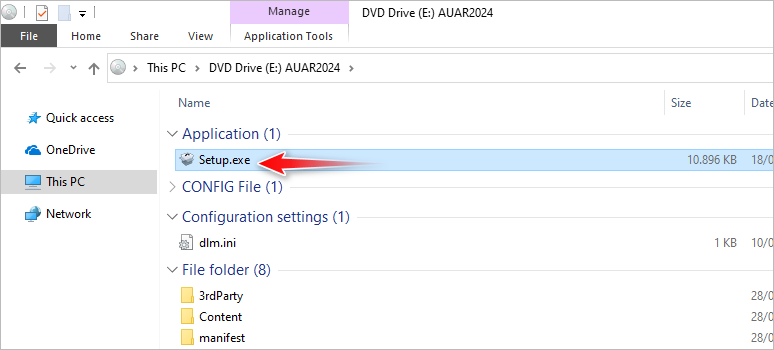
Double-clickSetupin the virtual drive.
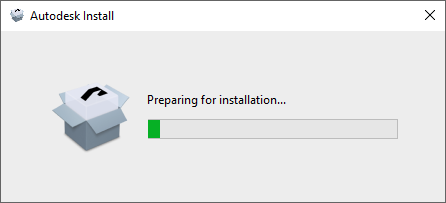
Wait until the preparation is complete and if the UAC prompt appears, pressYes.
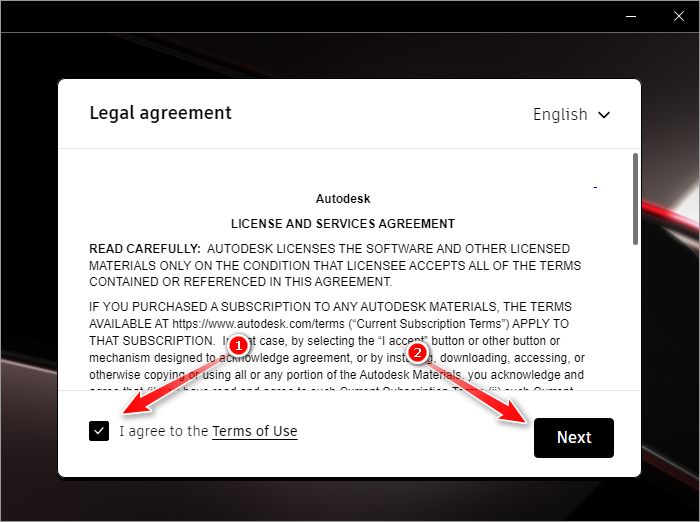
Check the checkbox and then hitNext.
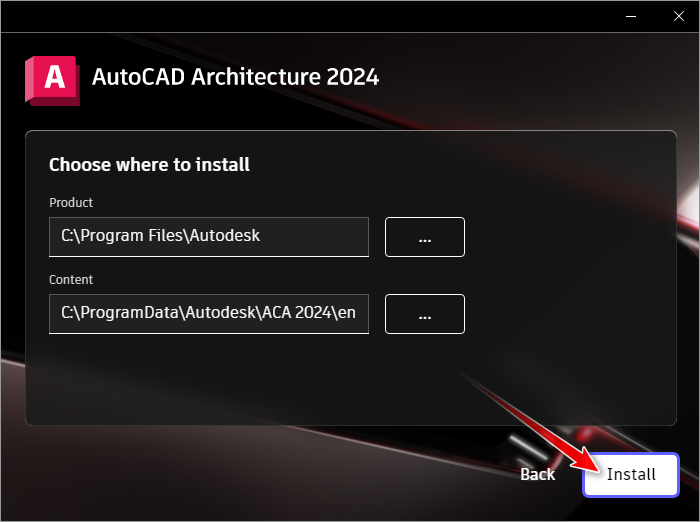
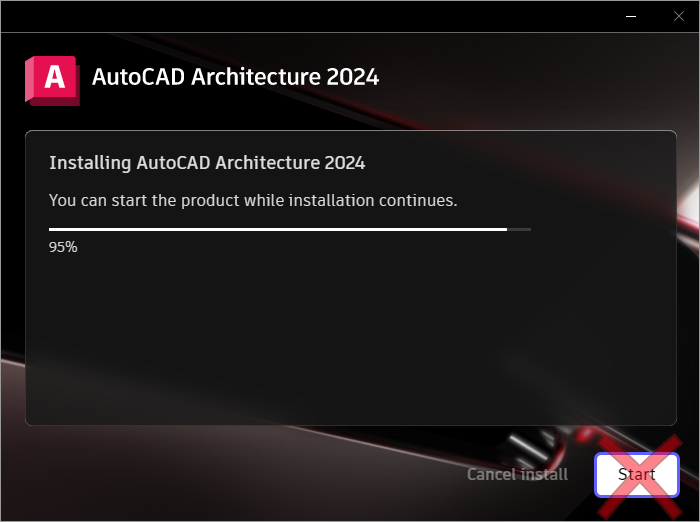
Wait until installation is complete.
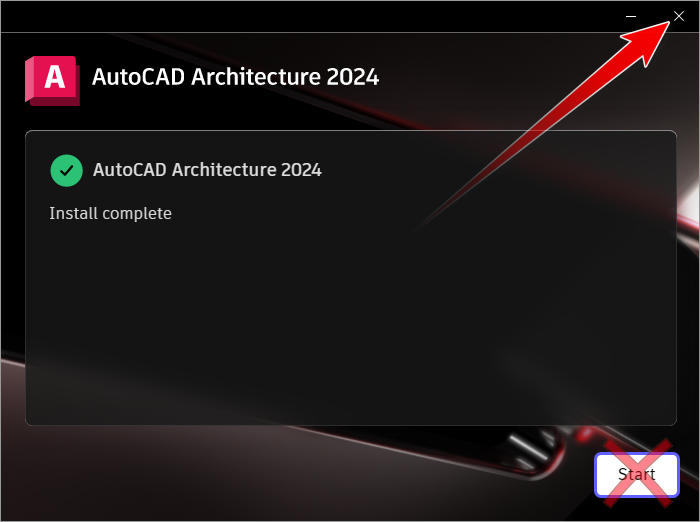
- poke the close button.
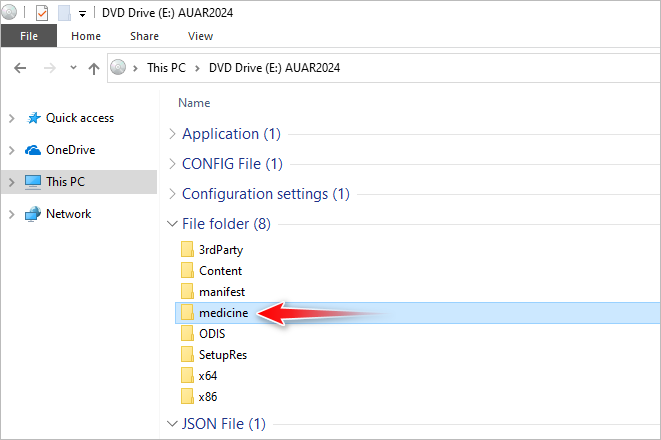
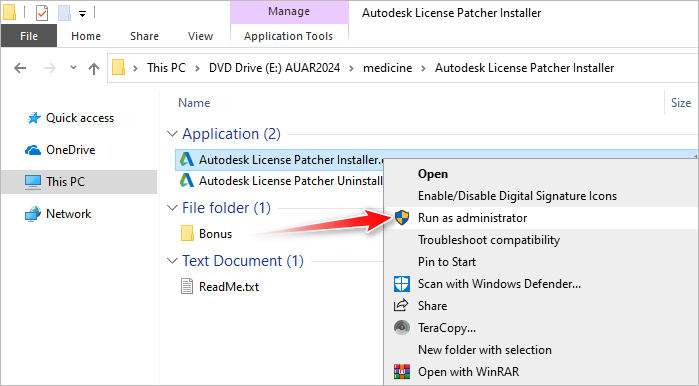
Return to the virtual drive in File Explorer, and open themedicinefolder.
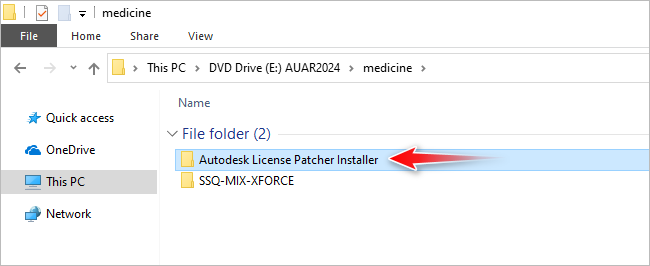
- kick off the folder shown below.
- fire off the installer as administrator.
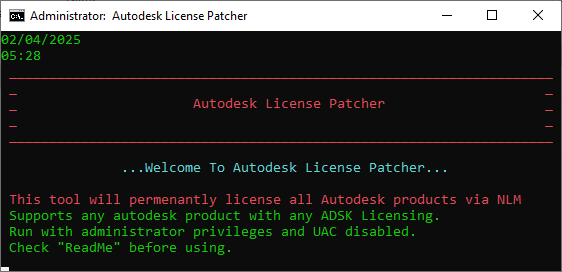
If UAC pops up, clickYes.
The window shown below will appear on your screen.
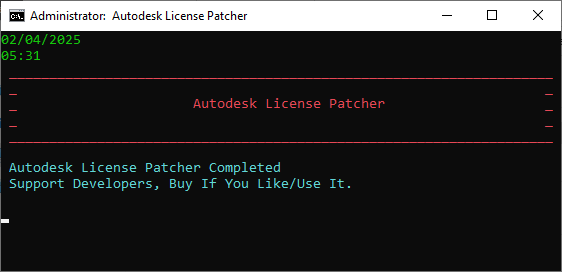
It takes a few moment before the program starts working automatically to license the software.
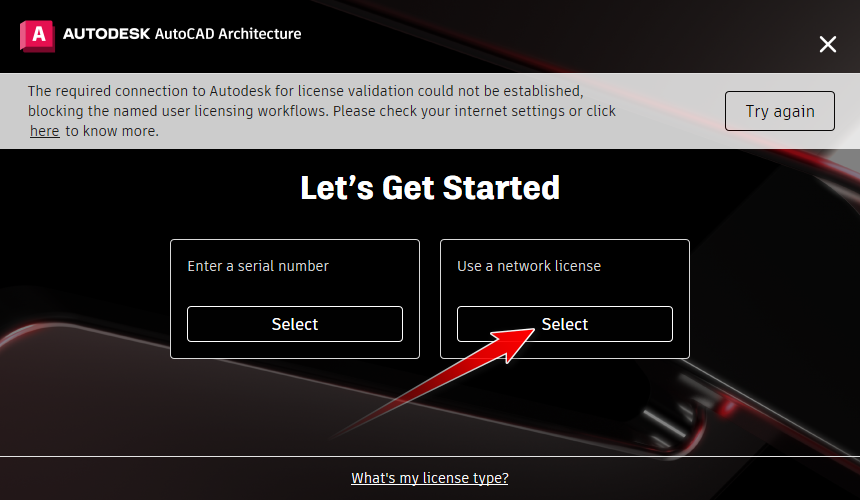
Launch the software and confirm to clickUse a data pipe license.
Autodesk AutoCAD Architecture 2024 is now activated.