Written by Marteen Roose
1.
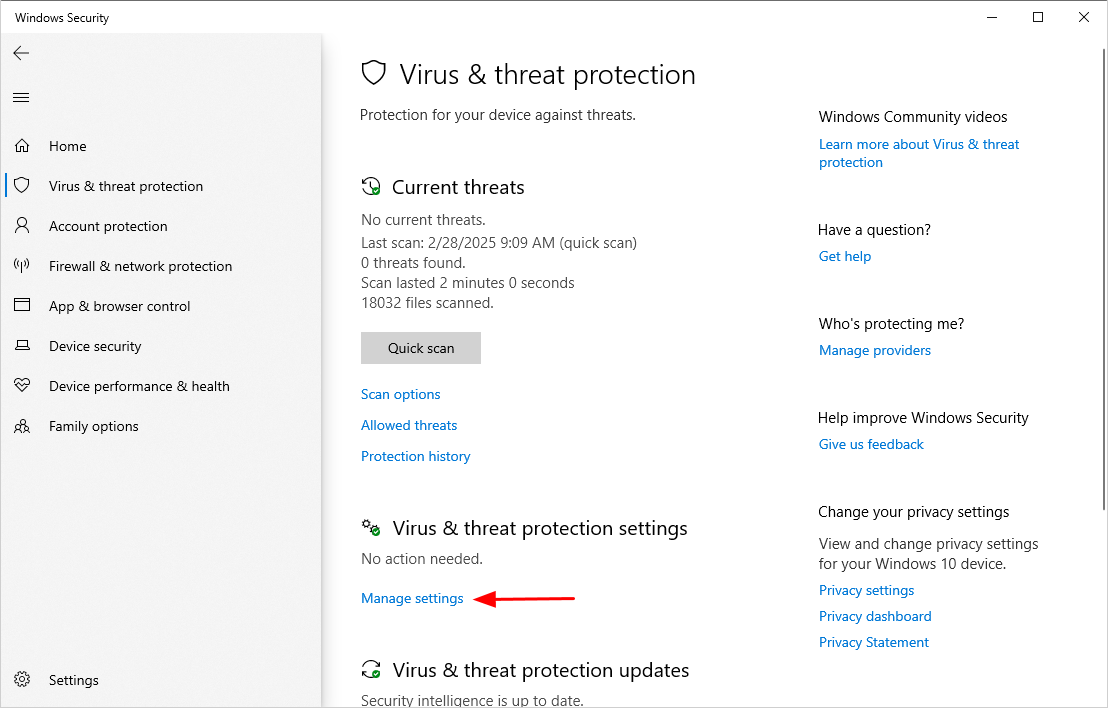
Disable your antivirus to avoid false positive.
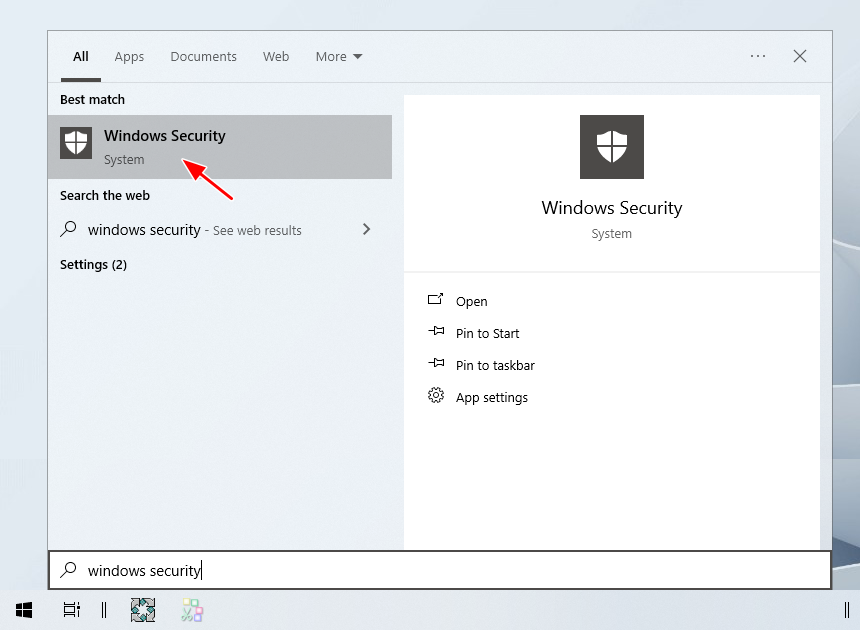
To begin, openWindows Securityfrom theStartmenu.
- check that to disable all the security features in the window.
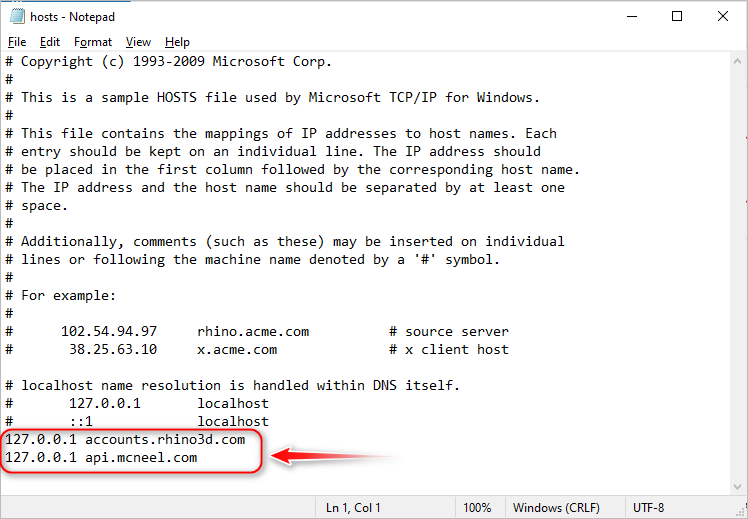
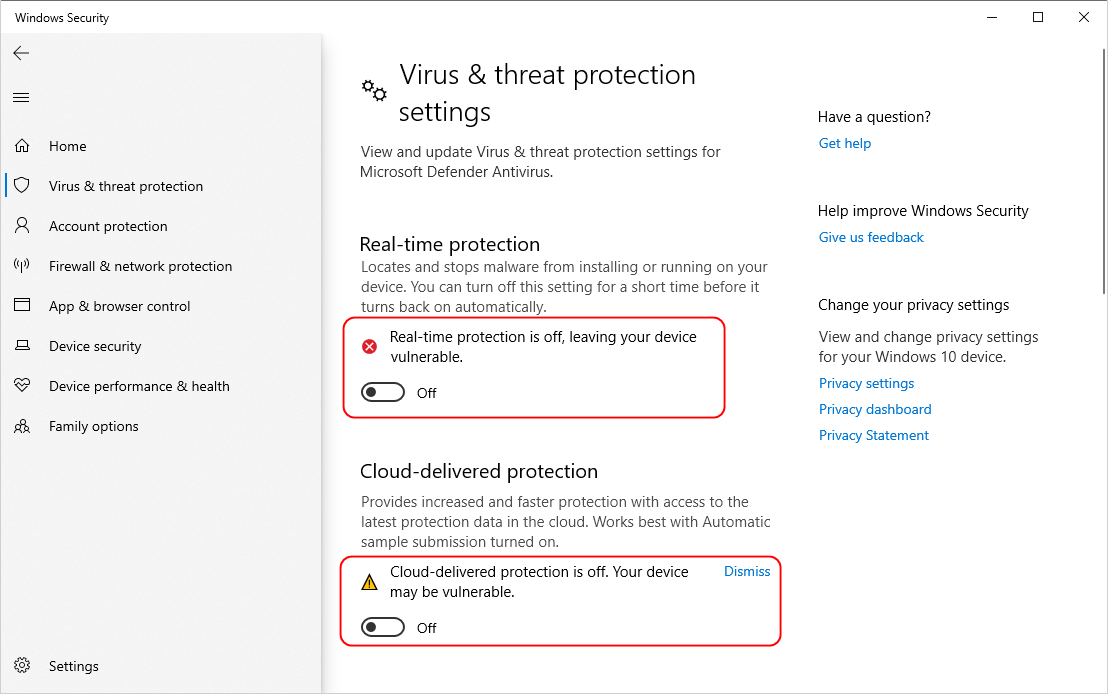
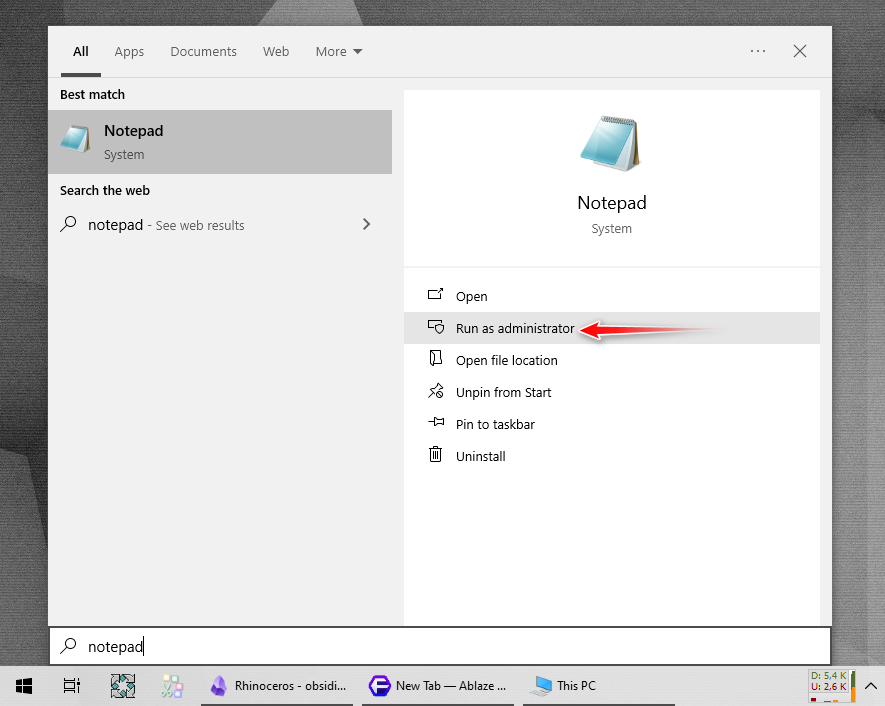
Open Notepad as administrator from theStartmenu.
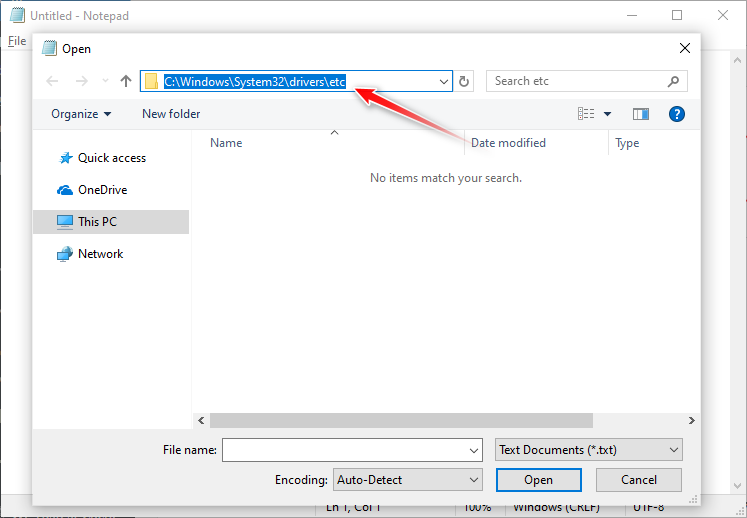
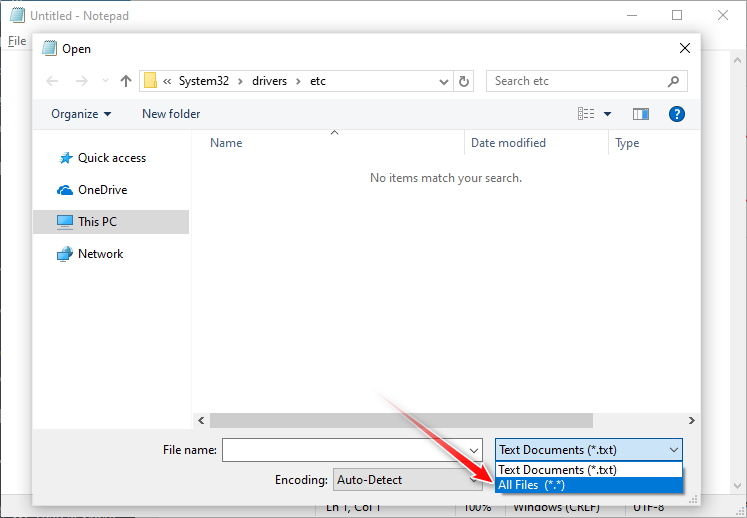
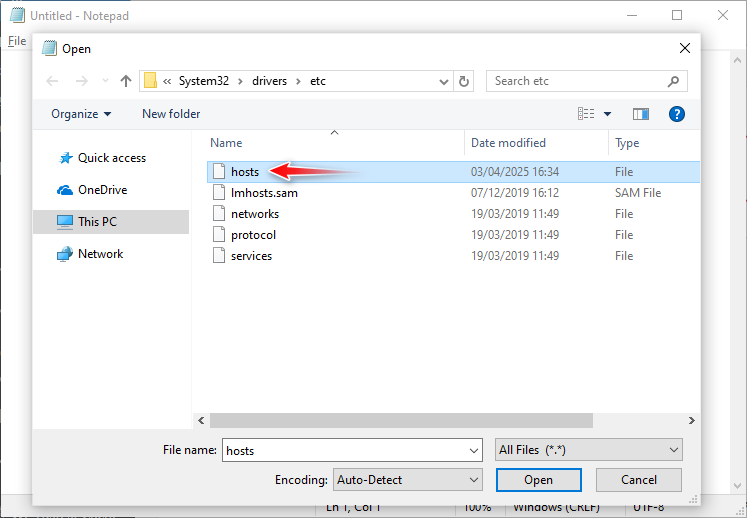
Double-clickhoststo launch the content in Notepad.
Copy and paste these two lines into Notepad, and then save the change:127.0.0.1 api.mcneel.com127.0.0.1 accounts.rhino3d.com
9.
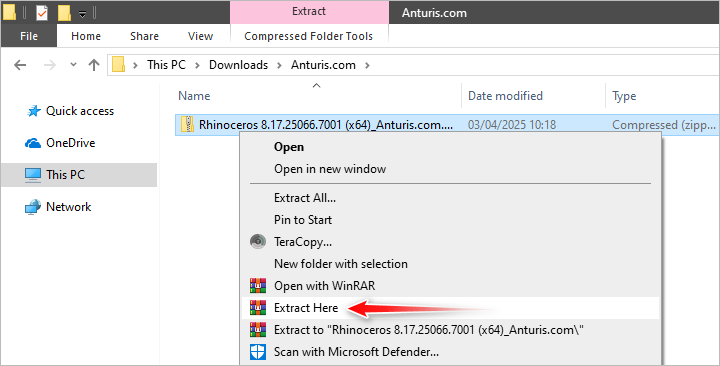
Extract the content of the archive.
If it asks for a password, enter123.
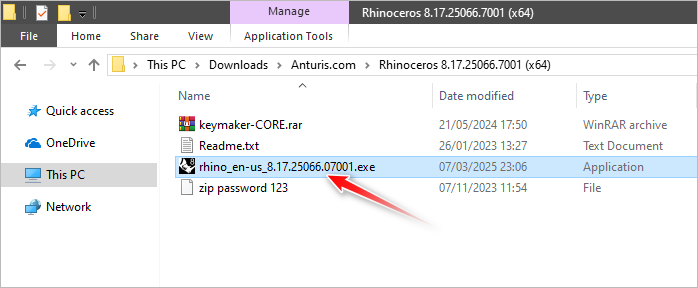
kick off the extracted folder and double-click onrhino_en-us_8.17.25066.07001.exe
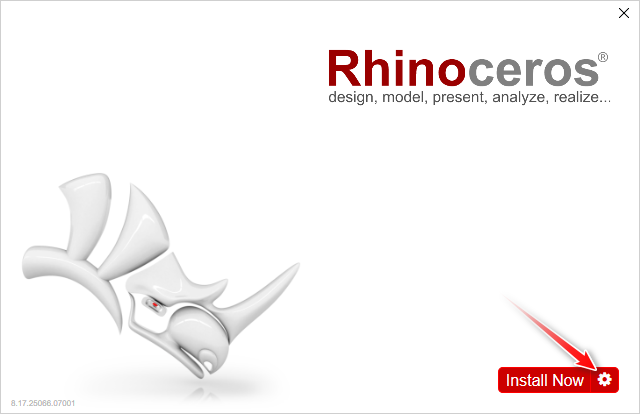
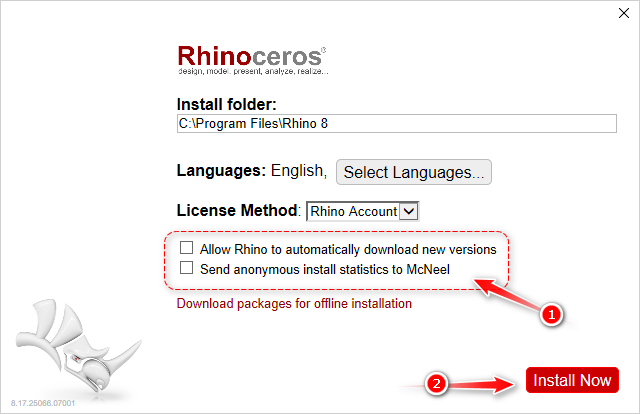
hit the gear icon.
Uncheck the checkboxes and then clickInstallNow.
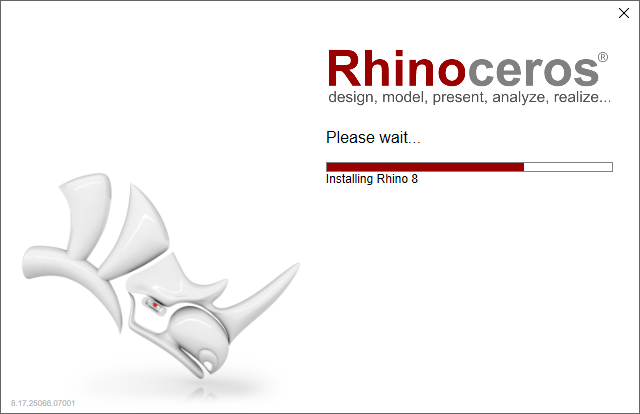
At this stage, the installer is downloading the required files from the internet for the installation.
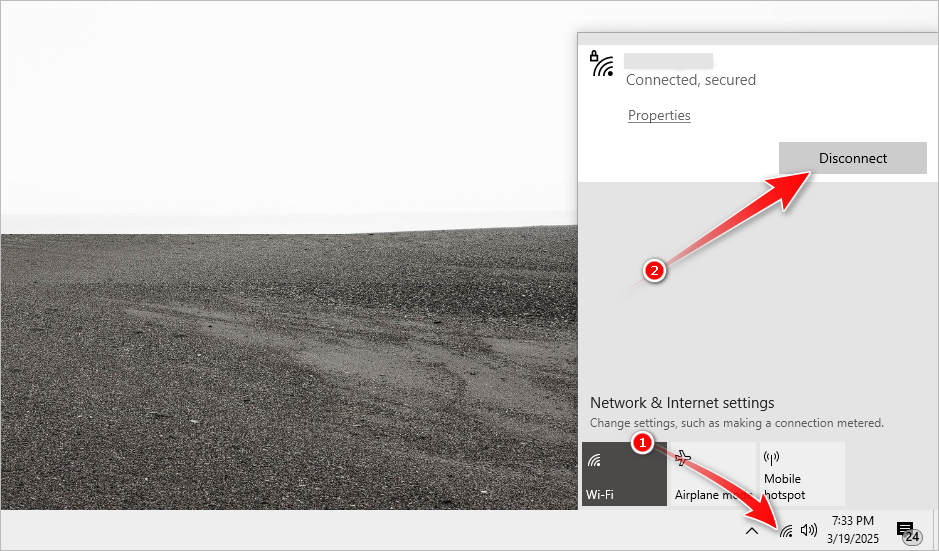
Disable your internet connection.
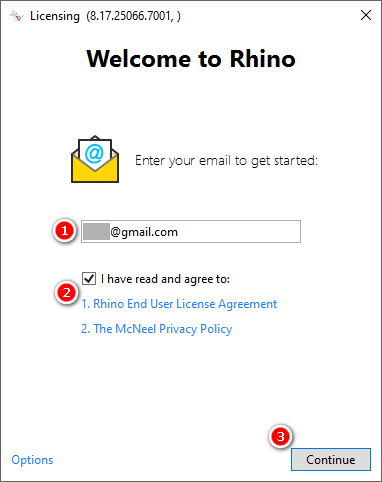
Enter any email address, check the box, and click theContinuebutton.
Note that the button only appears after the box is checked.
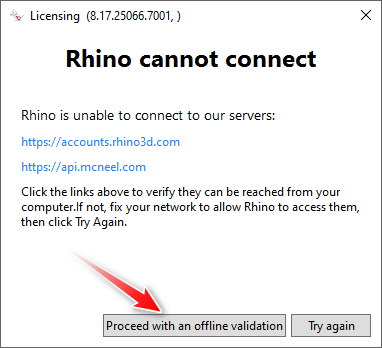
Click theProceed with an offline validation button.
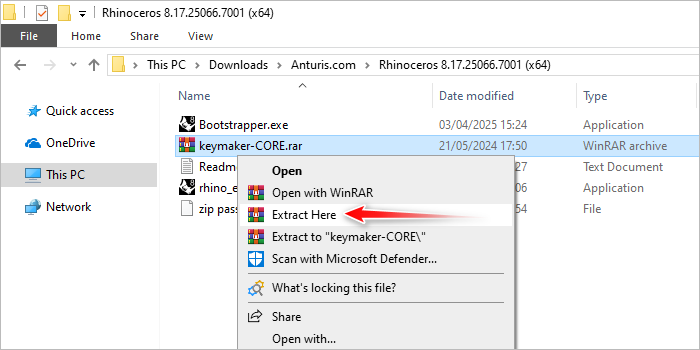
Go back to the extracted folder and extract thekeymaker-COREarchive.
Do not wrap up the license key window.
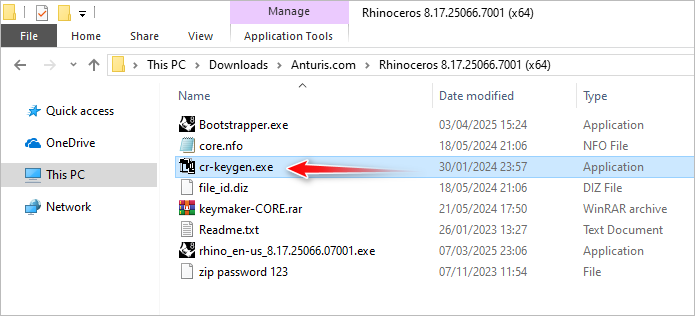
Double-smack the following executable file.
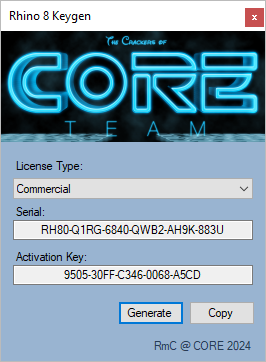
The following window should pop up on your screen.
If not, minimize all open windows one by one until you see it.
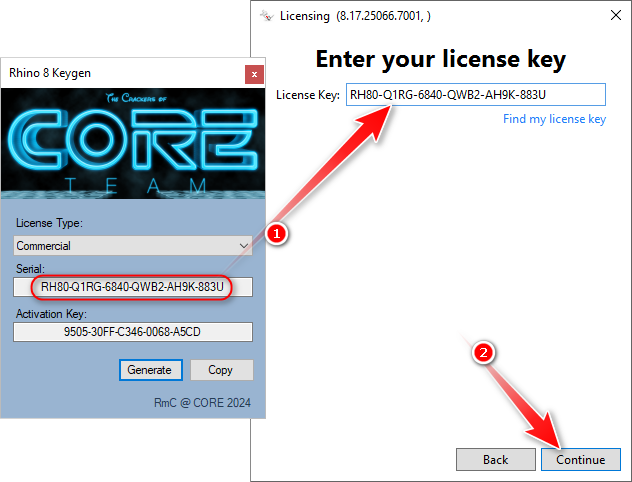
Copy and paste the code into the license key field, and then clickContinue.
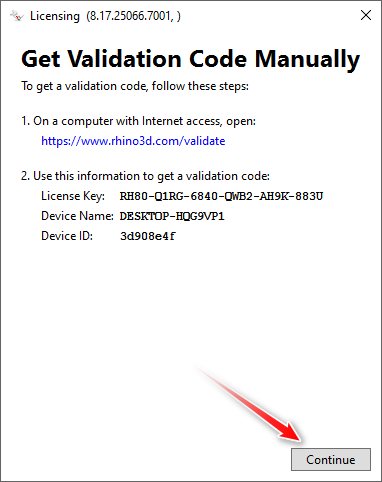
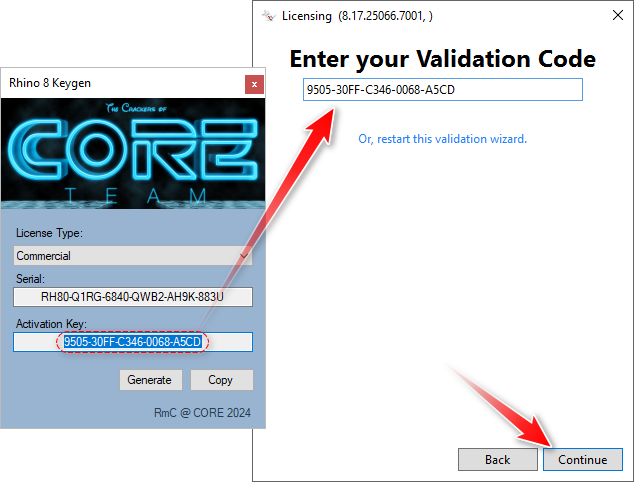
Copy and paste the activation key into the validation code field, and then clickContinue.
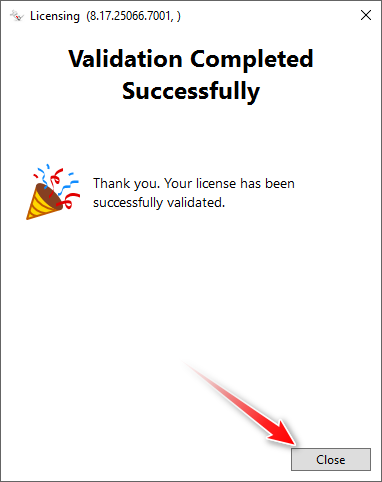
- terminate the window.