Written by Marteen Roose
1.
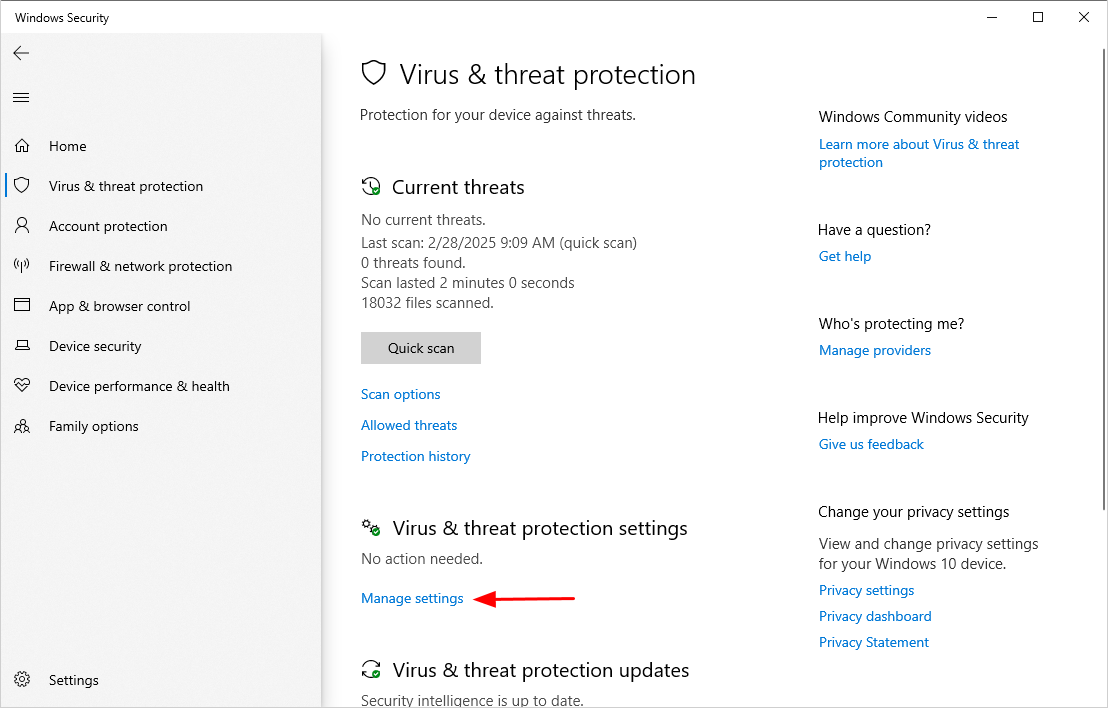
It is necessary to disable your antivirus before installingTechSmith Camtasia 2024.
After you disableReal-time protection, confirm to block the rest as well.
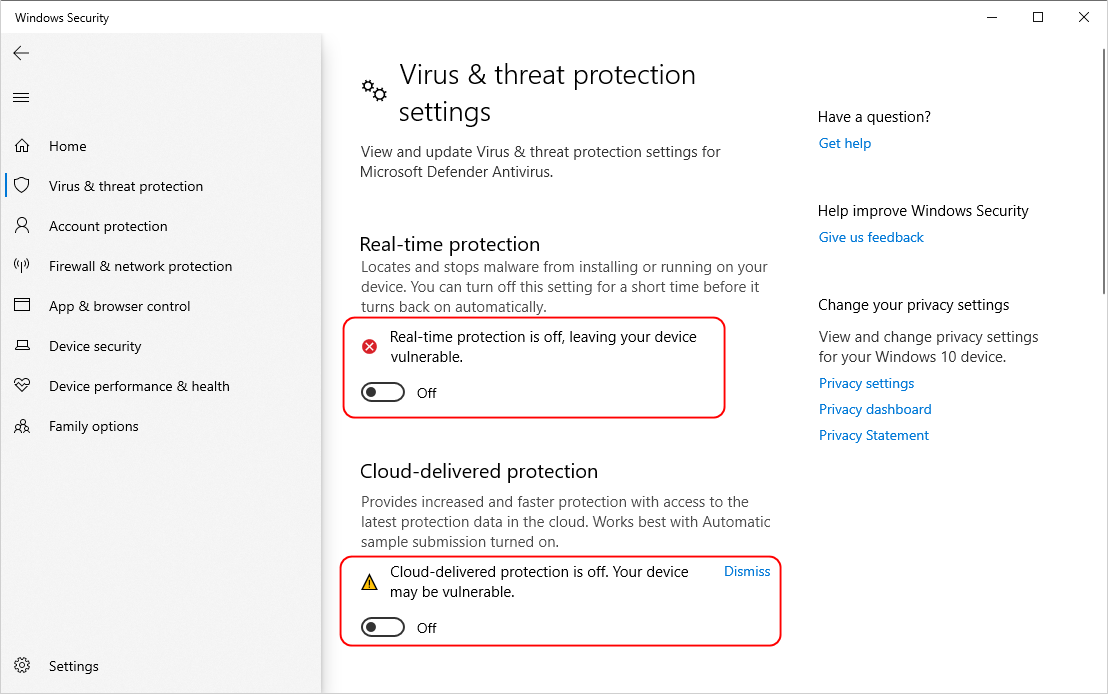
You will also need to disconnect your internet data pipe.
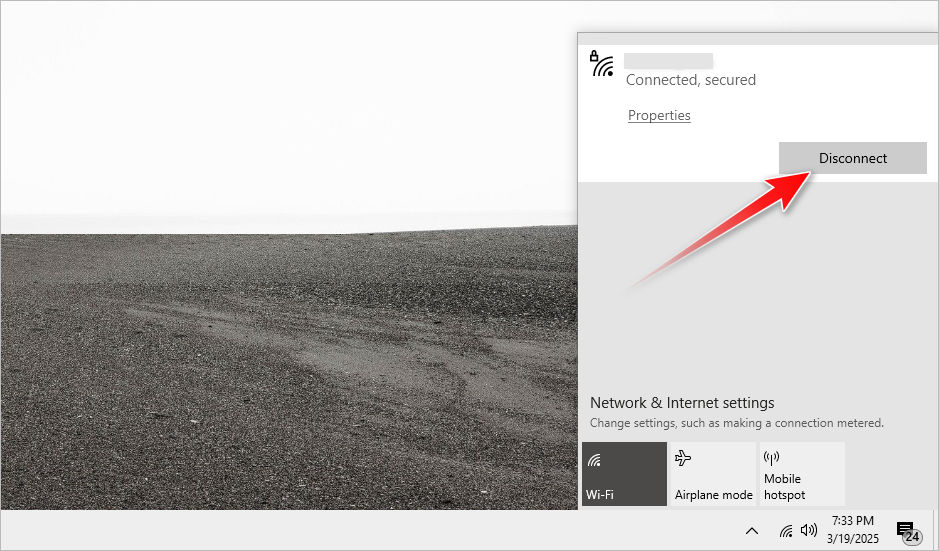
Extract the installer from the ZIP archive.
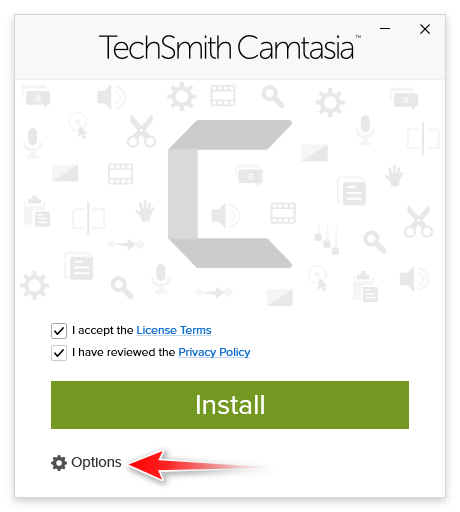
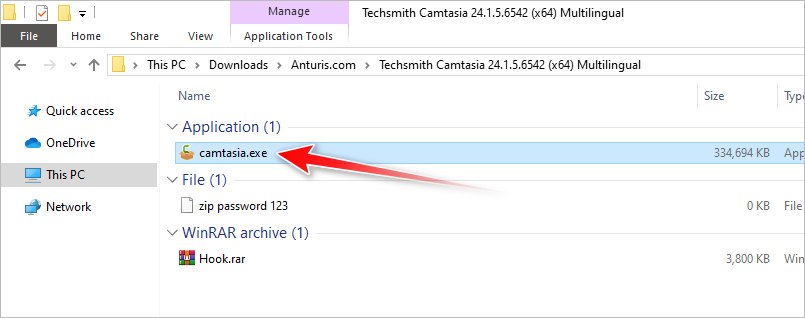
- fire up the extracted folder, then double-clickcamtasia.exe.
Check all the boxes, then clickOptions.
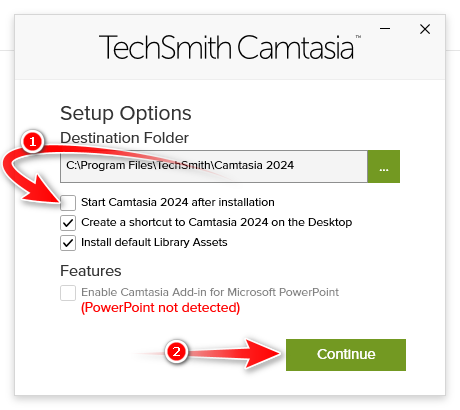
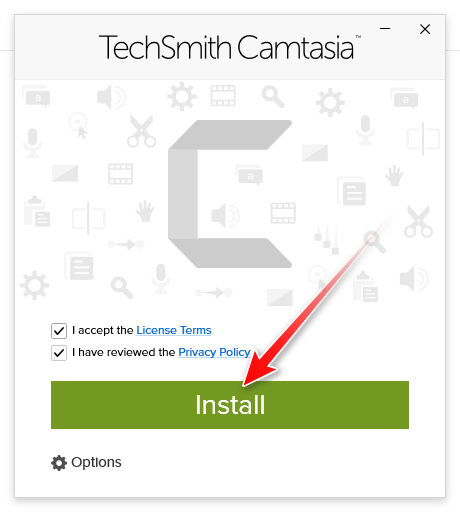
UncheckStart Camtasia 2024 after installation, then clickContinue.
If UAC (User Account Control) pops up, pressYes.
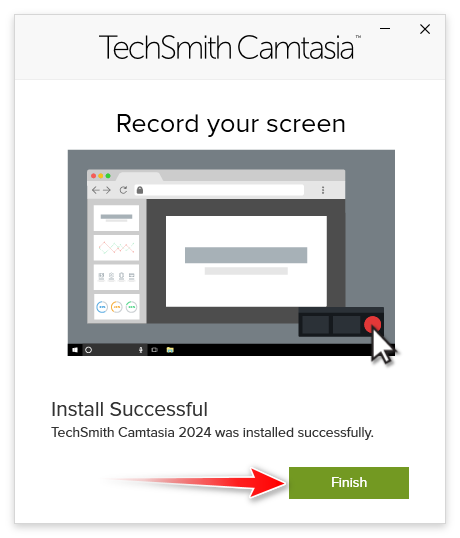
ClickFinishwhen the installation ends.
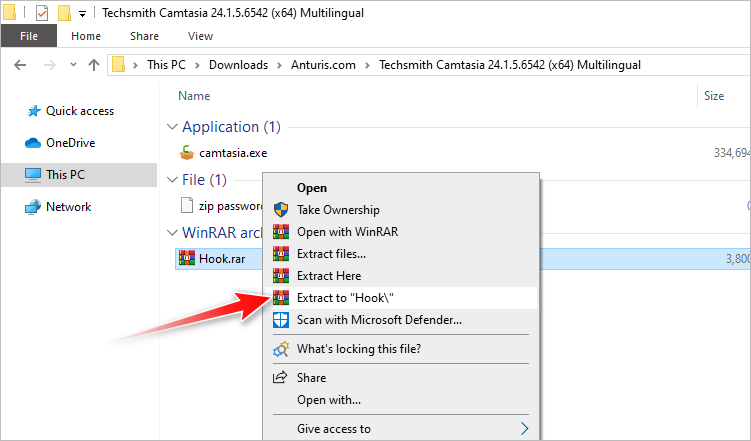
Navigate to the folder where Camtasia installer is located, then extractHook.
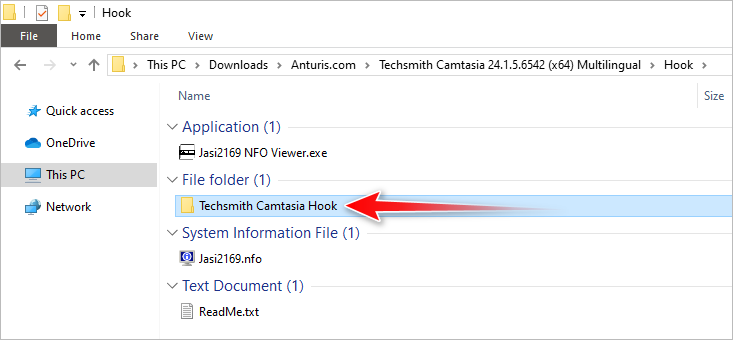
Open theTechsmith Camtasia Hookfolder
14.
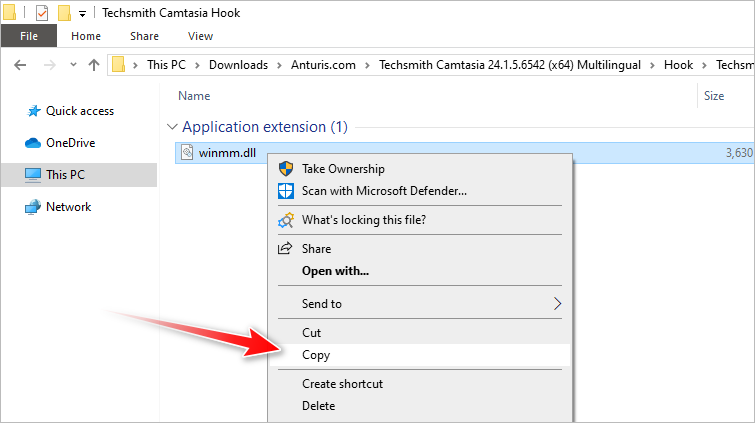
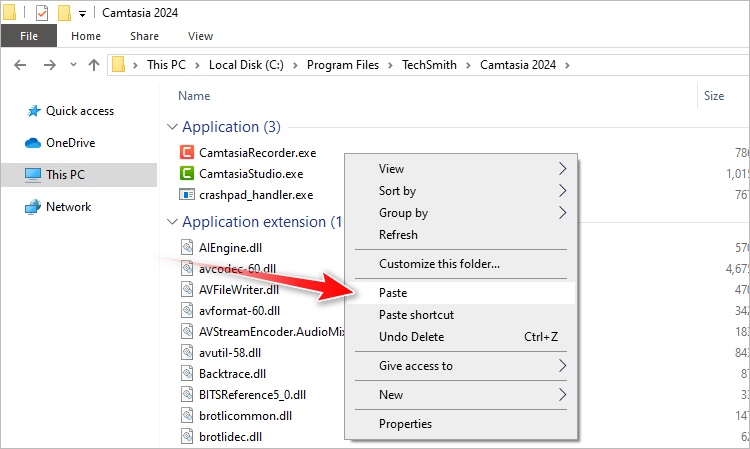
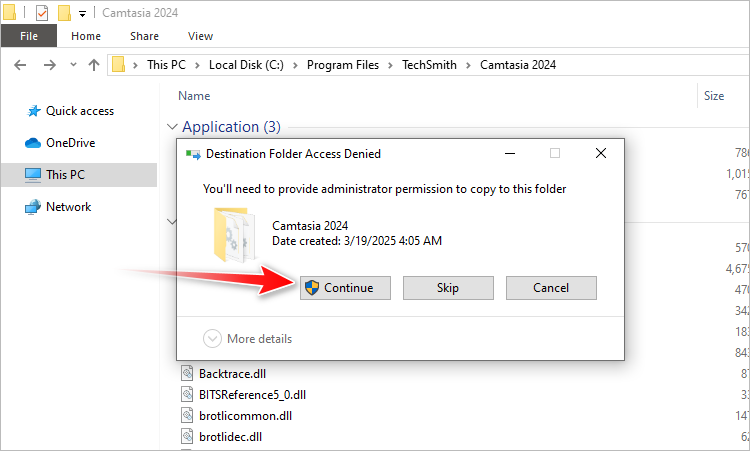
Go to where Camtasia is installed, then paste thewinmm.dll.
ClickContinueto provide the access permission.
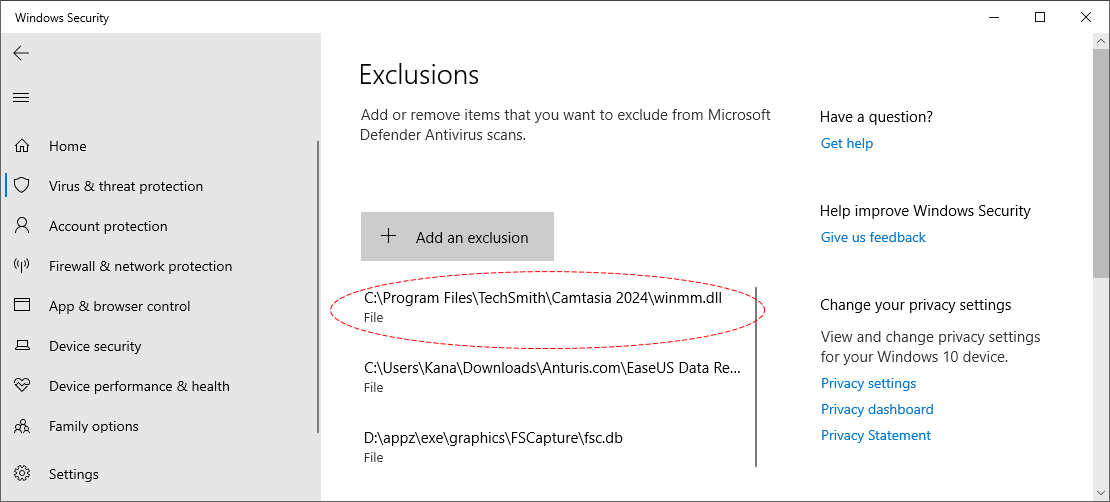
- you gotta excludewinmm.dllin your antivirus.
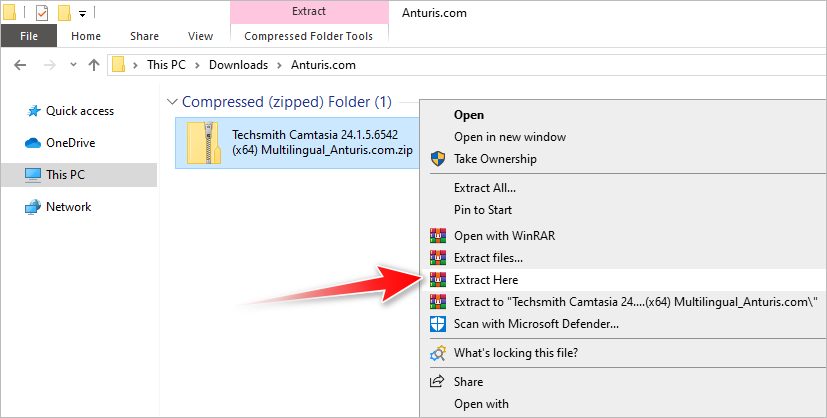
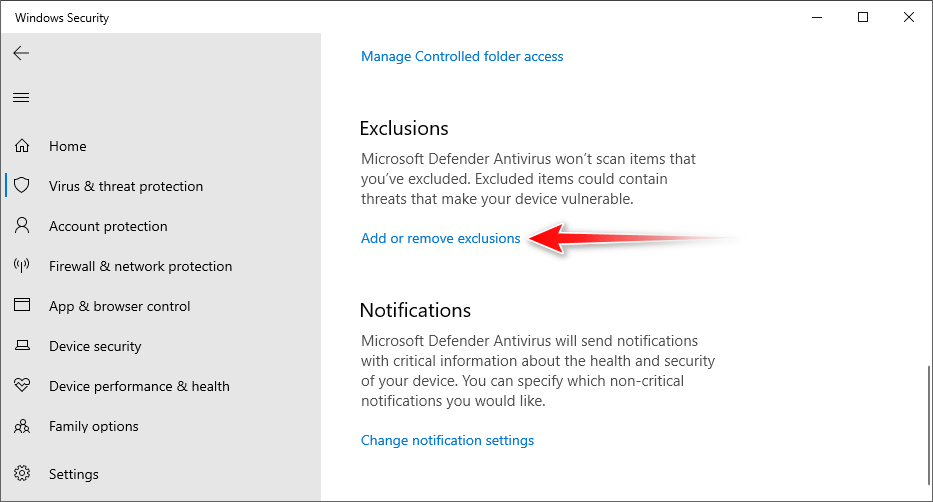
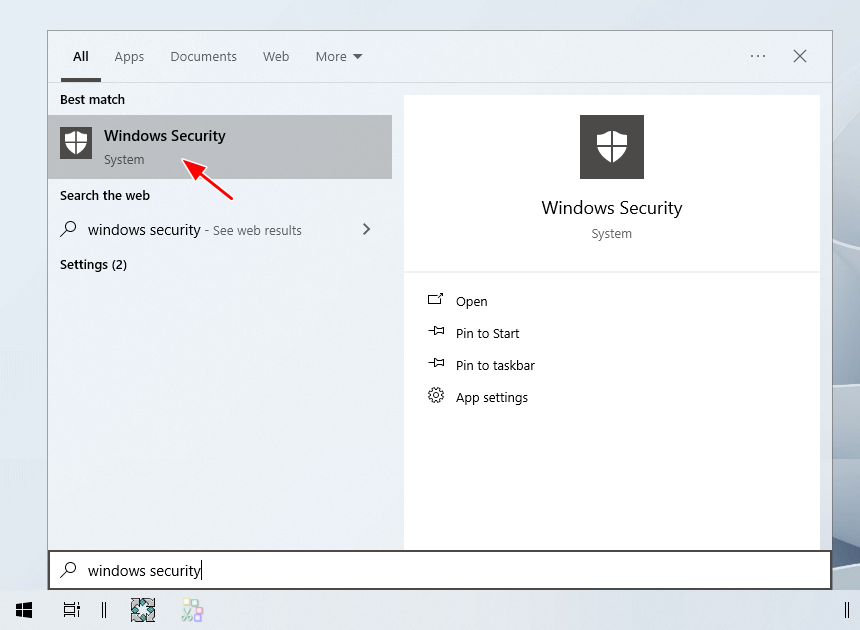
To do this, openWindows Security, clickManage configs, and scroll down to clickAdd or remove exclusions.
If UAC pops up, hitYes.
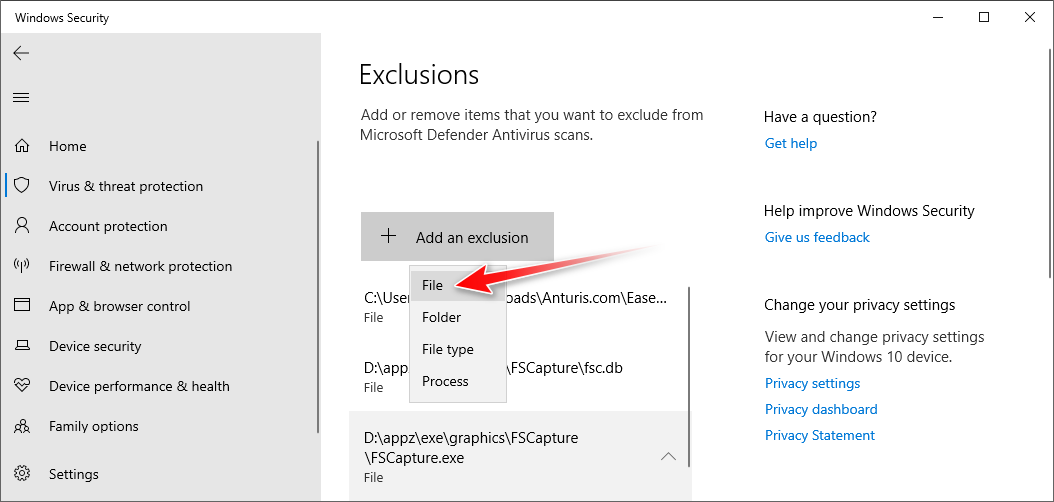
ClickAdd an exclusion, then clickFile.
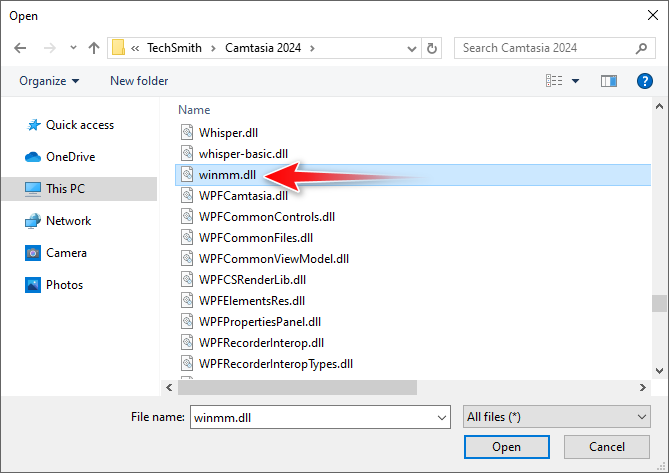
Navigate to the installation folder where thewinmm.dllis located, and then double-smack the file or click theOpenbutton.
The file is now excluded from future scanning.
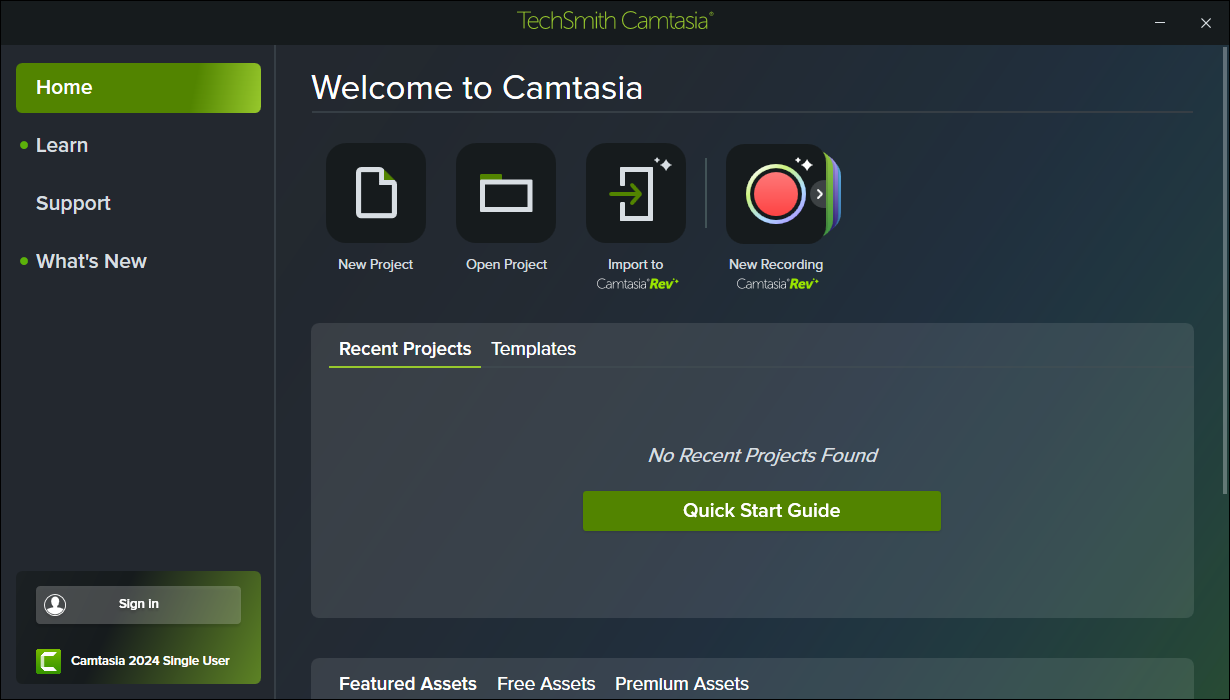
Launch TechSmith Camtasia 2024.
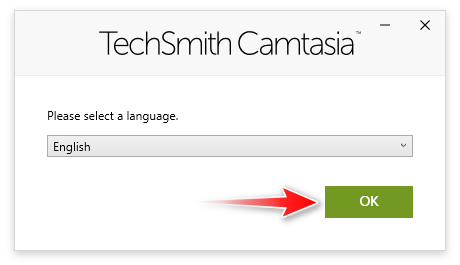
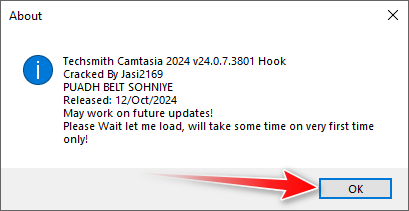
When you run it for the first time, you will see the window shown in the image below.
It takes a while for Camtasia to open on the first run, so be patient.
Subsequent launches will be faster.