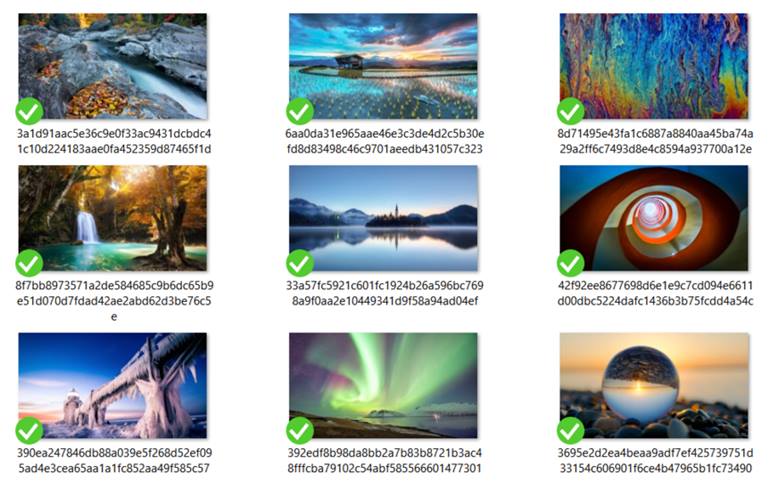
This is also called Windows Spotlight feature.
So follow up the below steps below to proceed.
This will bring up the Run dialog box on your screen.
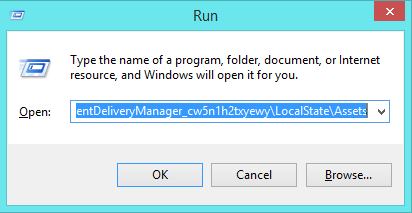
Just paste the location that is given below to the Run box.
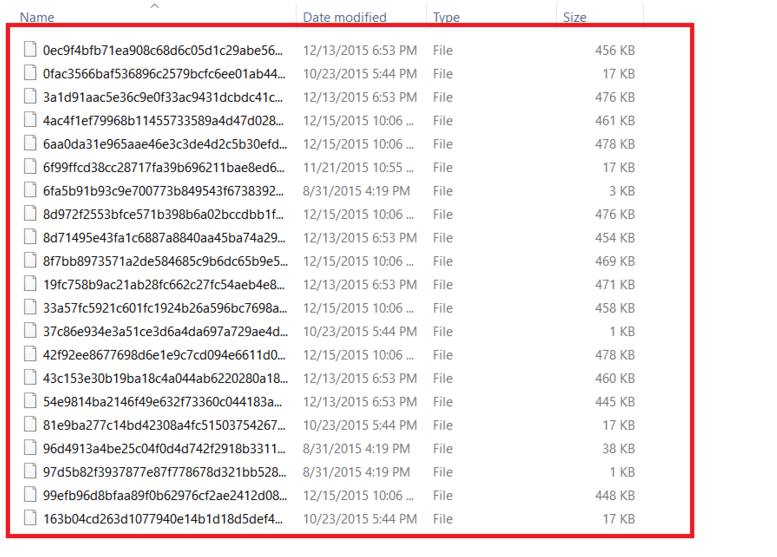
The saved files are not shown as image file and are placed in some other format.
3.Rename the files and change their extensions to.jpg.
There are also some softwares that are available for the same purpose like SpotBright etc.
How to Hide Apps in Realme Phones
Google Chrome Not Saving Password?
8 Ways to Fix it
How To Fix Mobile Hotspot Connected but No Internet on Android