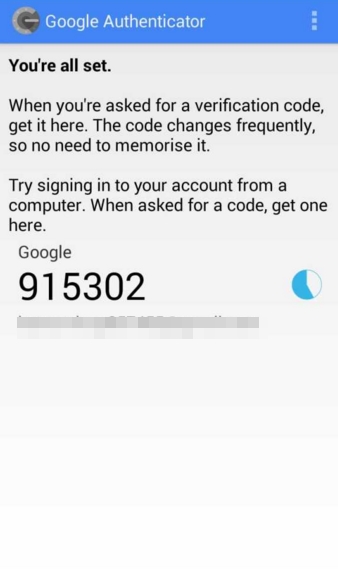
And there are so many other service too that you might know.
But sometime this service irritates when the code is received after minutes.
And to set this up just follow up the complete guide discussed below to proceed.
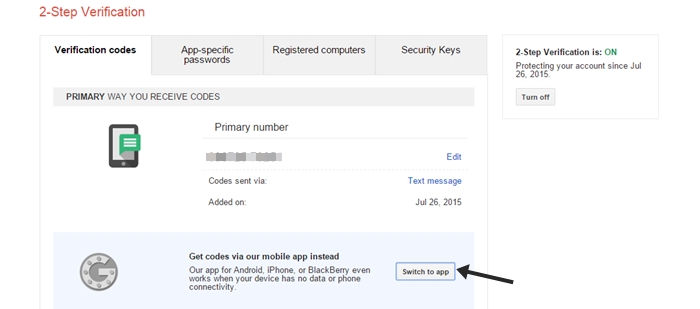
So follow up the below steps to proceed.
Also Check:How To Password Protect Emails in Gmail and Others
- Generates codes even in airplane mode!
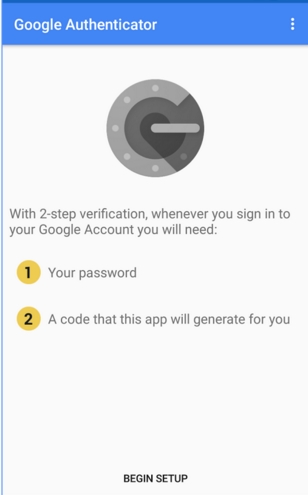
Now after activating this two step verification, download and drop in the appGoogle Authenticatorin your smartphone.
Now in your PC you have to go to the linkaccounts.google.com/SmsAuthConfigwith your google account logged in.
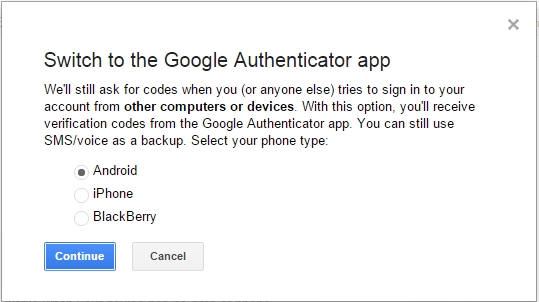
Now there click onSwitch to Appthere.
Now choose the unit that you want to get authenticated for it.
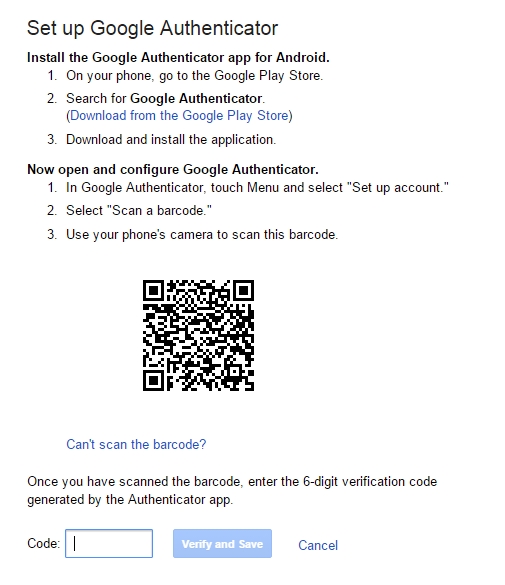
Now you will get the Bar code sign on your screen that you want to scan on your unit.
In your smartphone launch the app and then selectGet Started.
So try this out and stay secure in the cyber world.
How to Hide Apps in Realme Phones
Google Chrome Not Saving Password?
8 Ways to Fix it
How To Fix Mobile Hotspot Connected but No Internet on Android