Now I am going to make aware you the procedure of Replacing files in Google Drive.
Go to Google Drive and opt for file that you want to update.
Thats it you are done, now the File get update without change of the link.
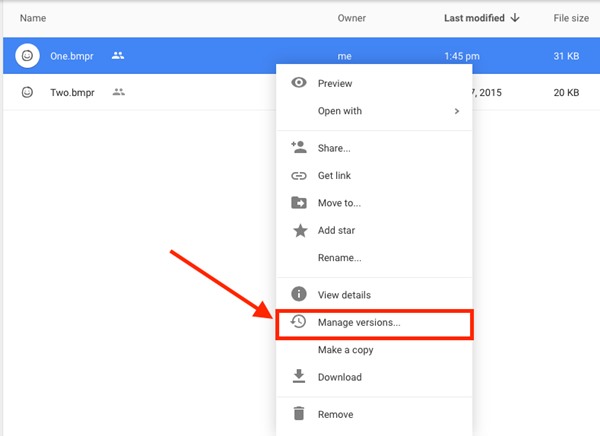
This method will also be helpful in replacing the file in one format with another format.
8 Ways to Fix it
How To Fix Mobile Hotspot Connected but No Internet on Android



