So have a look at the complete guide below.
Just look for the option namedScreen Lockand then hit it.
#2Through the Screen Lock page choose the Secure Lock method for the unlocking and locking of your equipment.
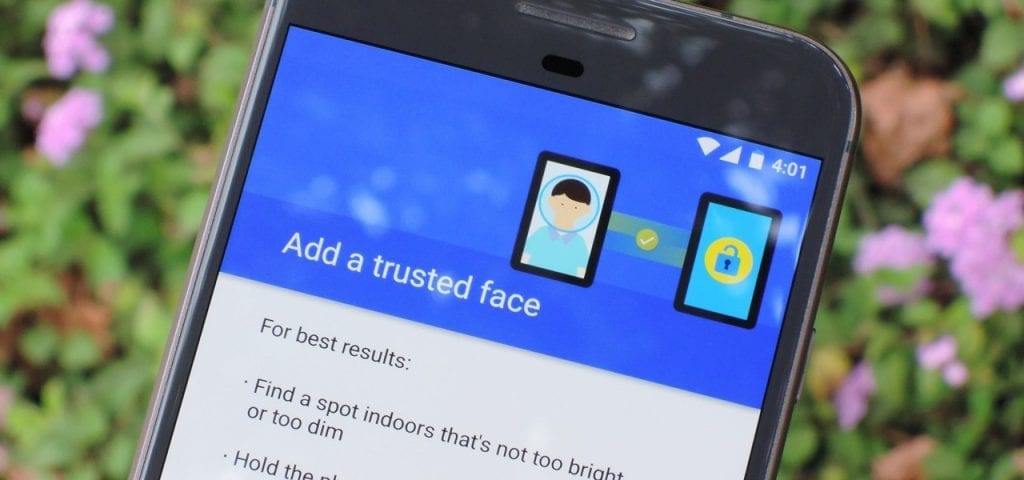
The next steps will require the use of the Secure Lock so as to make theFace ID function.
Simply skip it through clicking the Got it button.
8 Ways to Fix it
How To Fix Mobile Hotspot Connected but No Internet on Android



