Let’s check it out and see how it stacks up.
This configuration willset you back around $930depending on sale prices.
All Victus laptops currently share the same 16-inch chassis and they mostly differ in internal configuration.
Design and Features
The laptop comes with a plastic, matte gray finish.
The laptop measures 14.5 x 10.2 x 0.93 inches and weighs in at 5.4lbs.
Below the screen hinge, we can see the rear exhaust ports for the two internal cooling fans.
The left edge of the Victus houses most of the I/O.
The matte gray finish continues over the rest of the laptop as well.
Screen bezels are nice and narrow around three of the edges.
The bulk of the circuitry is housed at the bottom of the display.
This has become fairly standard and the bottom bezel on the Victus measures slightly over an inch.
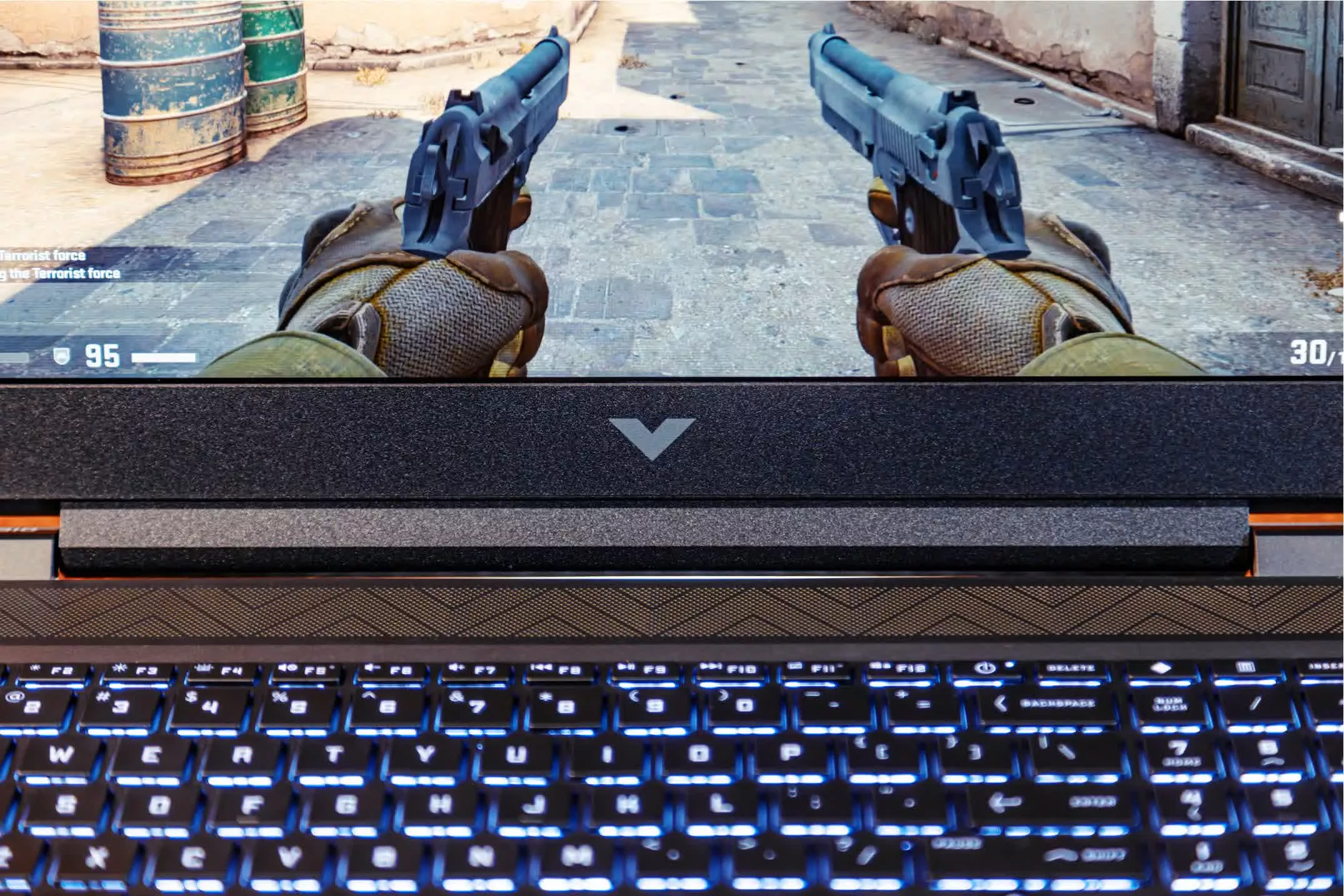
I like the subtle “V” pattern here.
It’s much less pronounced on the actual unit compared to the picture.
I was reasonably impressed with the Bang and Olufsen speakers on the Victus.
The webcam on top is only 720p and becomes grainy in low light.
The Hardware
Let’s talk some more about mechanical design.
The trackpad is nice and large, but feels rather flimsy.
The top edge is attached to the laptop body while bottom surface is free floating.
This results in the whole keyboard shaking and rattling around when tapping to click.
Next, onto the keyboard.
The keys feel very sturdy and have a nice actuation.
Another feature of more and more laptops that I appreciate is the increased resistance on the power button.
The soft white backlight works really well, too.
It’s uniform and hits all the marked areas without leaving any area over or under-illuminated.
Why did HP not put page up/down in the open gaps above the arrow keys?
Why does the keyboard have dedicated “HP Omen Gaming Hub” and calculator buttons?
Home and End keys would have been much more useful there.
Opening up the bottom cover to get a look inside is very difficult in the Victus.
Even with a proper plastic spudger kit I managed to break off a few of these in the struggle.
It shouldn’t be that hard to get into a laptop.
HP did make up for this in my opinion by posting a wonderfulteardown and repair guide.
Huge credit to HP for this and I wish other brands would do the same.
Many of the parts inside even list what screw sizes they use and product numbers for their replacement.
Both M.2 and RAM sockets are easily accessible for upgrades.
While we can see the guts inside, let’s go over thermal performance.
Overall I’d say the two heatpipes and blowers do a decently nice job of keeping Victus cool.
The CPU and GPU stabilized at 82C and 79C respectively in the first scenario with limited airflow.
Letting the fans breathe more lowered CPU temps to 68C and GPU temps to 66C.
Those numbers are much better.
The fan noise is definitely noticeable when the system is heavily loaded, but it isn’t obnoxious.
The acoustics make them sound more like a low drone than a high pitched whine.
I found the fan curves to be tuned very nicely.
Definitely easy on the ears that way.
Keyboard comfort during heavy load is about as expected for a gaming laptop.
Here are our reviews of thei5-11400H CPUandRTX 3050 Ti Laptop GPU.
As for the 3050 Ti, it’s far from a standout.
Performance is average and is often limited by the 4GB of VRAM.
The base model should start with at least 512GB.
Display Performance
The display is a 16.1" 1920x1080 IPS display running at 60Hz.
For the price, I think the higher refresh rate is a no-brainer.
The screen gets bright enough for most indoor use, but I wish it went a few levels higher.
I tested color accuracy usingCalman by Portrait Displaysalong with anX-Rite i1Display Pro meter.
Initial measurements of the display showed average DeltaE values of 4.7 and a max value of 8.7.
That’s poor and is obviously well above the 1.0 range for being considered “accurate”.
After running through the Calman calibration session, the average DeltaE value dropped to 1.6.
I’d call this acceptable, but not amazing.
It includes a McAfee anti-virus trial that bombards you with popups to purchase the full version.
Even with all that software pre-installed, the system boots up from zero in 12 seconds.
I’m quite happy with that value and never felt like I was waiting on the laptop to load.
These are pretty decent numbers and nothing spectacular.
The Gigabyte G5 is also slightly less expensive than the Victus with the same configuration as the Nitro 5.
