Jdownloader supports downloading files from cloud storages such as MediaFire.
It is open source, free, and relatively easy to use.
The installation might take a while to finish, but it is not difficult.
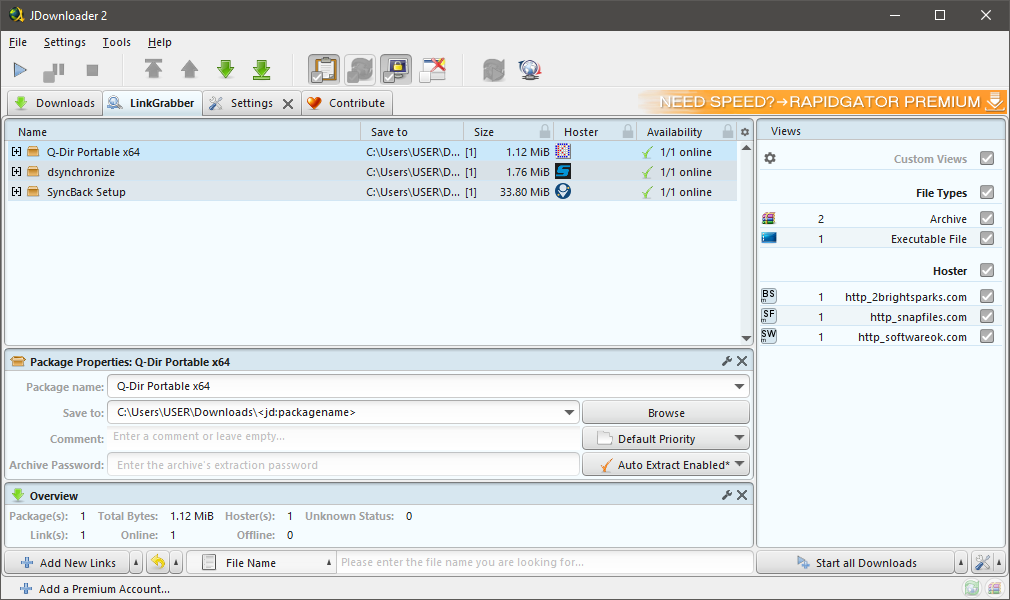
As soon as you copy a download link, a pop up window shows up above the notification area.
overwrite, skip file, auto rename, or ask for each file), and a lot more.
Interestingly, Jdownloader has the ability to automatically extract downloaded archives.

To activate this option, bring up the prefs tab and then click Archive Extractor on the left side.
double-check that the option to extract archives after download is enabled.
After that, select a destination folder to keep the extracted files.
If you do this, the window will not appear again.
Unfortunately, there is no way to perfectly integrate Jdownloader with browsers.
Nevertheless, Jdownloader is still an interesting piece of a software to try out.
Its free, after all.
