Many users depend on Keepass to store and organize passwords, and most importantly to secure them.
It is open source, free, lightweight, and works as expected.
Plus, it can be installed or used as a portable software.
Features and Highlights
Keepass can be confusing to first-time users since it doesnt provide instructions for use.
There is this page titled First Steps Tutorial, but its explanation is not that easy to understand.
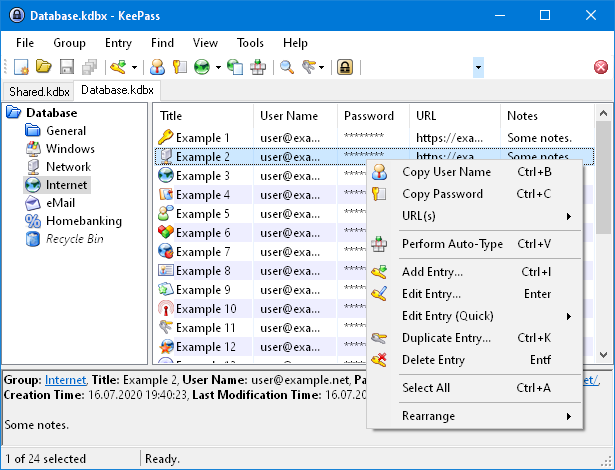
The interface looks outdated.

It is not as stylish as the other popular alternatives.
However, there are plenty of users who actually prefer this kind of classic look.
Keepass supports more than 40 password managers, including those that belong to Mozilla Firefox and Google Chrome browsers.
When you create a new entry in the database, Keepass generates a password automatically.
By default it uses 20 characters that contains numbers, uppercase letters and lowercase letters.
If you desire the most convenient password manager, Keepass is probably not for you.
But if you need one that completely works offline, Keepass is amazing.
