Microsoft Project 2010 helps managing projects more efficiently, but only after one knows how to use it.
It is so rich with functionality that learning it can take a long time.
On the upside, a lot of resources are available to guide you during the learning.
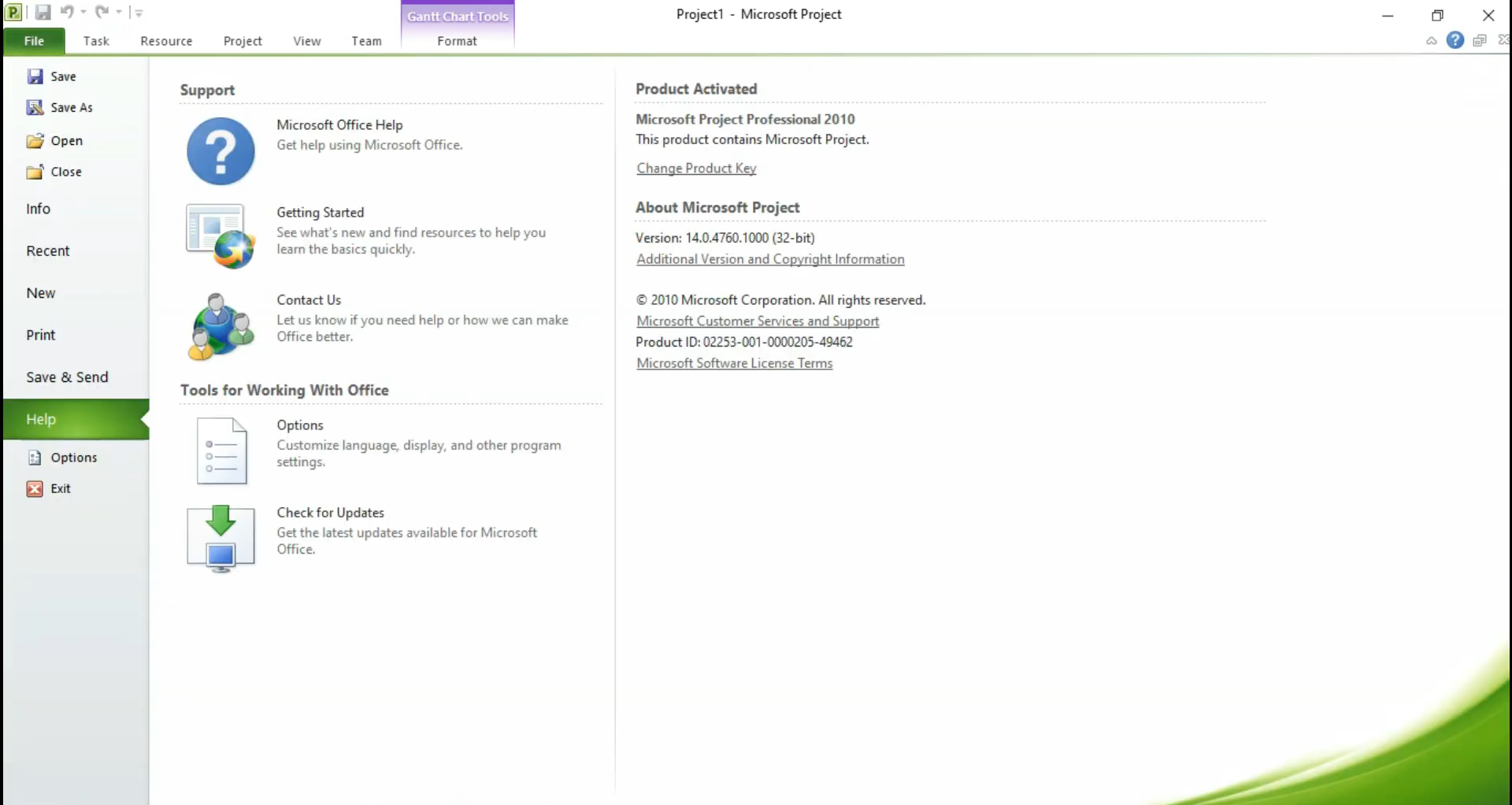
It may even surprise you with how easier it becomes in managing your projects after using the software.
Unlike the old menu system, it allows you to see various commands at once.
The small toolbar contains a few buttons by default.

Viewis the term used to refer to the working space in Microsoft Project 2010.
There are different views, including the Gantt Chart view which is used as the default view.
you could resize the pane, adjust the timescale, display different columns, and more.
