Microsoft Visio 2010 is the first iteration that introduces the ribbon style which makes it a bold release.
When the ribbon was announced, there were a mix of responses.
Some liked it, some just disliked it very much.
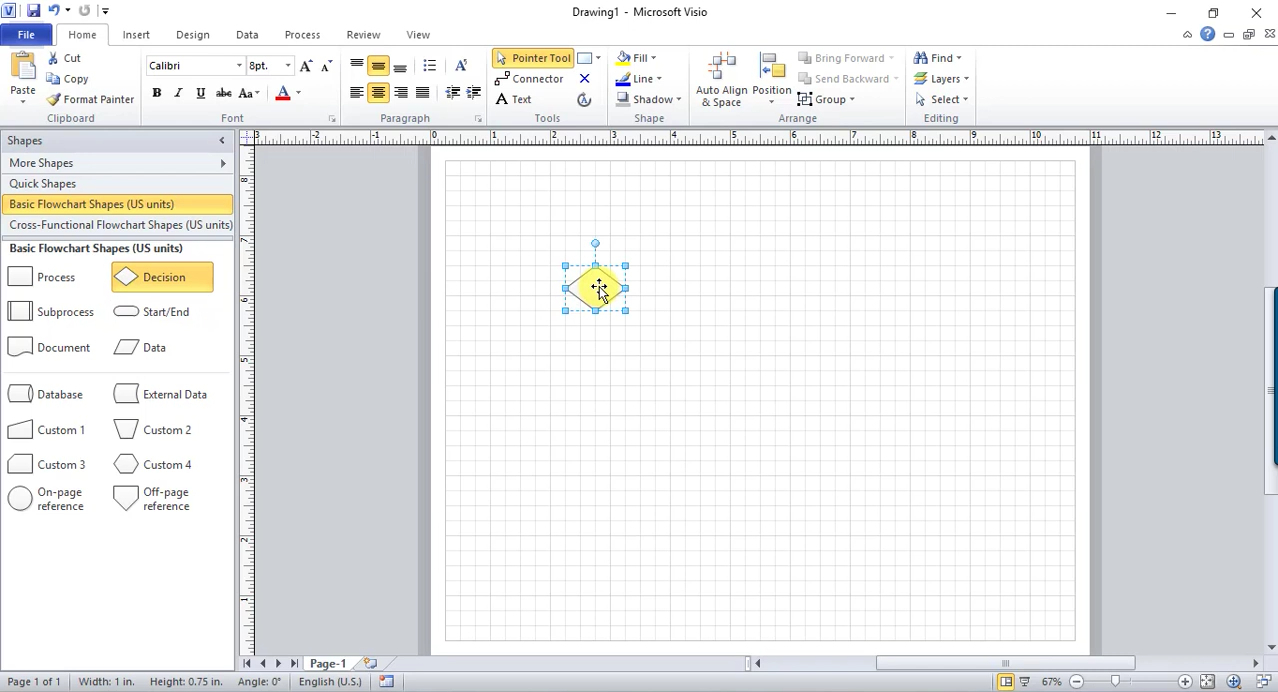
If you point to an existing shape in a page, QuickShapes will display several shapes.
Auto Align & Space offers another smart way to rearrange your diagram.
One hit it and it will change how the shapes are aligned to each other.

Deleting a shape is as convenient as adding one too.
In Microsoft Visio 2010, applying a theme is easier thanks to the Live Preview.
Live Preview shows you how the diagram will change according to the selected theme.
This particular feature lets you experiment with many themes without actually applying any of them.
If you need more shapes, there are more in the Shapes window.
