The software is packed with a wide array of tools to draw, beautify, and manage diagrams.
Beginners may find that drawing a diagram from scratch is difficult.
The provided contextual tips can further help users to complete their diagrams.
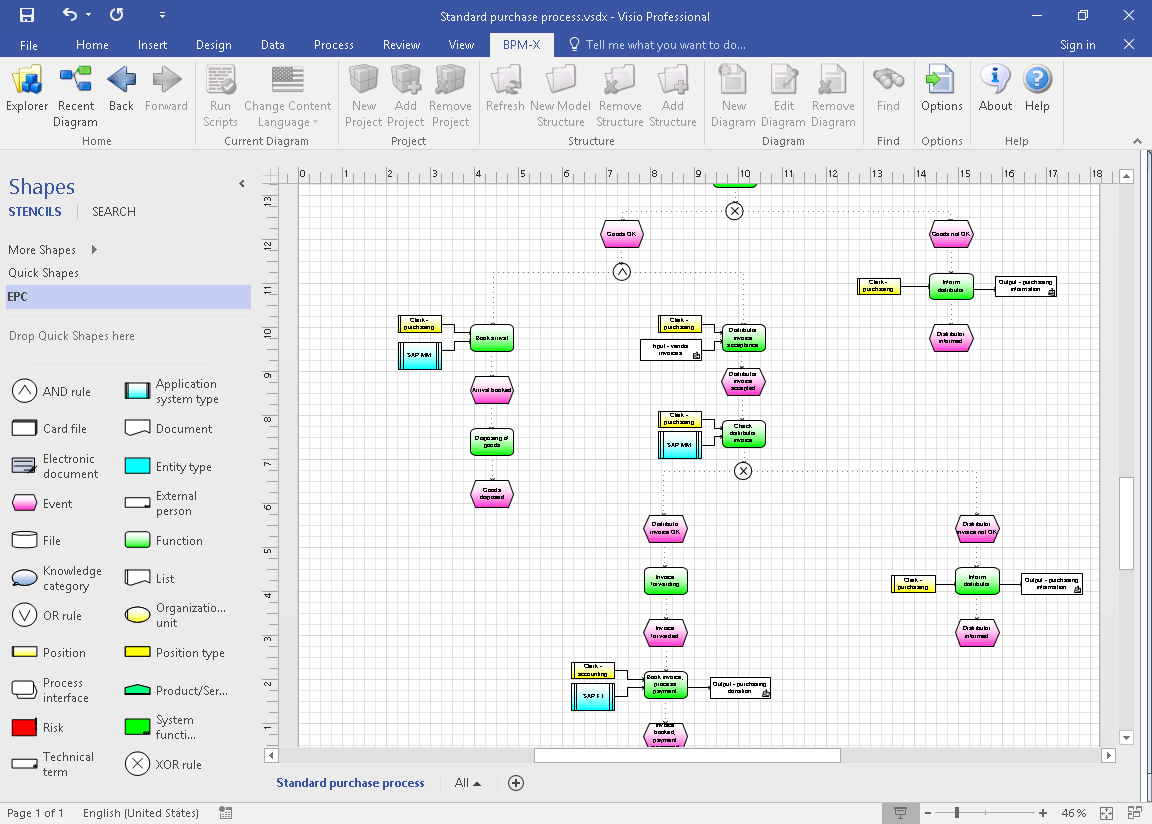
Features and Highlights
Microsoft Visio 2016 has dozens of shapes that many of which exhibit smart behaviour.
These kinds of shapes are simply called smart shapes.
They have the capability to adapt to changes automatically.

There are hundreds of commands in Microsoft Visio 2016 which makes it impossible to remember every command.
The Tell Me feature lets you find the commands that you need with ease.
It shows a list of commands after you tell it what to do.
They are only available if youre in the right place.
The Tell Me functionality is a huge help, especially for beginners.
However, users have to know how it works for be able to use it well.
Microsoft Visio 2016 shows the Start screen when you first run it.
The screen displays a number of templates to get you started quickly.
These are featured templates.
To get more templates, you should go to the template categories which group template based on their uses.
Each template has a title to show what it is for.
punch in basic flowchart, for instance, and the relevant template shows up.
