It is convenient to have everything you need in one place.
And if the built-in tools are not enough, there are plugins you could install to get more functions.
One of the limitations in the free version is the number of sessions.
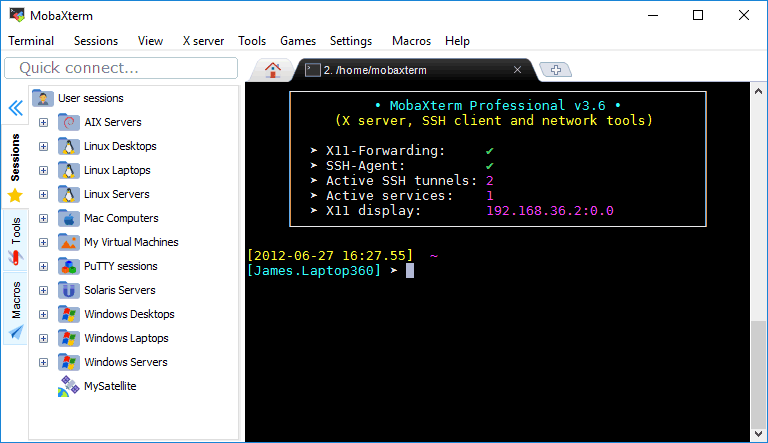
Any remote session you choose to run, MobaXterm displays the session in the left sidebar in alphabetic order.
When you start a session, MobaXterm saves it automatically.
As shown by the picture above, MobaXterm supports a multitab environment.

If you want to try it, press the button labeled MultiExec.
It is used to browse and transfer remote files.
MobaXterm comes with a number of skins.
The default one is Windows dark theme that supports transparency effect.
Both the darkness and transparency level can be adjusted to your liking.
Two icon themes are available: Flat and Crystal.
Full Screen, Compact, and Normal are the view mode for the interface itself.
Enabling the compact mode, for instance, will turn the top bar to a hamburger button.
