Lets say you have four email accounts, each created with a different email provider.
It means you have to visit four sites to view and manage all the messages.
If you use Mozilla Thunderbird, you could view and manage those messages in one place.
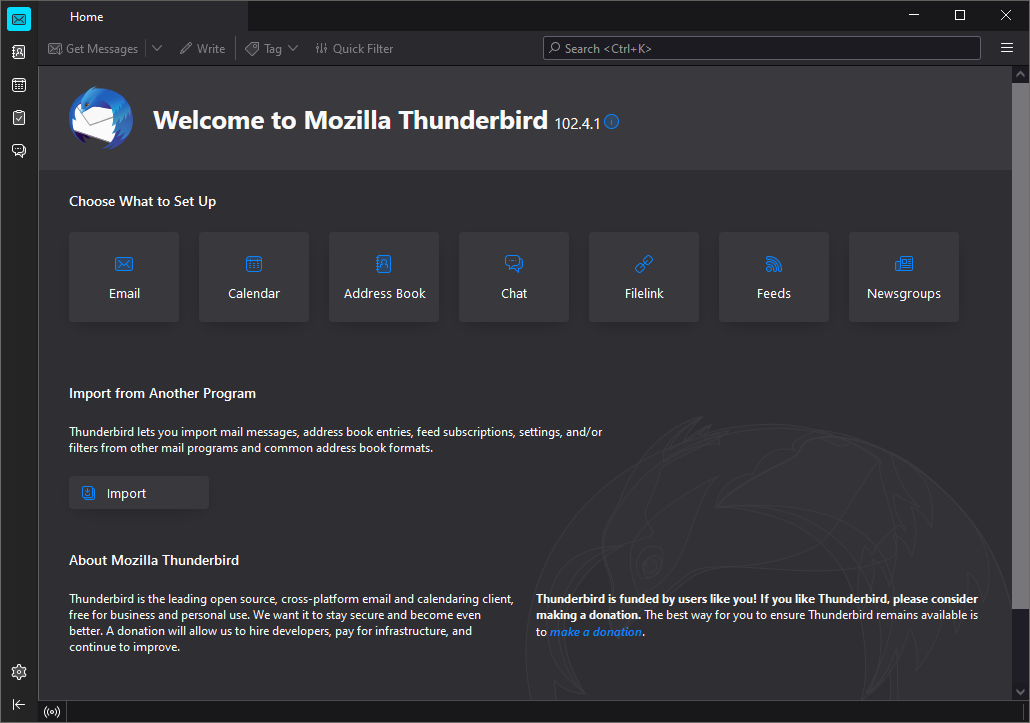
Mozilla Thunderbird is one of the most favored email clients.
It has been used by millions of people all over the world on Windows, Linux, and Mac.
It is jammed with great features and extendable by add-ons.

The information that you better provide are only email address, password, and name.
Mozilla Thunderbird will use these information to find the most suitable options.
Yet another best feature of Mozilla Thunderbird is that it can search messages across all email accounts.
The search result is displayed in a tab separately from the other tabs that contain messages.
On the other hand, the Quick Filter toolbar lets you filter messages in the current message list.
The purpose is to display only messages that match the terms.
you might also apply the filter only to the sender, subject, body, or recipient.
Mozilla Thunderbird also features Smart Folder.
It collects messages from all accounts in one folder.
Messages that you have read can be deleted if you dont need them anymore.
Archived messages are stored in a different location so they wont clutter the inbox.
It lets you manage email messages much more efficiently.
It also has a protection mechanism against phishing and spam.
Its look and feel can be changed instantly by switching the theme.
