It can also extract audio parts, increase mp3 song volume, apply fade effects, and more.
Instead of an mp3 cutter, calling it an audio editor suits it better.
Despite the number of features it has, mp3DirectCut has a file size that is less than 500 KB.
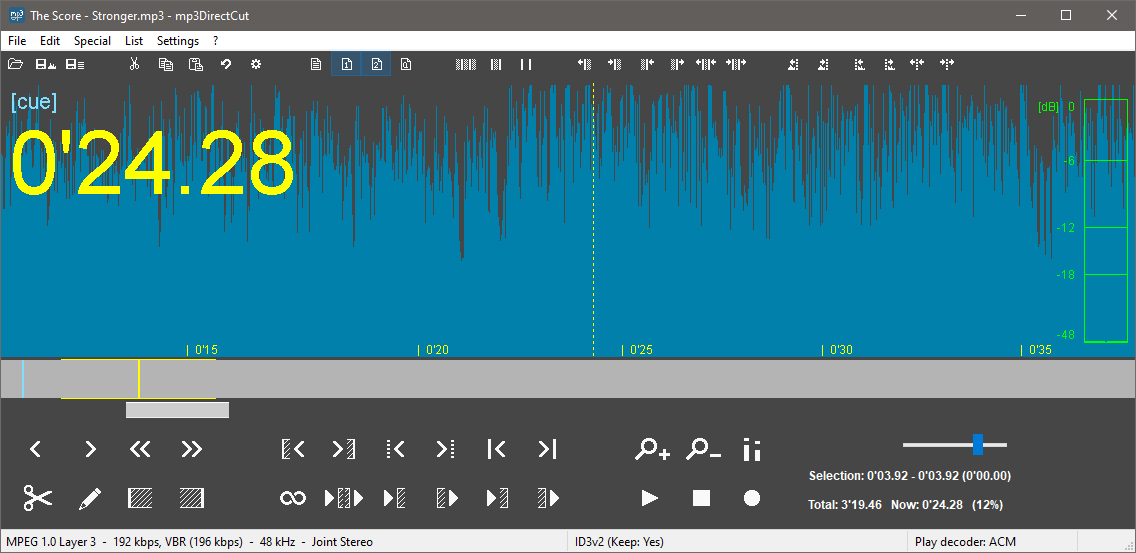
There are seven layouts, three of which are combination between buttons and text.
The layout change requires mp3DirectCut to be restarted for it to take effects.
The output files will always have the same quality as the originals.

Even better, you dont have to tweak any setting for cutting files losslessly.
On the other hand, mp3DirectCut can save the selected part of the audio instead of removing it.
The output is also free from quality loss.
The other way to do it is by clicking the File menu, followed by clicking on Save Selection.
mp3DirectCut can also split an mp3 track into multiple segments.
If you head over to Special menu, you will find a relevant feature called Auto Cue.
It can split the whole mp3 file or only the selected part.
The interface looks cluttered with the small buttons.
