My WIFI Router, a free software running on Windows, can help you with this.
My WIFI Router can also help if you have a router without wireless access points built in.
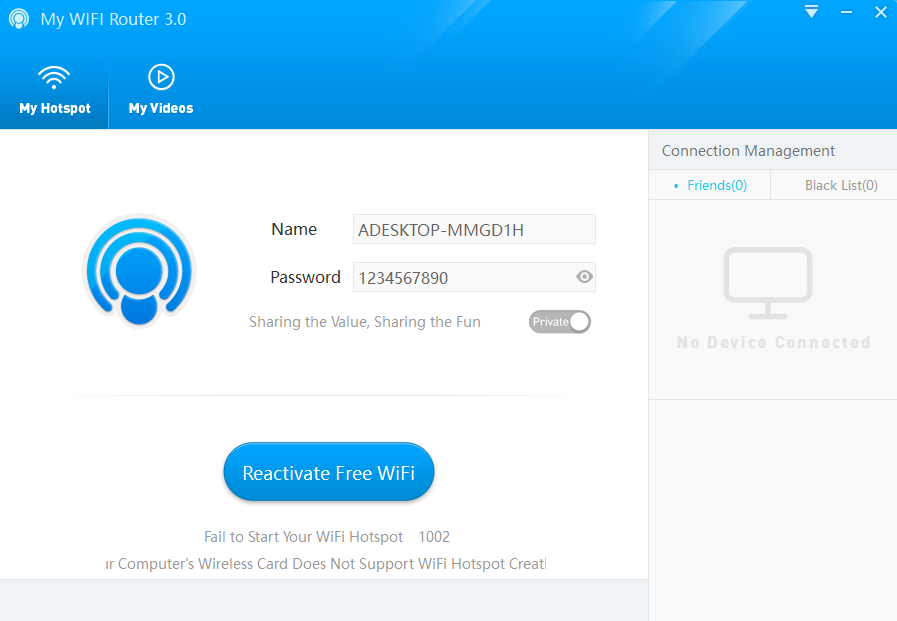
Install this software in your system that is connected to the internet and activate the Wi-Fi connection.
Features and Highlights
Using your laptop as a wireless hotspot is easy.
Its up to you.
The name and password for your hotspot can be changed later but you gotta stop the connection first.

After that, wait until the color turns into a green one.
When it does, it means the connection is ready to be shared with nearby devices.
Any other machine can connect to your laptop as long as its owner knows the password.
The name of all connected devices will appear in the Connection Management panel in My WIFI Router.
In that panel, there are a few things you could do regarding the connected devices.
For example, limiting the connection speed of a gadget.
Each gear has an unlimited speed by default.
It will reveal a menu that contains three options.
My WIFI Router has another functionality, and that is to share videos over the wireless connection.
The ability to share videos, while it may not that important, is a nice bonus to have.
