Its ability to optimize your game parameters is not the only reason why you should use this software.
It allows you to download and set up the best drivers that will boost your game performance.
When you run it, you will asked to set up a new NVIDIA account.
Unless you already have one, you have to create one to be able to use NVIDIA GeForce Experience.
After successfully logging in, you will be prompted to take a tour.
If you dont feel it is necessary, however, you’re able to just skip the tour.

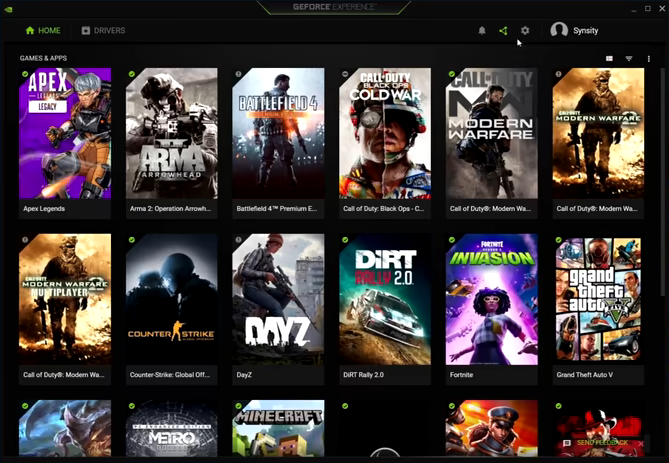
NVIDIA GeForce Experience scans your PC for installed games.
The scan can be executed automatically or manually.
Every time it finds a game, it adds the game to your library.
NVIDIA GeForce Experience can automatically optimize game options for newly installed titles if you switch on the option.
It doesnt work on all game titles, though.
On top of that, it is possible that the automatic optimization do not actually give the best result.
So, instead of turning this feature on, you might want to do it manually.
you might view the options and recommended values for each game that is added into the library.
Clicking the optimize button will apply the recommended values on the selected game.
NVIDIA GeForce Experience gives you two options to get yourself the latest drivers.
Either to search for the drivers manually or let the software notifies you when there are new drivers released.
It provides Instant Replay that can be launched with a hotkey.
And last but not least, NVIDIA GeForce Experience can broadcast your gameplay.
