Everyone can create mockups.
Better yet, it is free.
Pencil lacks documentation for end users.
The official homepage has a wiki page but it is intended for stencil developers.
Perhaps it is because Pencil is quite simple to use so the developer doesnt bother writing a manual.
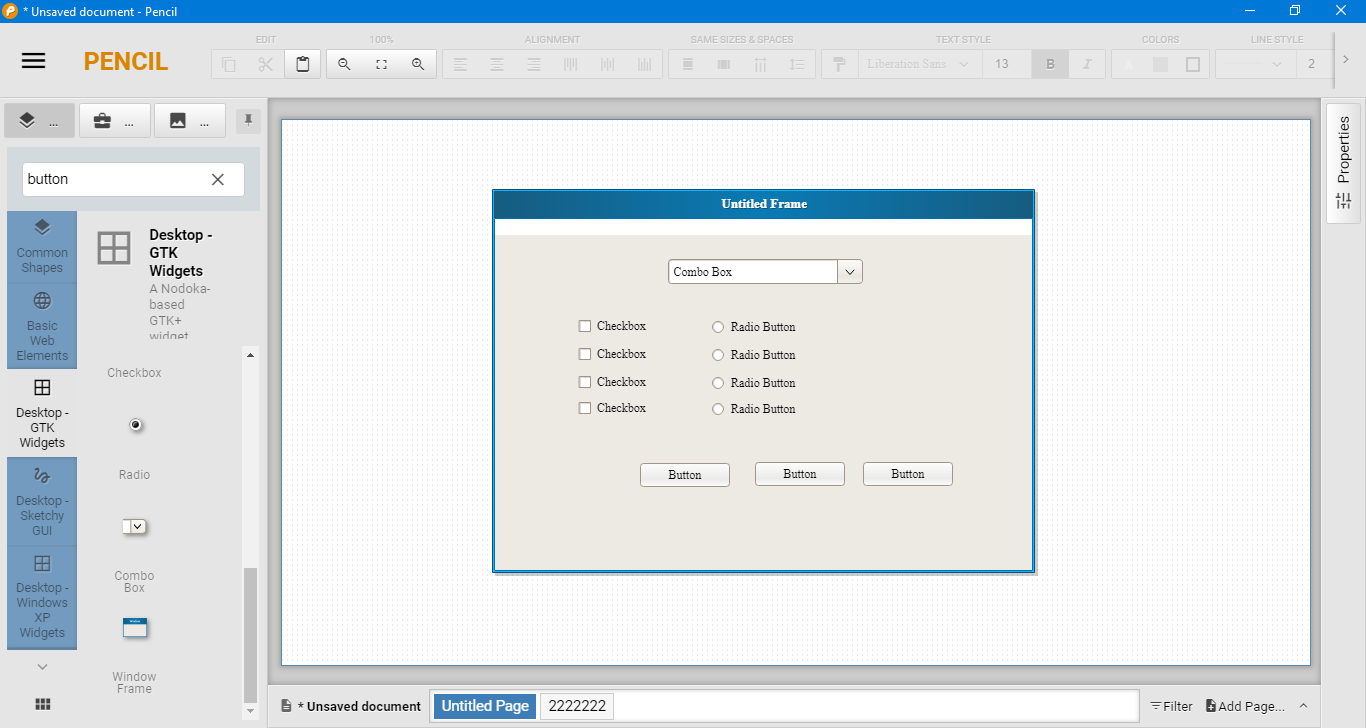
The built-in shapes are grouped under different categories.

Right tap on a collection at the left sidebar, select Hide, and Pencil hides it immediately.
you’re free to fire up the compact mode too.
It gives you more screen estate by hiding the text row on the top.
To switch on the mode, you have to do it from the options window.
To start drawing, drag and drop a shape to the canvas.
Move the shape to a location, drag its edges to resize it, and add text if necessary.
You might want to switch on the grid to draw easier.
The snapping between objects is on by default, while snapping object to grid needs to be manually enabled.
The object snapping makes it much easier to align objects.
Directly below the canvas are tabs.
Switching between designs is as easy as clicking the tabs.
It lets you print or save all pages at once or only selected pages.
The built-in shapes can help you create various user interfaces.
And dont forget that Pencil lets you get more resources from OpenClipart site and add them into your mockups.
