It is available in several versions.
The free ones are PhotoFiltre 6 and PhotoFiltre 7.
It is a bit annoying but still reasonable.
Features and Highlights
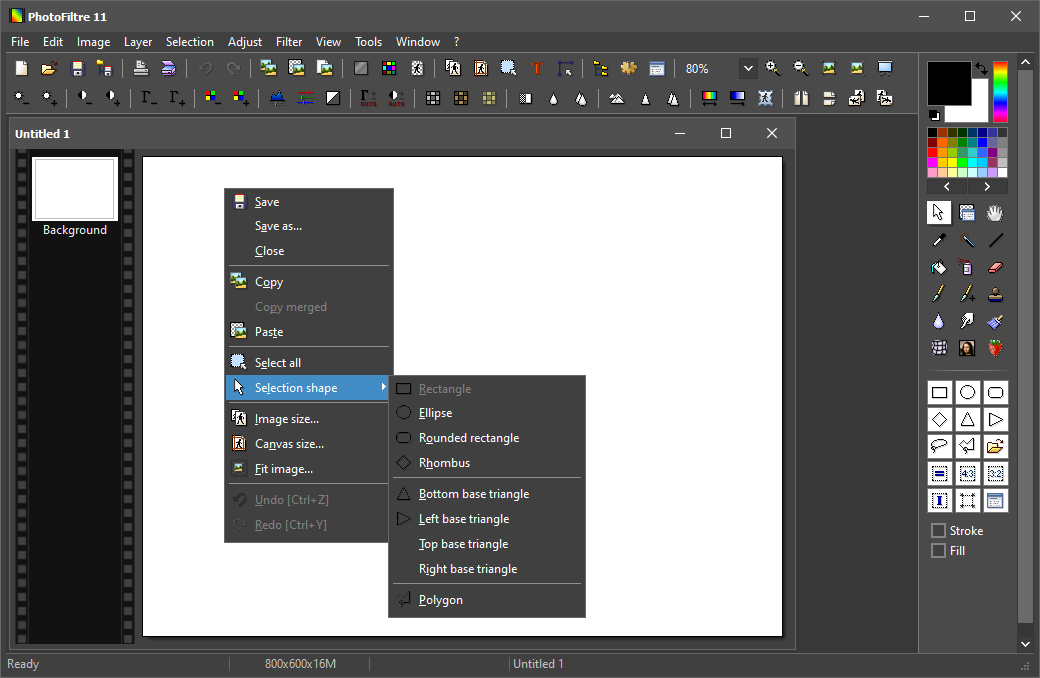
PhotoFiltre 11 has a look that follows Windows color schemes.
If you enable Windows dark mode, PhotoFiltres interface gets dark too.
If it is light instead, then the interface color changes accordingly.

However, the app needs to be restarted for the changes to take effect.
After some time you might find the buttons convenient to perform a task quickly.
Sharpening an image, for example, can be done by just clicking the button on the toolbar.
PhotoFiltre can perform a batch operation when you need it.
Additionally, you’re free to choose between saving the image as a progressive or standard JPEG file.
PhotoFiltre has a small annoyance that becomes noticeable after you use it often.
The mouse cursor always revert back to selection tool on exit instead of keeping the previous state.
Using the arrows and shift keys is unfortunately not as quick as navigating the image with mouse.
PhotoFiltre is much faster to load and simpler to use.
In conclusion, PhotoFiltre is a perfect tool for daily image editing.
