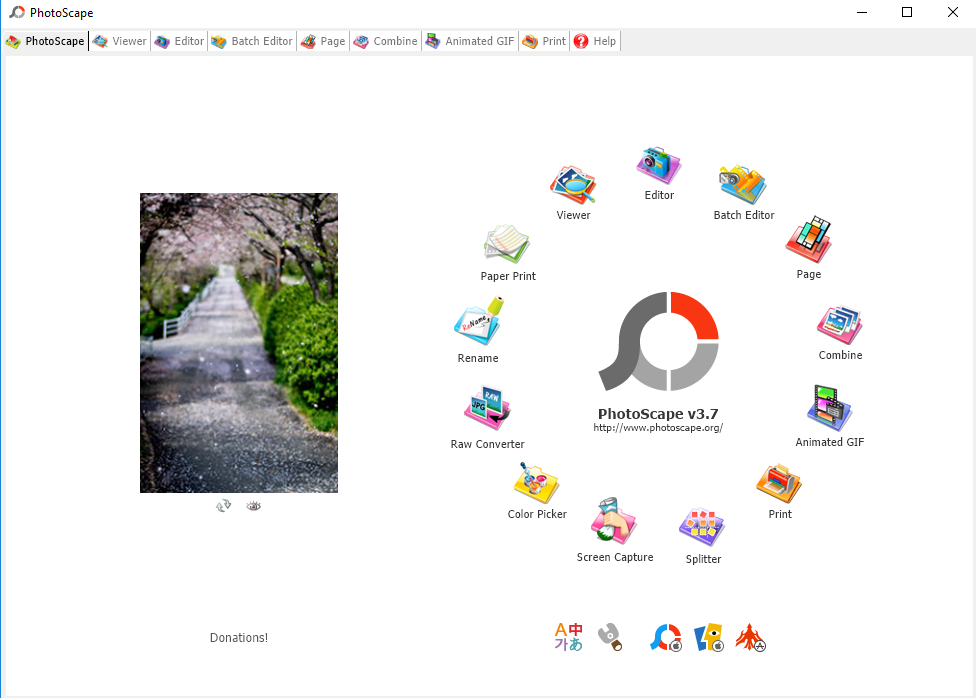
PhotoScape is a nifty free tool that can perfectly handle quick image editing.
More than 20 frames are available to choose from.
you could add various kind of effects to a bunch of photos as well.
Every time you add an effect, the image will change accordingly in the preview area.
The changes that you apply to an image can be saved as a configuration file.
Photo Collage
Choose one grid layout from over 100 choices.

Then, add one image to every box within the grid.
If you choose the side-by-side layout, there are several choices to control the size of each image.
The images within the animation will be displayed sequentially based on the order of the image placement.
The transition period between the images is customizable and there are several transition effects ready to be applied.
Image Splitter
To split an image into a number of parts, PhotoScape provides a quick splitter.
It can handle multiple images at once.
PhotoScape Free Download for Windows
PhotoScape is simply impressive that it is hard not to like it.
The free license is a huge plus.
