The navigation structure is clear so it is easy to locate the thing that you need.
Alternatively, click Show advanced drive properties and click again on List USB Hard Drives.
Below the rig menu is another drop-down list called Boot Selection.
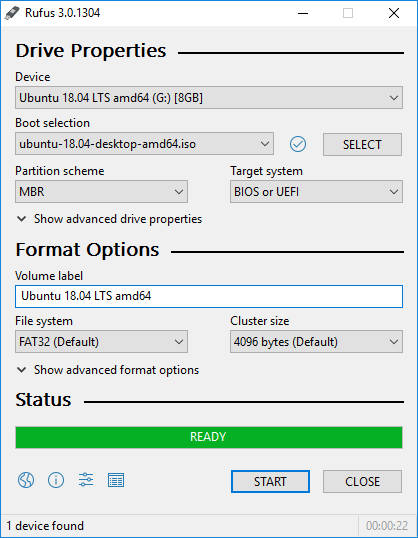
The file systems that Rufus supports are FAT32, NTFS, UDF, exFAT, ext2, and ext3.
As for the cluster size, it ranges from 512 bytes to 64 kilobytes.
Since Rufus 3.5 was released, there is an additional option to download Windows ISO.

It is located in the drop-down menu of the SELECT button.
The extra download feature is also a huge help since you dont need to search for Windows ISO yourself.
Just pick a version and let Rufus finishes the download task.
