28-inch 4K 144Hz IPS
Article Index
Today we’re reviewing the Samsung Odyssey G7.
Thenew Odyssey G7brings to the table a 28-inch 4K 144Hz IPS panel aimed at gamers.
Instead of arranging this review sample from Samsung, we bought this monitor from retail for testing.
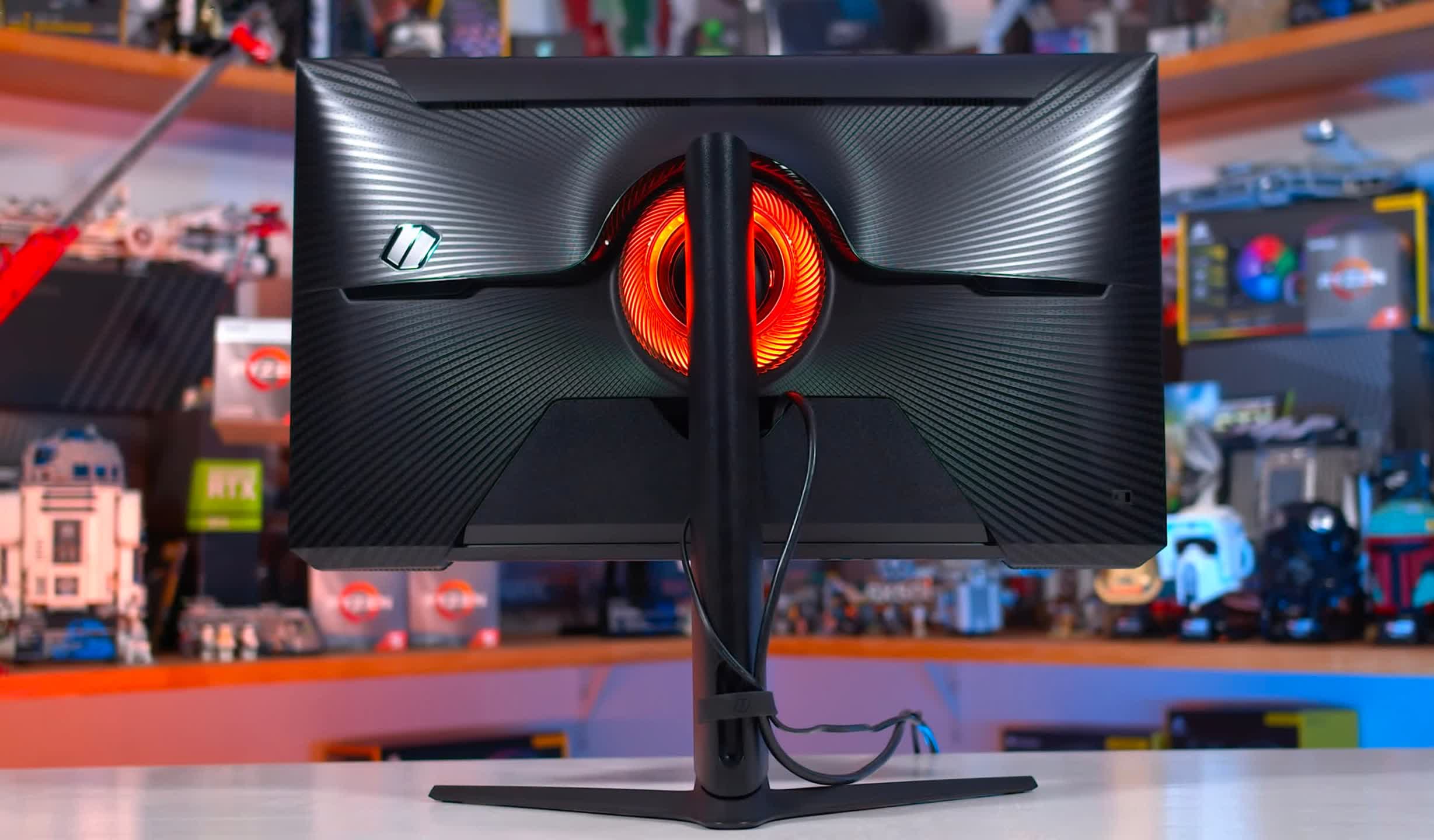
Other areas like the front-facing RGB LED elements have also been refined.
As a 4K 144Hz display, port selection is important, and Samsung have delivered here.
The Odyssey G7 S28 includes one DisplayPort 1.4 with DSC as well as two real HDMI 2.1 ports.
This means support for the full panel capabilities with inputs like game consoles.
The OSD is controlled through a directional toggle, and uses the same format as other Samsung monitors.
Unlike the VA-based Odyssey monitors, there’s no VRR Control setting as it’s not required.
There’s also three additional face buttons for quick access to some parameters if you want.
At 144Hz, the G7 S28 performs pretty well.
The response time average only increases from 4.90 to 5.08ms at 60Hz which is a very small difference.
However, overshoot does increase, and there are no real signs of variable overdrive being used here.
On average across the refresh range, again the G7 S28 is basically identical to the M28U and VG28UQL1A.
But we are talking about small differences.
What isn’t as much of a small difference is to the Odyssey G7 1440p 240Hz model.
It provides a clearer image, especially at high refresh rates that the G7 S28 can’t do.
Power consumption was similar to other IPS monitors of today, and I tested with the RGB lighting disabled.
No causes for concerns here and if anything the S28 is a bit better than average.
It also doesn’t work with variable refresh rates enabled.
This particular panel is wide gamut, but to a more limited wide gamut than other displays of today.
We end up with just 69% Rec.
Samsung’s factory calibration is average using the default, out of the box mode.
Samsung does advertise “factory tuning” for this display, and a calibration report is included.
This mode is very usable, but for true accuracy it still needs a full calibration.
SDR brightness is mediocre, topping out at just 313 nits.
Minimum brightness is good though, sufficient for use in dark environments.
Performance is also similar to monitors using other panels, like theEve Spectrum 4K.
Monitors like the Odyssey G7 1440p model easily provide over double the contrast ratio, delivering deeper blacks.
This is great from a 4K monitor that you might want to use for a bit of productivity work.
This is a downgrade from the 1440p 240Hz G7, which features DisplayHDR 600.
As a result, the S28 ends up as a fake HDR monitor.
It doesn’t get bright enough in the HDR mode, topping out at just 440 nits.
As we scroll through the checklist, there are only a few problematic areas in the top sections.
The sRGB mode is good, but has locked parameters such as white balance, a common annoyance.
For motion performance, Samsung exaggerates performance by claiming this is a 1ms monitor.
Even panel maker Innolux doesn’t advertise this class of panel as 1ms.
Their product listing suggests 3.5ms, which is accurate using the older 10-90 test method without gamma correction.
Samsung should have used that number.
Other issues include Samsung locking overdrive controls when adaptive sync is enabled, and a poor backlight strobing mode.
This heavily penalizes Samsung in the checklist, which wouldn’t have happened had they not advertised HDR.
There’s really a lot to like here.
Samsung provides true HDMI 2.1 support so there’s no compatibility issues with today’s consoles.
There are some weaknesses to this monitor though.
Monitors such as theEve Spectrum 4Kprovide near-full P3 coverage where the G7 S28 does not.
When buying, just think of this as an SDR display.
Up against its competition, I can definitely recommend buying the Samsung Odyssey G7 S28.
At $700, it’s cheaper than the Asus TUF Gaming VG28UQL1A for similar performance in all aspects.
